
AI video generation and editing
Create short or long-form videos using repeatable AI workflows, then refine them in the editor.

VideoGen is a browser-based AI video generator and editor for professionals, educators, creators, and teams to create and edit videos fast.
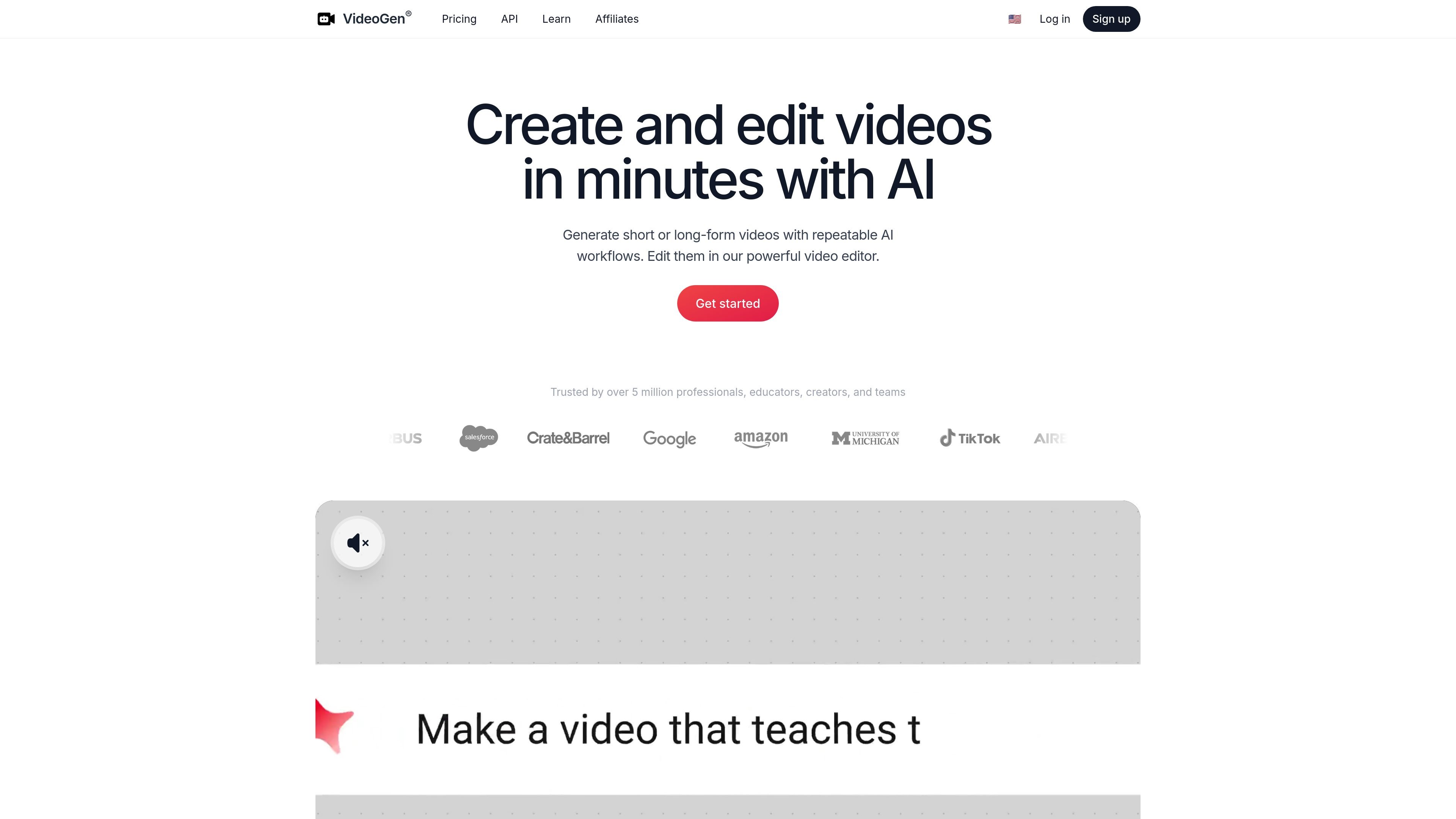
VideoGen is an AI video generator and browser-based video editor for creating short or long-form videos in minutes. The product combines AI-assisted workflows with editing tools so users can move from an idea to a finished video without stitching together separate apps.
The site positions VideoGen for professionals, educators, creators, and teams that need to produce video quickly and repeatably. It highlights structured workflows for scripting, media sourcing, editing, voiceovers, captions, AI avatars, translation, and localization, plus team workspaces and shareable view links for collaboration.
Create short or long-form videos using repeatable AI workflows, then refine them in the editor.
Let AI handle scripting, media sourcing, editing, and related steps in a structured workflow.
Generate realistic AI voiceovers or record your own, with support for captions and AI avatars.
Work in the browser to generate, edit, share, and view videos without local software setup.
Use one-click translation and localization to adapt videos for different audiences and languages.
Access a large set of AI tools, including image generation, background removal, upscaling, transcription, and export options.
Produce short marketing, social, or explainer videos from an idea, then refine the result in the built-in editor.
Create repeatable production processes for teams that need to scale video output without rebuilding the workflow each time.
Add AI voiceovers, captions, avatars, and translation when a video needs to work for different audiences or languages.
Use shareable view links and browser access so multiple people can review or collaborate without extra software.
Use the API, credits, and add-on options when you need automated or higher-volume production.
Yes. The pricing page shows a free starting point and paid plans for additional usage and features. The Pro plan includes monthly credits and commercial use rights, while Enterprise is custom and handled through sales.
VideoGen is browser-based and supports generating, editing, sharing, and viewing videos in the browser. The source also describes team workspaces and shareable view links, with no software setup required.
The source says VideoGen can handle scripting, media sourcing, editing, voiceovers, captions, AI avatars, translation, and localization inside structured workflows.
The pricing page says Pro includes 2,000 monthly credits per user, additional credits can be bought anytime, and Enterprise uses custom credits and custom storage.
The credit rate card shows that output formats can be exported in 480p, 720p, 1080p, and 4K, with 4K exports consuming credits.