
Idea to video
Generate a video from a short prompt. Boolvideo says the AI can write a script, add visuals, and create a voiceover from the idea you provide.

Boolvideo is an AI video generator that turns prompts, scripts, product links, blog posts, images and clips into videos for creators, marketers, sellers and agencies.
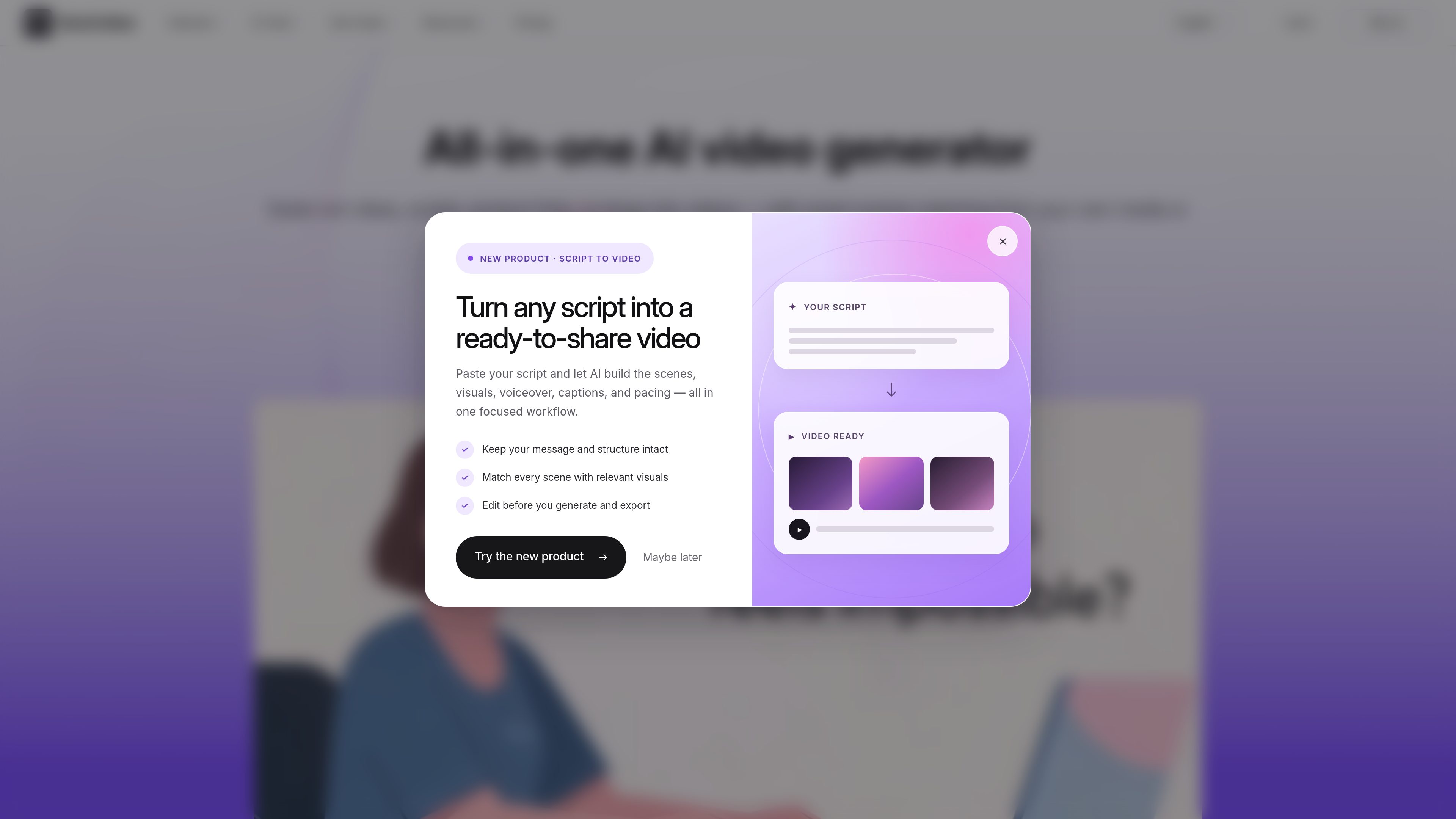
Boolvideo is an AI video generator that turns prompts, scripts, product links, blog posts, images, and clips into videos. It combines automated script writing, scene selection, voiceover generation, and stock media matching in one workflow.
The site presents it as a tool for creators, marketers, e-commerce sellers, designers, photographers, artists, and agencies that want to produce videos quickly without traditional editing. It also supports uploading your own media library so the output can reflect brand assets instead of relying only on stock footage.
Generate a video from a short prompt. Boolvideo says the AI can write a script, add visuals, and create a voiceover from the idea you provide.
Convert written material into video without manual editing. The product lists script-to-video as a core workflow for turning text into a finished video.
Turn product URLs or product images into showcase videos with voiceovers, music, and visuals. This is positioned for product promotion and sales content.
Create videos from articles, web pages, and listings using stock media and voiceover. This workflow is aimed at repurposing existing content into video.
Upload your own media library so Boolvideo can prioritize brand assets when matching scenes. The site says this helps keep videos personalized and brand-consistent.
Export finished videos as MP4 and use the timeline editor for additional edits. The pricing page also lists brand kits, templates, and AI tools by plan.
Use Boolvideo to turn a rough idea into a shareable video when you do not want to storyboard, script, and edit manually. The AI handles the script, visuals, and voiceover from a prompt.
Repurpose existing written content such as blog posts, web pages, or listings into a video format for social sharing or internal reuse. This is useful when you already have source material and want to expand its reach.
Create product showcase videos from URLs or product images when you need promotional content for e-commerce pages, ads, or campaigns. The product mentions voiceovers, music, and visuals as part of this workflow.
Build videos that stay closer to your brand by uploading your own media library. Boolvideo says it can prioritize your product images and footage when matching scenes.
Produce videos in multiple languages for audiences beyond a single market. The site says the product supports 70+ languages, which makes it useful for multilingual teams and campaigns.
Yes. The site says Boolvideo is free to try and gives 300 credits on signup, which is enough to export 3 videos using core features such as Idea to Video and Script to Video.
Boolvideo exports videos in MP4 format, with available resolutions depending on plan, including 720p and 1080p.
Yes. The site says Boolvideo supports uploading your own media library so the system can match brand assets such as product images and footage with the script.
Boolvideo says it supports 70+ languages, including Spanish, Portuguese, English, Chinese, French, and German.
The pricing page says subscriptions can be canceled from the account area through Manage My Plan, and access continues until the end of the current billing cycle.