
Upscaling up to 8x
Increase image resolution up to 8x while adding natural-looking detail so the result stays sharp and clear at larger sizes.

Upscale.media is an AI image upscaling and enhancement tool that sharpens low-resolution, blurred, or compressed images. Supports single images, bulk processing, and API integration.
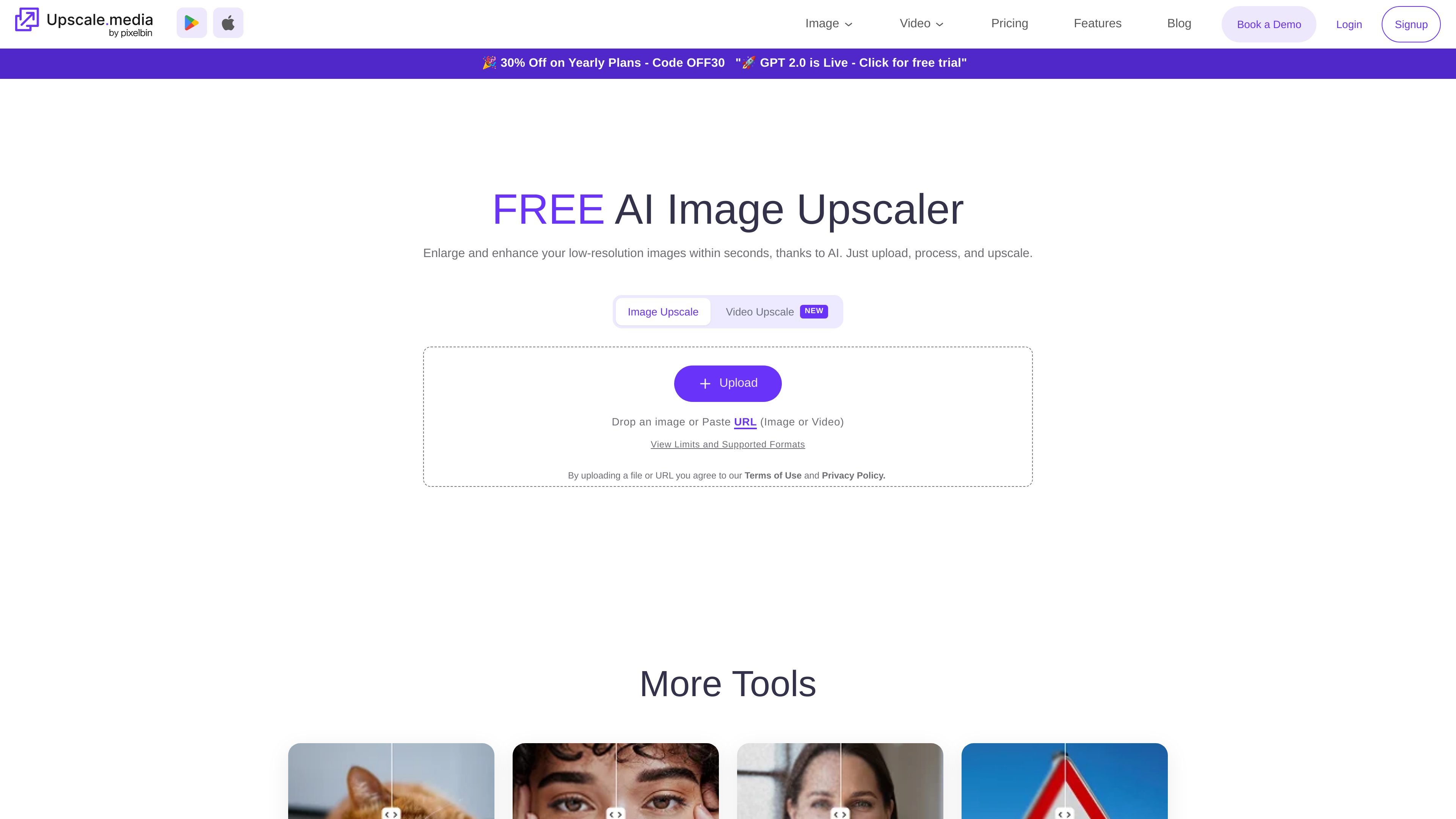
Upscale.media is an AI image enhancement tool that enlarges and improves photos, with the site stating that images can be upscaled to 2x or 4x on the main product page and up to 8x on the features and API pages. It is designed to turn low-resolution, pixelated, blurred, or compressed images into sharper visuals that are easier to use in design, publishing, ecommerce, and other content workflows.
The product is presented as a simple upload-and-process service for individual images and a more flexible platform for bulk work through the Pixelbin console and API. The site also describes use cases for creators, agencies, small businesses, and teams that need cleaner high-resolution images without manual editing steps.
Increase image resolution up to 8x while adding natural-looking detail so the result stays sharp and clear at larger sizes.
Clean up blurry patches or blocky textures caused by compression to restore a smoother image.
Improve fine details and tones across an image without making it look over-edited.
Use the API in existing web or app workflows to submit an image and receive an enhanced output, with examples shown for several programming languages.
Create presets in the Pixelbin console to combine transformations such as upscaling and background removal for bulk processing.
Improve low-resolution or pixelated photos so they can be used in presentations, content libraries, or client deliverables with cleaner detail.
Prepare product images for marketplaces and brand sites where sharper visuals help items look more professional.
Upscale illustrations and photos for print-ready output when resolution matters for publishing or production.
Refine property photos so listings show spaces more clearly and with better perceived quality.
Integrate enhancement into websites or apps that need consistent high-resolution output at scale through the API.
Yes. The pricing page says you can sign up for a free plan with 3 free credits and 3 free downloads every month. It also says you can upscale one image per day for free without signing up.
The pricing page says sign-up is required for bulk transformations and full access to the console. The about page also describes the product as useful for individuals, creators, small businesses, and teams.
The source explicitly mentions image upscaling, face enhancement, background removal or change, and custom presets for bulk processing through the Pixelbin console. It also describes an API for image enhancement up to 8x.
The pricing page states that free credits are available after sign-up, and that free image downloads are included in all plans. It also notes that unused monthly credits expire at the end of each billing cycle.