
Image quality enhancement
Improves the sharpness and resolution of photos and images using AI, with a focus on clearer visual results.

MejorarImagen es una herramienta online de IA para mejorar la calidad y resolución de fotos e imágenes. Permite ampliar imágenes hasta 10x, con salida de hasta 12K, y ofrece planes de suscripción y pago por uso.
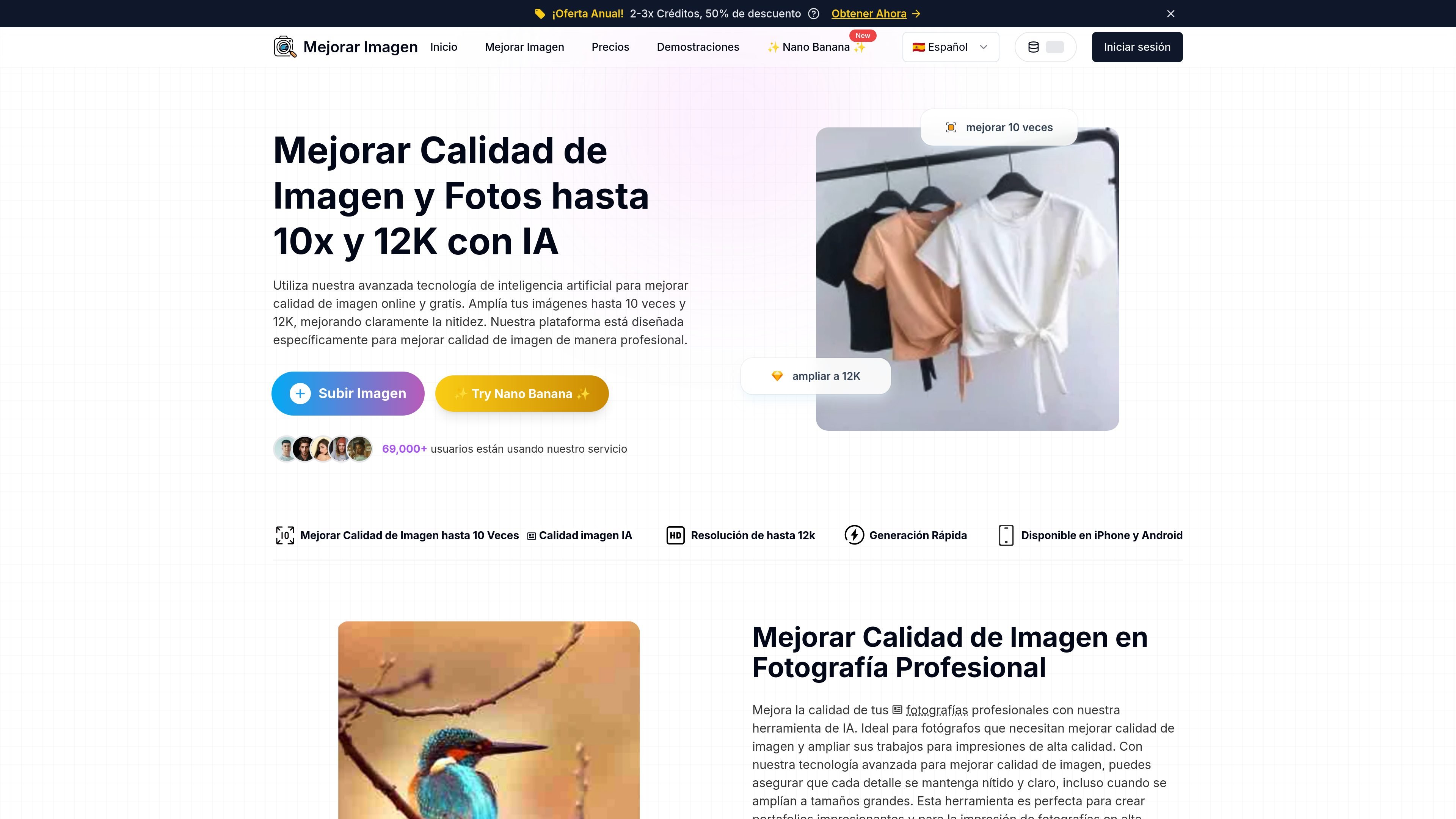
MejorarImagen is an online AI tool for improving the quality of images and photos. Its main promise is to enlarge images up to 10x and generate output of up to 12K, with the goal of preserving more detail and sharpness when working with small or lower-resolution photos.
The website presents the product as a useful platform for professional photography, graphic design, and social media. The visible workflow is simple: upload an image, choose the enhancement level, process it, and download the improved version. It also states that the service requires basic registration and offers free credits to get started.
Improves the sharpness and resolution of photos and images using AI, with a focus on clearer visual results.
The page indicates enlargement of up to 10x and output of up to 12K for working with high-resolution images.
Plans include face enhancement for portraits and people, suggesting a face-oriented workflow.
The platform supports batch processing, which is useful when you need to transform several images in one session.
The plans include free image downloads and email support.
The homepage indicates availability on iPhone and Android, along with a fast upload, processing, and download flow.
For photographers who need to prepare images for printing or portfolios, the tool allows photos to be enlarged while keeping the sharpness visible on the page.
For designers working with posters, banners, or low-resolution assets, it helps adapt images to larger sizes without leaving the online workflow.
For social media posts, it helps improve photos before sharing when a cleaner or larger version is needed.
For image batches, batch processing makes it easier to transform several photos in one session, especially when credits are available.
For portraits and photos with people, the face enhancement function is oriented toward that type of content.
Yes. The page indicates that you can try the platform with 5 images and that free credits are available when you sign up before using the service.
The tool accepts JPG, JPEG, PNG, WEBP, BMP, and TIFF, with a maximum size of 20 MB per image.
According to the page, the service can enlarge images up to 10 times and generate output of up to 12K (12,000 × 12,000 pixels).
Yes. The pricing page indicates that there is a subscription plan and a pay-as-you-go plan. It also states that the subscription can be downgraded, upgraded, or canceled at any time.
The visible documentation indicates email support and recommends trying a few typical images because results can vary depending on image complexity.