
Fast streaming synthesis
The homepage and docs show a fast streaming path for text-to-speech output, with audio available in about 300ms for the `/stream` endpoint.

Unreal Speech is a text-to-speech API for developers needing fast speech generation, timestamp support, and multiple API workflows. Free browser demo included.
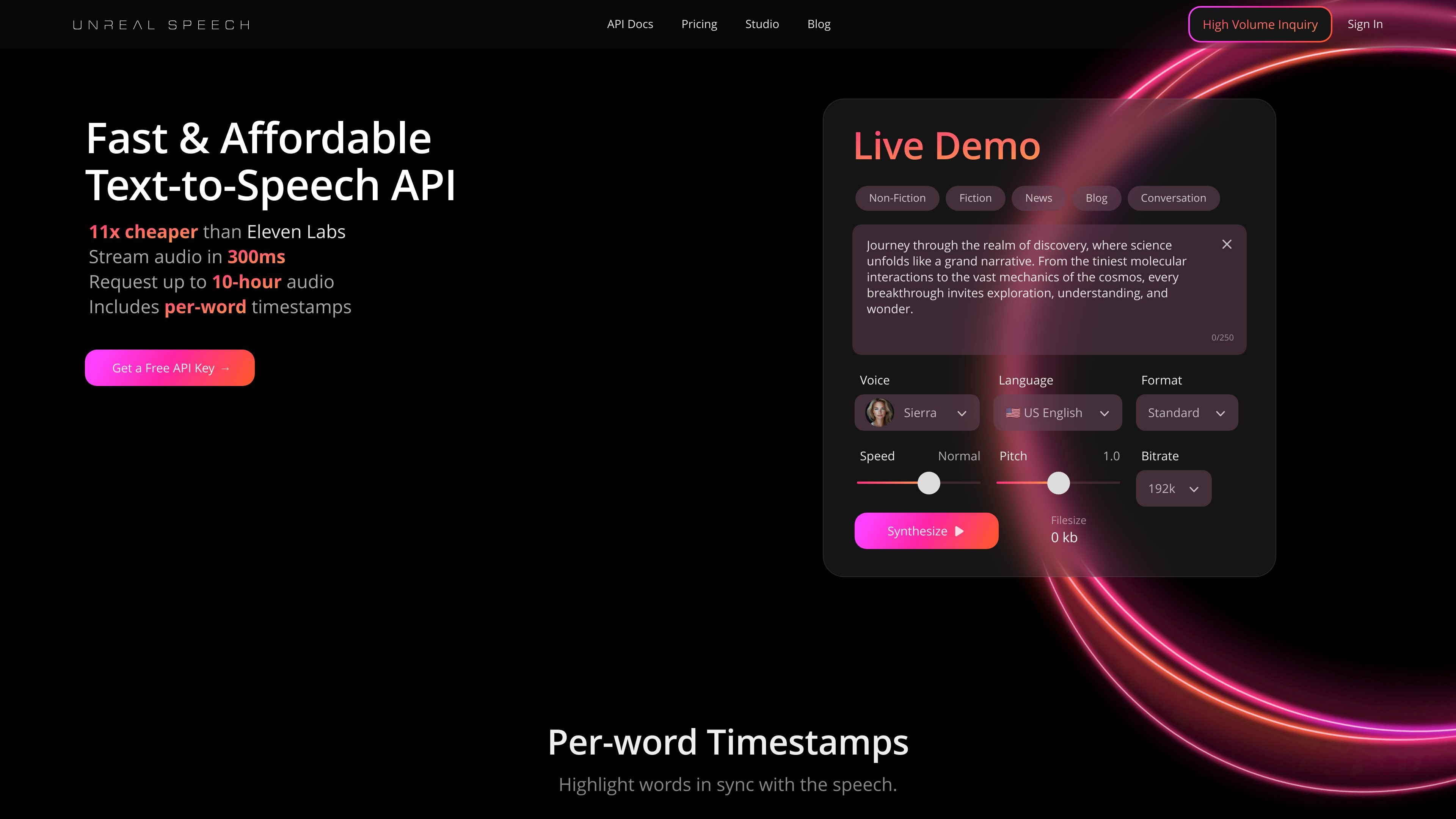
Unreal Speech is a text-to-speech API built for developers who need to convert written text into spoken audio with low latency and flexible output options. The site positions it as a production-ready service with streaming synthesis, timestamp support, and a browser-based demo for quick testing.
The product site shows several ways to use the platform: a fast `/stream` endpoint, a `/speech` endpoint that can return MP3 and timestamp URLs, an asynchronous `/synthesisTasks` flow for longer text, and a WebSocket endpoint for streaming audio together with word-level timestamps. The studio page adds a free online demo built on Kokoro TTS, with 48 voices across 8 languages for browser-based generation and download.
The homepage and docs show a fast streaming path for text-to-speech output, with audio available in about 300ms for the `/stream` endpoint.
The API supports multiple output patterns: synchronous, asynchronous, and WebSocket-based streaming, so teams can choose the workflow that fits text length and latency needs.
The site documents word- or sentence-level timestamps, including a `/streamWithTimestamps` WebSocket flow for real-time timing data.
The studio demo presents 48 voices across 8 languages, giving users a broad set of voice and language options to test.
The pricing page says the service can generate up to 10-hour audio and offers plans that scale by character volume, including a free tier and higher-volume paid plans.
The browser studio lets visitors type text, generate speech, and download recordings directly in the browser for quick evaluation.
Use the low-latency `/stream` endpoint when you want spoken output to start quickly, such as interactive app responses or realtime narration previews.
Use `/speech` or `/synthesisTasks` when you need generated audio files for shorter clips or longer passages, including longer-form content that exceeds the synchronous path.
Use word- or sentence-level timestamps when your app needs highlighting, caption sync, or narration playback that stays aligned with text.
Use the studio demo to test voices in the browser, compare language options, and download sample recordings before integrating the API.
Use the pricing tiers to match character volume to usage patterns, starting with the free tier and moving to higher-volume plans as demand grows.
Yes. The pricing page lists a free tier and paid plans, and the site also offers a live studio demo for testing text-to-speech generation in the browser.
The docs shown on the homepage include `/stream`, `/speech`, `/synthesisTasks`, and `/streamWithTimestamps`. The site says `/stream` is synchronous and fast, `/speech` returns MP3 plus timestamp URLs, `/synthesisTasks` is asynchronous for longer text, and `/streamWithTimestamps` streams audio with word-level timing.
The site says timestamps can be requested with `TimestampType` set to `word` or `sentence`, and it also mentions a WebSocket flow for streaming both audio and timestamps.
The studio page says Kokoro TTS Studio supports 48 voices across 8 languages, including American and British English, French, Hindi, Spanish, Japanese, Chinese, Italian, and Portuguese.
The site positions Unreal Speech for commercial use through its API documentation, while the studio page describes the browser demo as a free online text-to-speech experience for trying the model and downloading audio.