
Instant voice cloning
Create a cloned voice quickly after signing in and providing an audio sample, with the home page emphasizing an instant workflow.

Vocloner is a web-based AI voice cloning tool that lets users create a custom voice from an audio sample and generate speech with it. The site highlights multilingual output, inline emotion tags, and a free tier with usage limits.
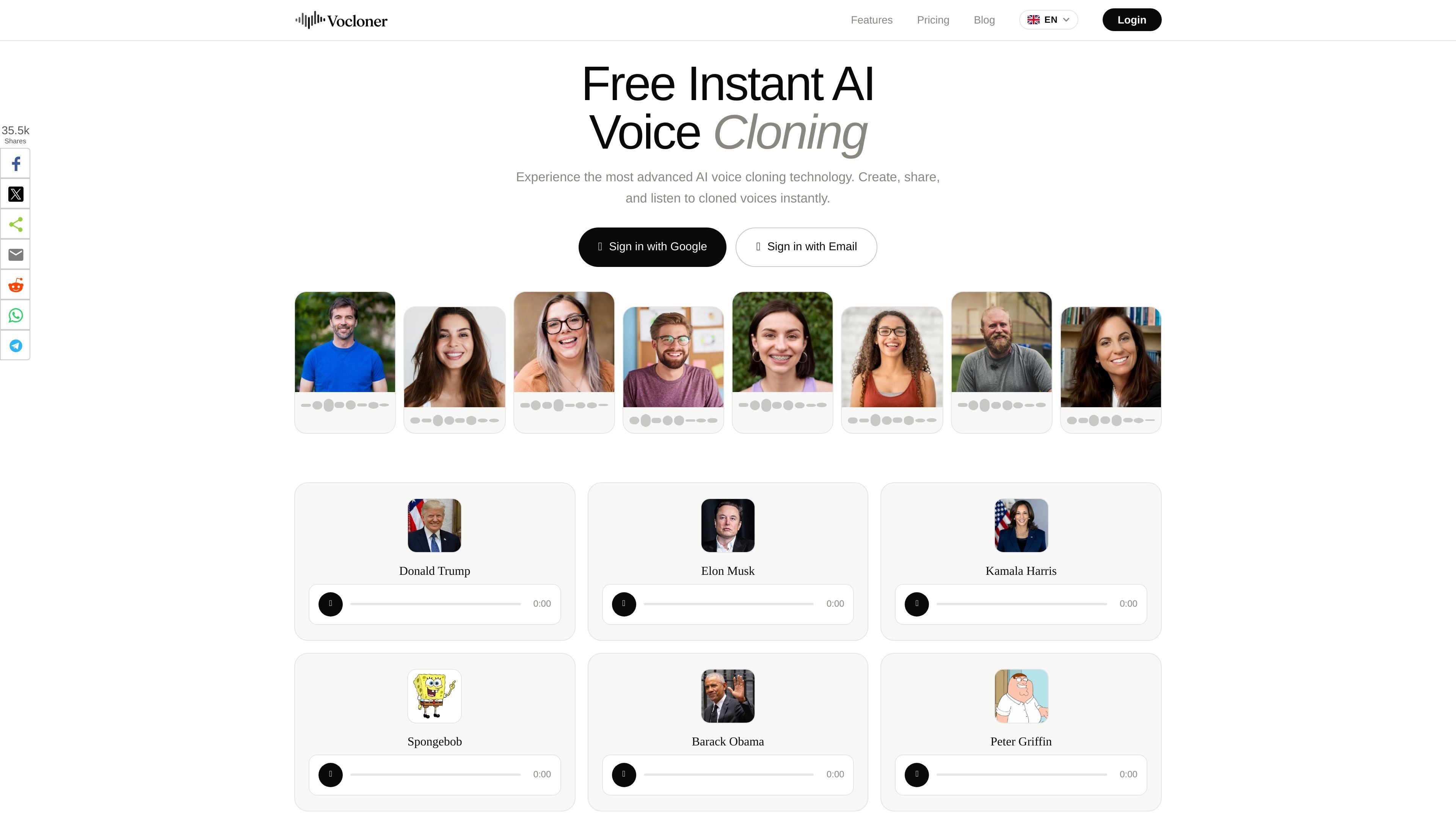
Vocloner is a web-based AI voice cloning product that lets users upload an audio sample, create a custom voice, and generate speech from it. The home page positions the product around fast cloning, instant playback, and easy sharing of cloned voices.
The public site also highlights two notable controls: multilingual use from a single voice model and emotion tags that can be inserted into text. Pricing information on the home page shows a free tier alongside paid plans with higher character and voice limits, which makes the product suitable for casual testing as well as heavier usage.
Create a cloned voice quickly after signing in and providing an audio sample, with the home page emphasizing an instant workflow.
The product says you can use one voice across multiple languages without separate models, while keeping tone and intonation natural.
Users can add emotion tags directly in their text, including tags such as whispering, excited, sad, and laughing, and place them where the tone should change.
The home page shows a free usage option with a daily character limit, and the pricing section lists tiered plans with higher limits for heavier use.
Example voice samples are presented on the home page, along with sign-in options for Google and email, which suggests a simple web-based workflow.
Test a cloned voice quickly for a script or short sample without setting up a complex production workflow.
Create speech in more than one language from the same voice model when you need consistent identity across language versions.
Adjust delivery inside a sentence by placing emotion tags where you want the tone to change, such as whispering or excited emphasis.
Try the product on the free plan before deciding whether you need higher limits for ongoing or commercial use.
Produce voice content for individual projects where a simple browser-based workflow is preferable to a heavier toolchain.
The source says you can sign in with Google or email and then start creating cloned voices. The public home page does not describe a separate setup flow beyond uploading an audio sample and generating a voice.
The pricing information shown on the home page includes a free plan with 3 voices, 1,000 characters per day, and 200 characters per request. Paid plans are also listed for higher limits and commercial use.
The home page states that Vocloner supports multilingual voice use and emotion tags placed in text, including examples like whispering, excited, sad, and laughing.
The public pages shown here do not document file formats, exact upload requirements, or whether there are team collaboration features. Those details are not confirmed in the provided source.
트래픽 데이터는 참고용으로만 확인하세요.
| 4월 | 203018 |
|---|---|
| 5월 | 377396 |
| 6월 | 354306 |
아직 트래픽 분석 데이터가 없습니다.
아직 트래픽 분석 데이터가 없습니다.