
Multisource recording
Capture your screen, webcam, microphone, and system audio from the same recording workflow. The product also includes a teleprompter for speaker notes while recording.

Tella is screen recording software for Mac, Windows, and the web. Record screen, camera, microphone, and system audio, then edit, share, or export.
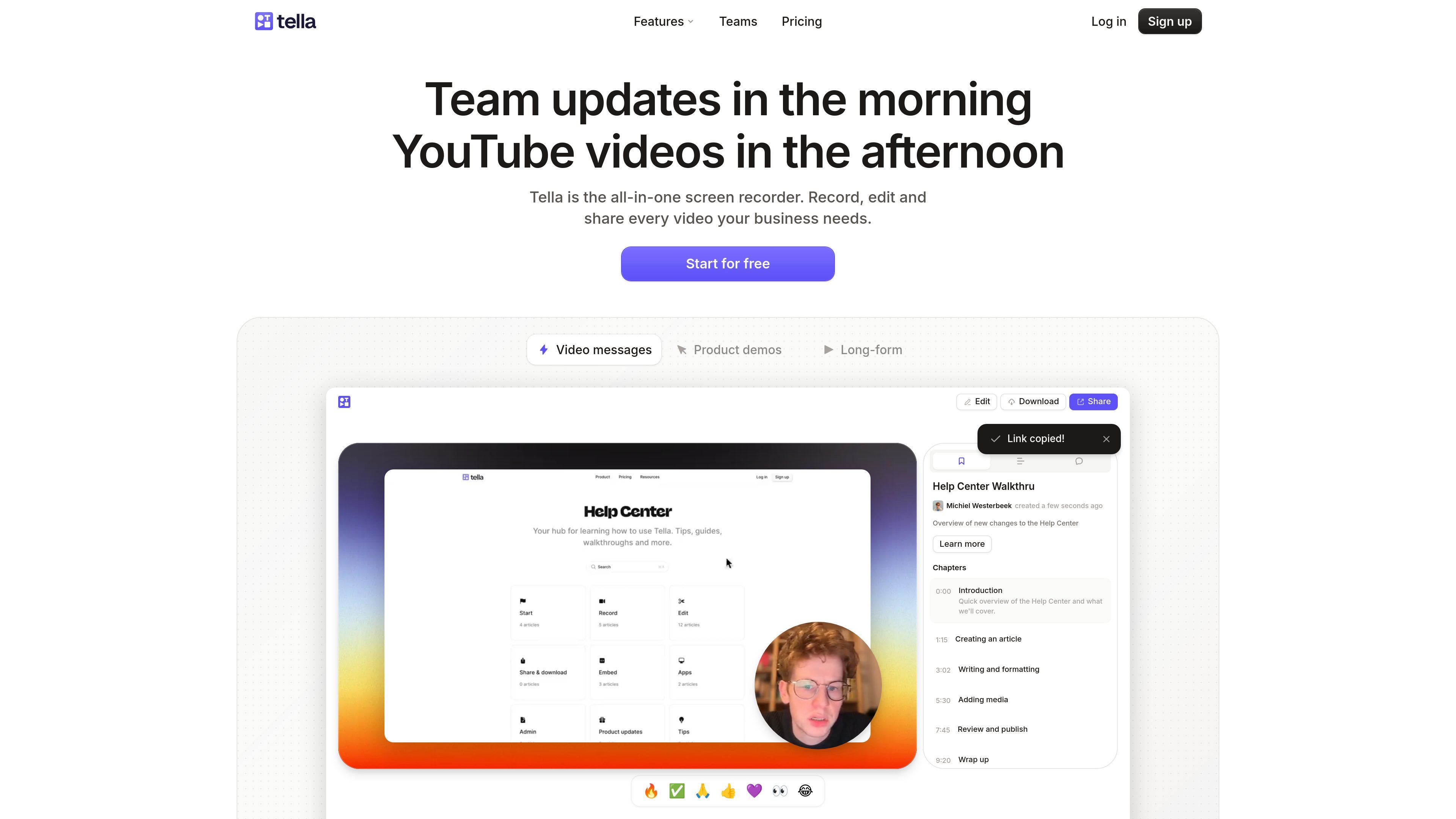
Tella is screen recording software for Mac, Windows, and the web. It is built to help people record, edit, and share product demos, tutorials, courses, help-center walkthroughs, team updates, and similar video content from one place.
The product supports screen, camera, microphone, and system audio recording, then adds editing tools such as transcript editing, layout changes, zoom effects, subtitle styling, and AI-assisted cleanup. Videos can be shared by link or embed, and exported in formats that include up to 4K video on supported plans.
Capture your screen, webcam, microphone, and system audio from the same recording workflow. The product also includes a teleprompter for speaker notes while recording.
Edit videos with transcript-based tools, timeline editing, layout editing, zoom effects, background blur, subtitle styling, and audio controls. The site also highlights AI tools such as an AI mistakes finder and AI audio enhancement.
Remove filler words, silence, buffer sections, and sensitive on-screen content such as passwords or emails. These tools are aimed at cleaning up recordings without requiring detailed timeline work.
Export and download in formats supported by the product, including video export, audio export, subtitles export, raw recordings export, and thumbnail export. The site also states exports can go up to 4K and up to 60 FPS on supported plans.
Share videos through an instant link or an embeddable player, with options for embedded branding controls, password protection, custom domains, and domain restriction on higher plans.
Track views, engagement, traffic sources, viewer locations, and conversion funnels, and see viewer-level activity and history where available on paid plans.
Create product demos and walkthroughs that combine screen capture with camera or audio narration, then edit the recording before sharing it with viewers.
Record tutorial-style videos or courses where the teleprompter, transcript editing, and subtitle tools help keep delivery organized and easier to refine.
Publish team updates, help-center explainers, or internal documentation videos, then share them by link or embed them in a docs or help-center page.
Review viewer behavior with views, watch time, drop-off, traffic sources, and conversion funnels to understand how shared videos are performing.
Use higher-tier sharing and organization tools such as custom domains, branding controls, and collaboration features when videos are meant for customers, followers, or larger teams.
Tella is designed for recording screen, camera, microphone, and system audio, then editing and sharing the result from the same workflow.
The pricing page shows Pro, Premium, and Enterprise options. Pro is listed at $13 per user/month and Premium at $19 per user/month on the pricing page, while Enterprise uses custom pricing.
Yes. The pricing page says you can cancel at any time, and the subscription remains active until the end of the current billing period.
Tella supports native macOS and Windows apps, a web app, and a Chrome extension.
Yes. The pricing page says SSO and SCIM are available as add-ons on any paid plan, and included with Enterprise.