
Idea to video creation
Start from a short idea and let the system write the script and generate the full video, which is positioned as the fastest path from scratch.

Mootion is an AI video storytelling platform for turning ideas, scripts, images, and recordings into finished videos with storyboard-based editing and multilingual exports.
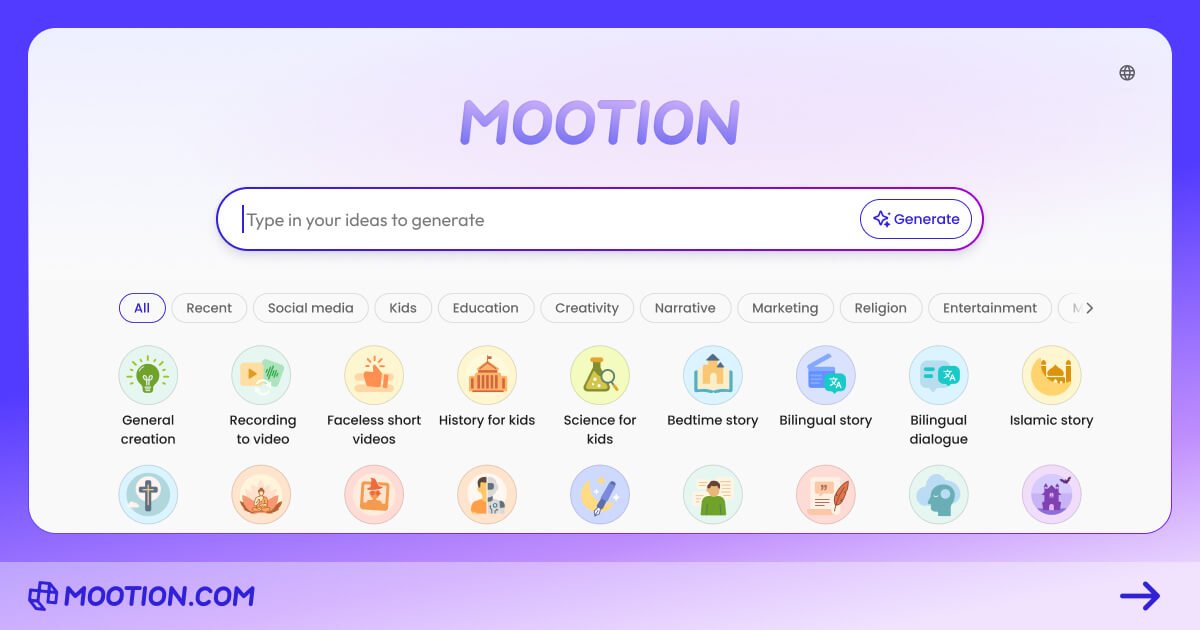
Mootion is an AI video storytelling platform that turns ideas, scripts, images, and recordings into finished videos. Its homepage describes it as a way to create cinematic AI videos with AI-powered visuals, synced audio, and scene-level control.
The product is aimed at creators, educators, filmmakers, and other people who want to produce narrative or short-form video without working through a traditional editing stack. The site emphasizes storyboard-based editing, multi-format input, and a workflow that can move from prompt to complete video or from existing audio and video to a synchronized result.
Start from a short idea and let the system write the script and generate the full video, which is positioned as the fastest path from scratch.
Paste a script, and Mootion builds a video around your text while handling visuals and voiceover generation.
Upload voice or video recordings and have Mootion sync the output to your audio and camera footage.
Use storyboard editing to add, split, merge, or delete scenes and adjust how the story unfolds.
Combine text, image, audio, video, files, or links as inputs, rather than relying on one fixed starting format.
Add background music and use supported export options for direct downloads or .zip packages for third-party editing.
Turn a short prompt into a complete narrated video when you need a quick first draft for social content, explainer clips, or short storytelling pieces.
Build classroom-friendly videos from lesson topics, stories, or prompts when you want to make learning more visual and interactive.
Create story-driven shorts, ads, or branded content from scripts, images, or links when you want more control over the narrative than a simple slideshow.
Sync a pre-recorded voice or video track into a generated scene sequence when you already have audio or camera footage and need supporting visuals.
Export a complete project package, including scripts and media assets, for further editing in external tools or by collaborators.
Mootion is now a paid product. To create and download videos, you need a paid plan.
You can start from a prompt, your own script, or an uploaded recording. Idea to video generates a script and full video from a short description, Script to video turns pasted text into a video, and Recording to video syncs your own voice or camera recording into a video.
Yes. Videos can be downloaded directly from the platform, and Mootion also lets you download the whole story, including scripts, images, and video clips, as a .zip file for later editing.
Mootion supports German, English, Spanish, French, Portuguese, Japanese, Chinese, Korean, Arabic, Malay, Vietnamese, Indonesian, Thai, Russian, and Italian as output languages.
Mootion’s FAQ says the platform supports background music, a royalty-free AI music library, and the ability to preview a video before publishing.