
Plain-language multimodal search
Describe a scene in plain English and retrieve the matching moments across video, images, audio, and documents. The homepage positions this as semantic search over multimodal content.

Mixpeek is a multimodal video search and retrieval platform for finding exact moments, scenes, and content in video, image, audio, and document libraries.
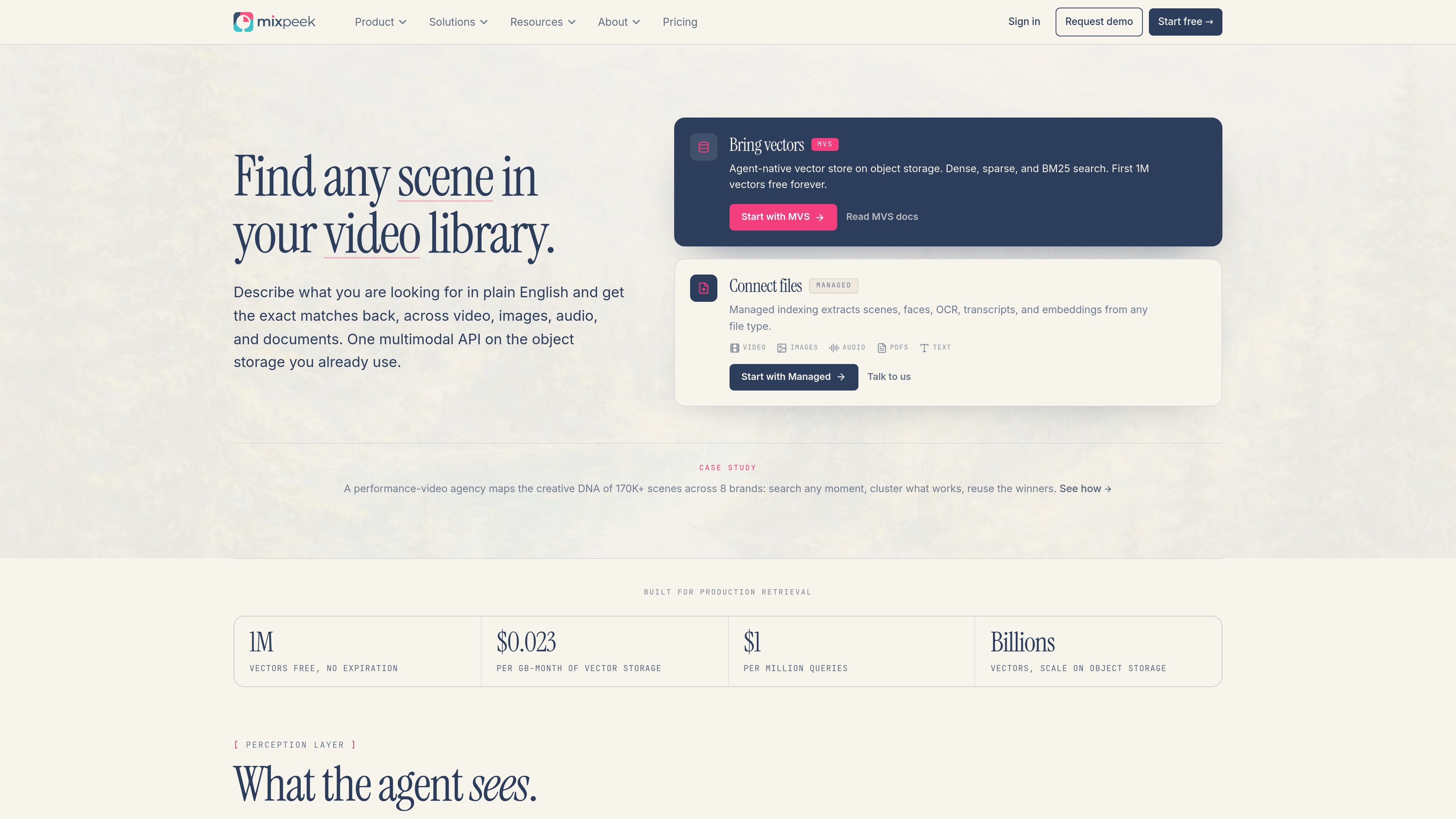
Mixpeek is a video search and multimodal retrieval platform that lets you find scenes, moments, and other content inside video, image, audio, and document libraries using plain-language queries. It combines a managed extraction path for raw files with a vector store path for teams that already have embeddings.
The homepage and pricing page frame the product around object storage: you can either connect files and let Mixpeek extract scenes, faces, OCR, transcripts, and embeddings, or bring your own vectors and search them with dense, sparse, or BM25 queries. The result is a searchable layer for media libraries, archives, and agent workflows that need content-level retrieval rather than filename lookup.
Describe a scene in plain English and retrieve the matching moments across video, images, audio, and documents. The homepage positions this as semantic search over multimodal content.
Connect object storage and let Mixpeek extract scenes, faces, OCR, transcripts, and embeddings automatically. This is the managed path for teams that want files indexed without building the pipeline themselves.
Use MVS as a vector store on object storage with dense, sparse, and BM25 search. The pricing page also shows you can bring your own embeddings and search them directly.
Combine filter, join, and rerank steps in a multi-stage retrieval pipeline. The site says these retrievers can be composed in under 100 ms.
Work with typed extractors for faces, scenes, transcripts, OCR, fingerprints, and embeddings. The extractor pages indicate these pipelines are documented and can be chained.
Connect Mixpeek to existing storage and tooling such as S3, GCS, R2, Mux, LangChain, and MCP. The integrations page is organized around plugging into an existing stack rather than migrating data.
Let editors, producers, or internal tools search a video archive by what is happening in the scene instead of by file name or manual tags. The homepage specifically positions the product around finding exact moments in video libraries.
Identify clips where a person or face appears across a media library. The site highlights face and person search as a core use case, including retrieval across large video collections.
Search PDFs, lecture recordings, or meeting transcripts for specific spoken phrases, chart layouts, or document regions. The source shows examples for transcript search, OCR, and layout extraction.
Connect storage and index new uploads automatically so libraries stay searchable as content changes. This fits teams that want continuous indexing without manual tagging.
Use cross-modal joins to answer compound questions that require more than one signal, such as matching a speaker, on-screen text, and scene context at the same timestamp.
Mixpeek offers two main paths: Managed indexing, where you connect a bucket and let Mixpeek extract scenes, faces, OCR, transcripts, and embeddings from files, and MVS, where you bring your own embeddings and search them on object storage.
The source shows workflows for video search, face and person search, document search, audio transcript search, and cross-modal retrieval. It is aimed at teams that need to search media libraries by content rather than filenames or manual tags.
Managed indexing processes raw files such as video, images, audio, PDFs, and text, then returns searchable features and retrievers. MVS supports dense, sparse, and BM25 search over your own vectors.
The pricing page describes self-serve plans with monthly billing and no long-term commitments, plus an Enterprise option with custom infrastructure, SSO, audit logs, and dedicated support.
The source does not describe a full implementation workflow beyond connecting storage or installing the SDK, so setup details will depend on whether you use MVS or Managed indexing.