
Multi-format input to mind maps
Start from a prompt or existing material such as PDFs, videos, audio recordings, webpages, or browser-captured content, then turn it into a visual mind map in seconds.

MindMap AI is an online AI mind-mapping tool that turns prompts, documents, media, webpages, and meeting content into editable visual maps with export and sharing.
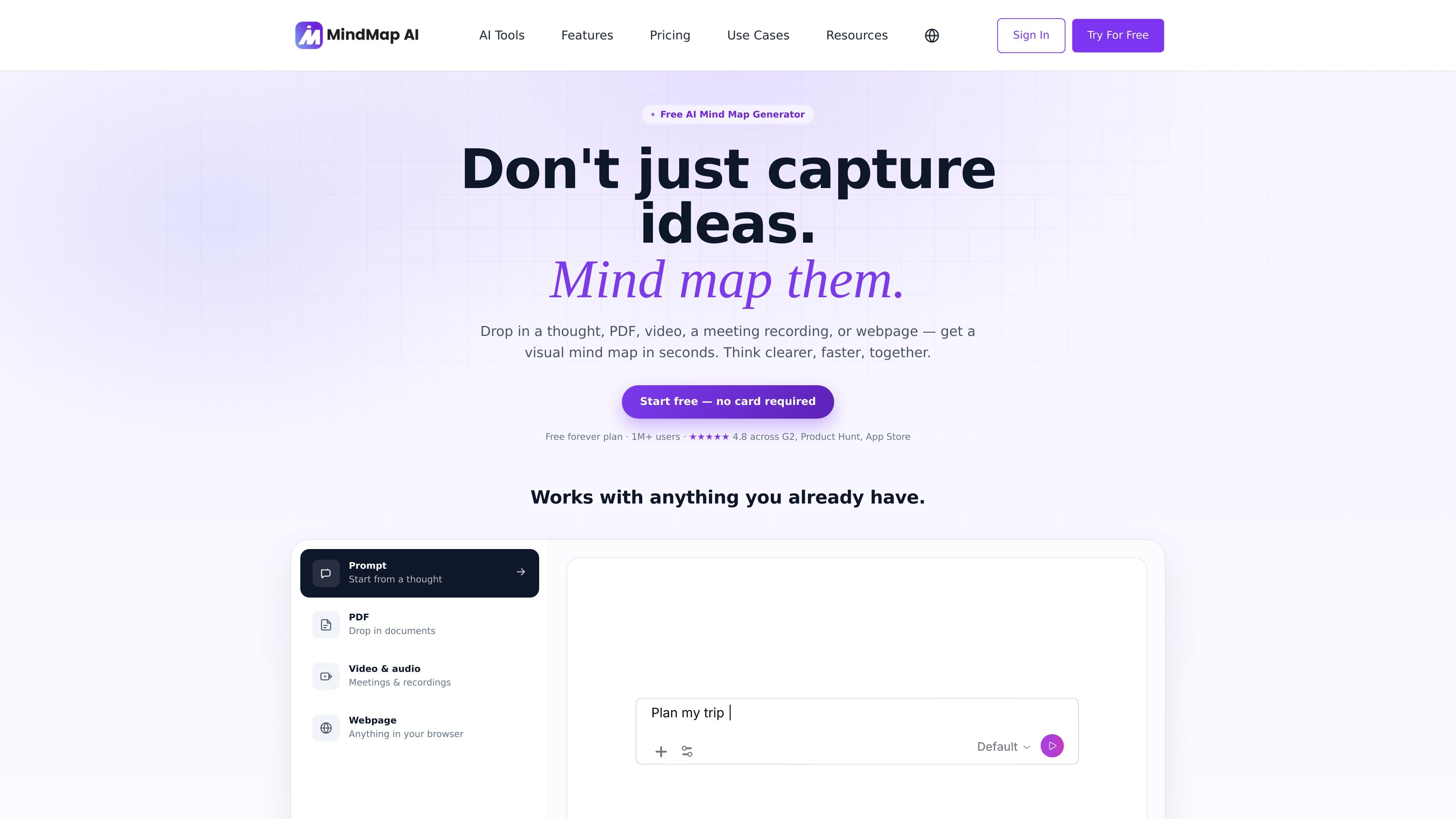
MindMap AI is an online AI mind-mapping tool that turns prompts and source material into editable visual maps. The product is positioned around helping people work from unstructured inputs such as thoughts, PDFs, videos, audio recordings, meetings, and webpages.
The site emphasizes a workflow where AI and manual editing stay connected: users can ask the system to expand or reorganize ideas, then continue refining the map by hand. It also supports multiple map structures, multilingual editing, and sharing or exporting maps for individual and team use.
Start from a prompt or existing material such as PDFs, videos, audio recordings, webpages, or browser-captured content, then turn it into a visual mind map in seconds.
Ask AI to expand branches, reorganize sections, explain concepts, summarize parts of the map, or shift focus to a node without rebuilding the canvas.
Edit, drag, reorder, and refine maps by hand, with undo and history available so manual work and AI changes stay in sync.
Switch between mind map, logic chart, org chart, and outline views using the same underlying content.
Create and edit in 29+ languages, including right-to-left scripts such as Arabic and Hebrew.
Share maps through public links or iframe embeds, or export to formats such as PDF, PNG, Markdown, SVG, HTML, CSV, and project files depending on plan.
Turn a rough idea, research question, or draft prompt into a living mind map, then expand or reshape branches as the idea develops.
Convert lecture notes, textbooks, PDFs, and reading material into a study map that highlights key concepts and links related ideas.
Summarize meeting recordings, call transcripts, or interview audio into action items, decisions, and structured follow-up notes.
Organize plans, requirements, and project notes into a map that can be switched into a logic chart or outline for execution.
Share maps with teammates through a link or embed, or use team workspaces for shared projects and role-based admin controls.
Yes. The pricing page shows a free plan and paid individual and team plans, so you can start on the free tier and upgrade if you need more AI credits or team features.
The site says you can create maps from prompts, text, PDFs, images, audio, video, webpages, and browser-captured content, then edit or expand the map in the same canvas.
MindMap AI can export maps to formats including PDF, PNG, Markdown, project file, SVG, HTML, and CSV, depending on plan.
The pricing page lists web, iOS, Android, and browser extensions, and also mentions sharing maps by public link or iframe embed.
Yes. The pricing page includes team plans with shared workspaces, centralized billing, and admin roles.