
Multi-format input to mind map
Convert text, Markdown, PDF, Word, freemind files, and YouTube captions into structured mind maps with AI-assisted extraction and organization.

AmyMind is a web-based AI mind map generator that turns text, Markdown, PDF, Word, freemind files, and YouTube captions into structured mind maps with editing and export tools.
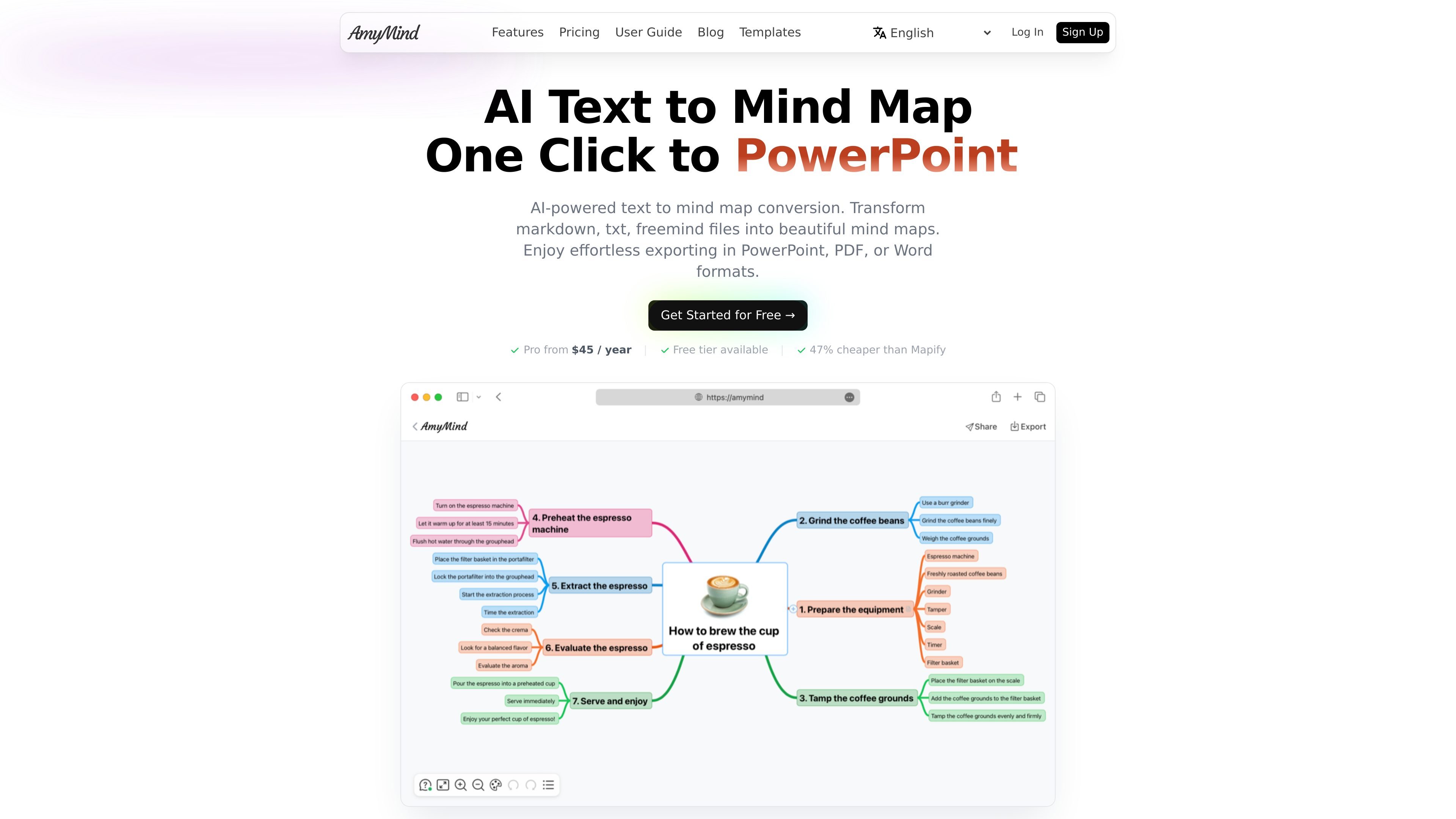
AmyMind is an AI mind map generator that turns written material into visual mind maps and related diagrams. The site describes support for text, Markdown, PDF, Word, freemind files, and YouTube captions, with tools for organizing ideas into a clear hierarchy.
Beyond generation, AmyMind includes editing and presentation workflows such as node notes, outline mode, custom themes, shortcuts, pitch mode, and export to formats like PowerPoint, PDF, Word, PNG, TXT, and MD. It is positioned as a free tool for occasional users with a paid Pro plan for heavier use.
Convert text, Markdown, PDF, Word, freemind files, and YouTube captions into structured mind maps with AI-assisted extraction and organization.
Use AI to ask questions about a mind map, generate new branches, or expand selected topics with more detail.
Switch between rich node notes, outline mode, keyboard shortcuts, custom themes, and icon support for more detailed editing.
Export finished maps to PowerPoint, PDF, Word, PNG, TXT, MD, and other formats for sharing and reuse.
Turn a mind map into a presentation-style pitch mode for meetings, class presentations, or project reviews.
Browse ready-made templates for business, education, personal, technology, and creative planning tasks.
Convert lecture notes, chapters, or research drafts into a visual outline that is easier to scan and review.
Import PDF, Word, or Markdown materials and reorganize them into a structured map before editing or sharing.
Build meeting agendas, project plans, or brainstorming maps using templates and then refine them with AI branch suggestions.
Turn a mind map into pitch mode or export it to PowerPoint for presentations, class talks, or project reviews.
Browse category-based templates to start faster on tasks such as SWOT analysis, product roadmaps, lesson plans, or travel planning.
AmyMind generates mind maps from text, Markdown, PDF, Word, freemind files, and YouTube captions. It also supports editing, outlining, and exporting the results to formats such as PowerPoint, PDF, Word, PNG, TXT, MD, and related file types.
The site describes a free tier for occasional users and a Pro plan for more frequent use. The free tier includes limited AI actions and storage, while Pro adds higher usage limits, unlimited files, folder management, and removal of export watermarks.
Yes. The product pages describe export options including PowerPoint, PDF, Word, PNG, TXT, MD, and other formats, with pitch mode for presentation-style output.
AmyMind is positioned for individual use and the pricing comparison page says Pro is priced per user. For teams that need group billing or volume discounts, the site recommends contacting the AmyMind team directly.