
Multiple Humanization Modes
Humanizer Pro offers Basic, Standard, and Advanced modes so users can choose how deeply the text is rewritten.

Humanizer Pro rewrites AI-generated text into natural prose for writers, marketers, businesses, and students. Multi-language support and free and paid plans.
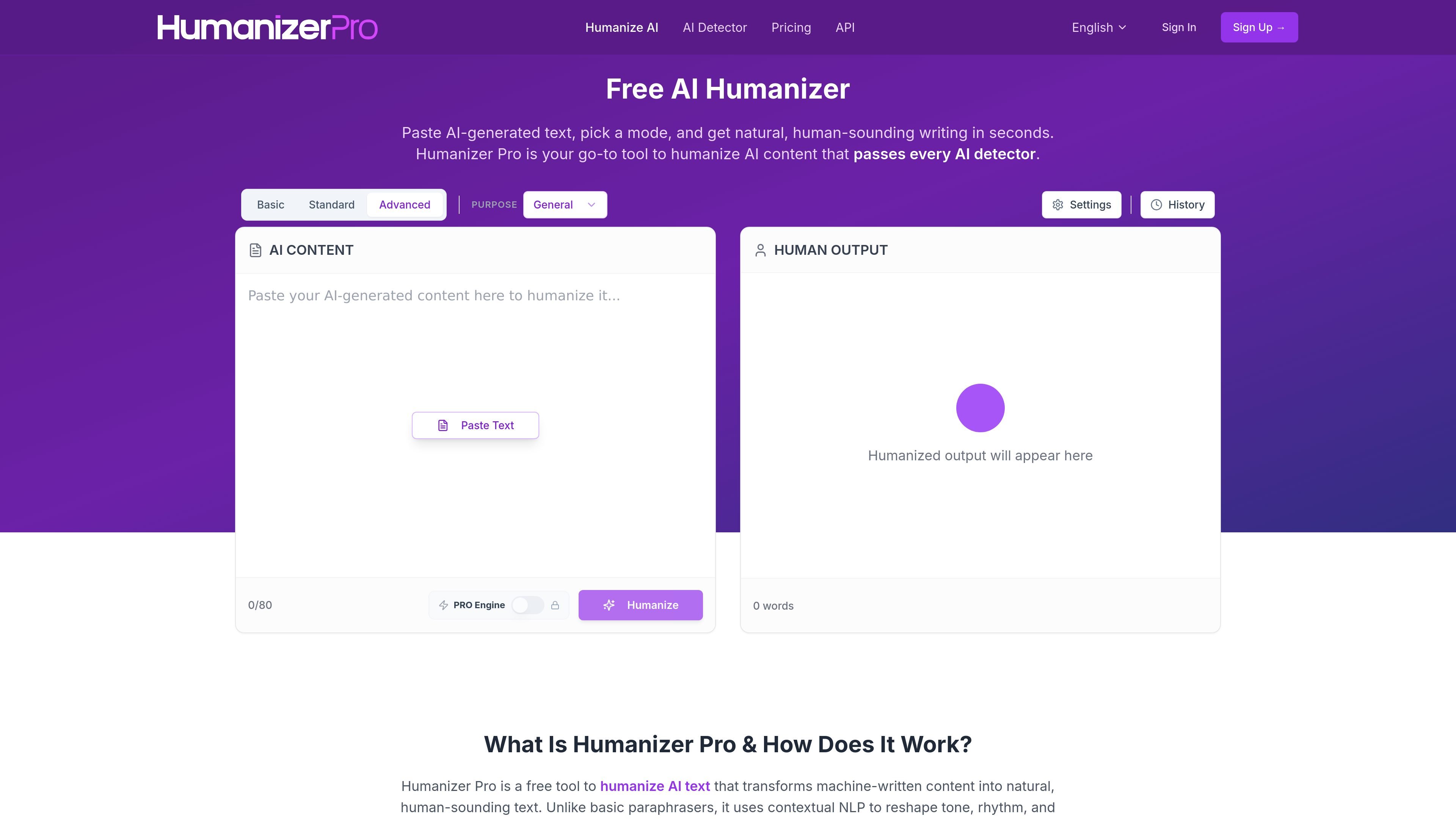
Humanizer Pro is an AI text humanization tool that rewrites machine-generated content into more natural, human-sounding prose. It is designed for people who want to refine drafts from tools such as ChatGPT, Gemini, Jasper, or similar systems without changing the core meaning.
The product centers on context-aware rewriting rather than simple synonym swapping. According to the site, it analyzes sentence structure, vocabulary, rhythm, and tone, then produces output intended to read naturally and perform well against AI detection tools. Users can paste text, choose a rewriting mode, and get revised copy in seconds.
Humanizer Pro offers Basic, Standard, and Advanced modes so users can choose how deeply the text is rewritten.
The product says it analyzes context before rewriting, with the goal of preserving intent, nuance, and factual meaning while changing phrasing and flow.
The home page says output is generated in seconds, with no waiting queue during the humanization step.
The site states support for English, Spanish, French, German, Italian, Portuguese, Dutch, and Russian, making it usable across several languages.
Humanizer Pro includes a local History feature that lets users revisit previous outputs without signing in or creating an account.
Pricing and home-page copy indicate built-in checks for AI detection, plagiarism, and fact checking in different plan tiers, with limited or fuller access depending on the subscription.
Rewrite ChatGPT, Gemini, or other AI-drafted text into a more natural voice before publishing it.
Refine ad copy, email drafts, and social captions so they sound less mechanical and more conversational.
Adjust articles and landing-page text when you want human-readable copy that is easier to scan and edit.
Rework proposals, reports, and internal communication for a clearer, more professional tone.
Convert AI-assisted assignments or research drafts into more natural prose while keeping the original meaning intact.
Yes. The site describes Humanizer Pro as a free AI humanizer, with a free account allowing up to 5,000 words and paid plans available for higher limits.
The product is positioned as a rewriting and humanization tool, but the site does not provide a formal security or privacy policy summary in the collected text. The blog notes a local History feature that keeps recent outputs in the browser without signup.
The site says the humanized output is intended to be plagiarism-free, but it does not provide a detailed originality guarantee or a separate plagiarism policy in the collected text.
Humanizer Pro focuses on context-aware rewriting and tone shaping rather than simple synonym substitution. The site says it preserves meaning while changing phrasing, rhythm, and sentence flow.
The pricing page says Humanizer Pro can bypass major AI detectors including GPTZero, Turnitin, Originality.ai, and Winston AI, but results can vary by content and detector.