
Instant humanizing
Paste AI-generated text, choose a mode, and get rewritten output in seconds without creating an account.

SuperHumanizer is an AI text humanizer that rewrites generated copy to sound more natural while preserving meaning. Free browser editor, no sign-up.
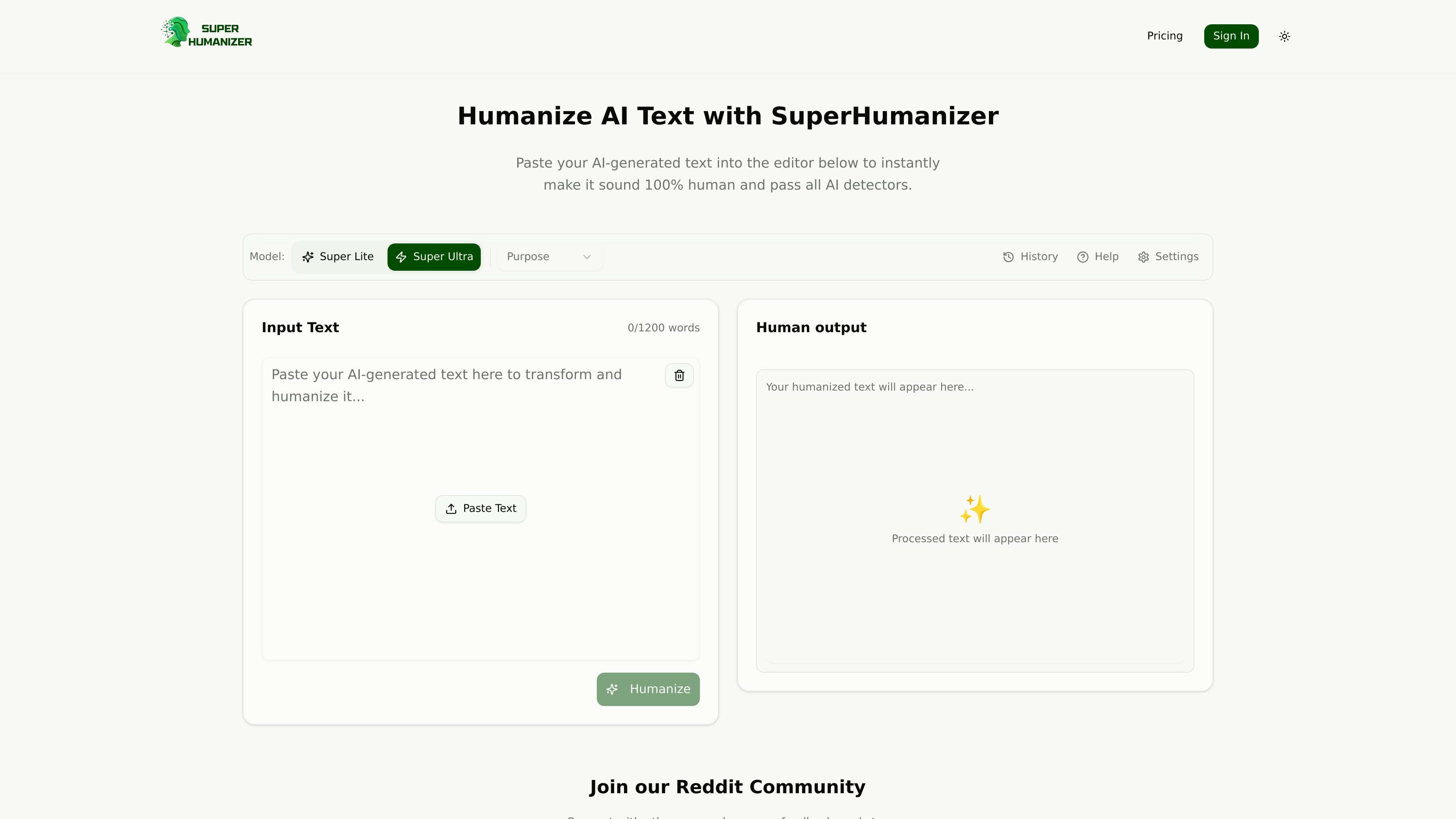
SuperHumanizer is an AI text humanizer that rewrites machine-generated copy so it reads more naturally. The product is positioned for people who want to refine text created by tools such as ChatGPT, Claude, Gemini, Jasper, and similar systems.
The homepage and supporting pages describe a workflow built around pasting text into an online editor, choosing either Super Lite or Super Ultra, and generating a revised version in seconds. The tool emphasizes preserving meaning, improving flow and tone, and helping users reduce obvious AI patterns in the output.
Paste AI-generated text, choose a mode, and get rewritten output in seconds without creating an account.
Choose Super Lite for quick polish or Super Ultra for deeper rewriting and stricter quality checks.
The product says it keeps the original context while breaking repetitive AI patterns, varying sentence length, and improving flow.
The homepage says the tool includes its own AI content detector trained on millions of samples so you can check AI scores in the same workflow.
The free tool supports up to 1,200 words per run and is described as unlimited and free to use.
The site says it works on all devices and browsers and does not sell or share user data.
Bloggers, SEO writers, and content creators can use the tool to turn AI drafts into copy that reads less mechanical before publishing.
Marketers and copywriters can rewrite generated landing page copy, ads, and email drafts to improve flow and reduce repetitive phrasing.
Students, professionals, and educators can use it to make drafts, notes, reports, or presentations sound more natural and easier to read.
Website owners and SEO teams can use the editor to process text in a browser without installing software or connecting external tools.
People comparing output quality can use the built-in detector to review AI scores alongside the rewritten text.
SuperHumanizer is an AI text humanizer that rewrites AI-generated text to sound more natural while preserving the original meaning and context.
The site says the tool includes two modes: Super Lite for quick humanizing and Super Ultra for deeper rewriting and quality checking.
No account is required for the free tool. The homepage says you can paste text, choose a mode, and humanize it directly in the editor.
The homepage says the free tool supports up to 1,200 words per run and works on all devices and browsers.
The site says SuperHumanizer is designed to preserve meaning while improving flow and tone, but it is still meant for rewriting AI text rather than copying it unchanged.