
Prompt-to-automation workflow
The homepage describes Guse as a way to turn a prompt into an automation in seconds, which points to a prompt-driven flow builder.

Guse is an AI automation platform for turning prompts into workflows and connecting them to other apps for email, leads, SEO content, scheduling, and more.
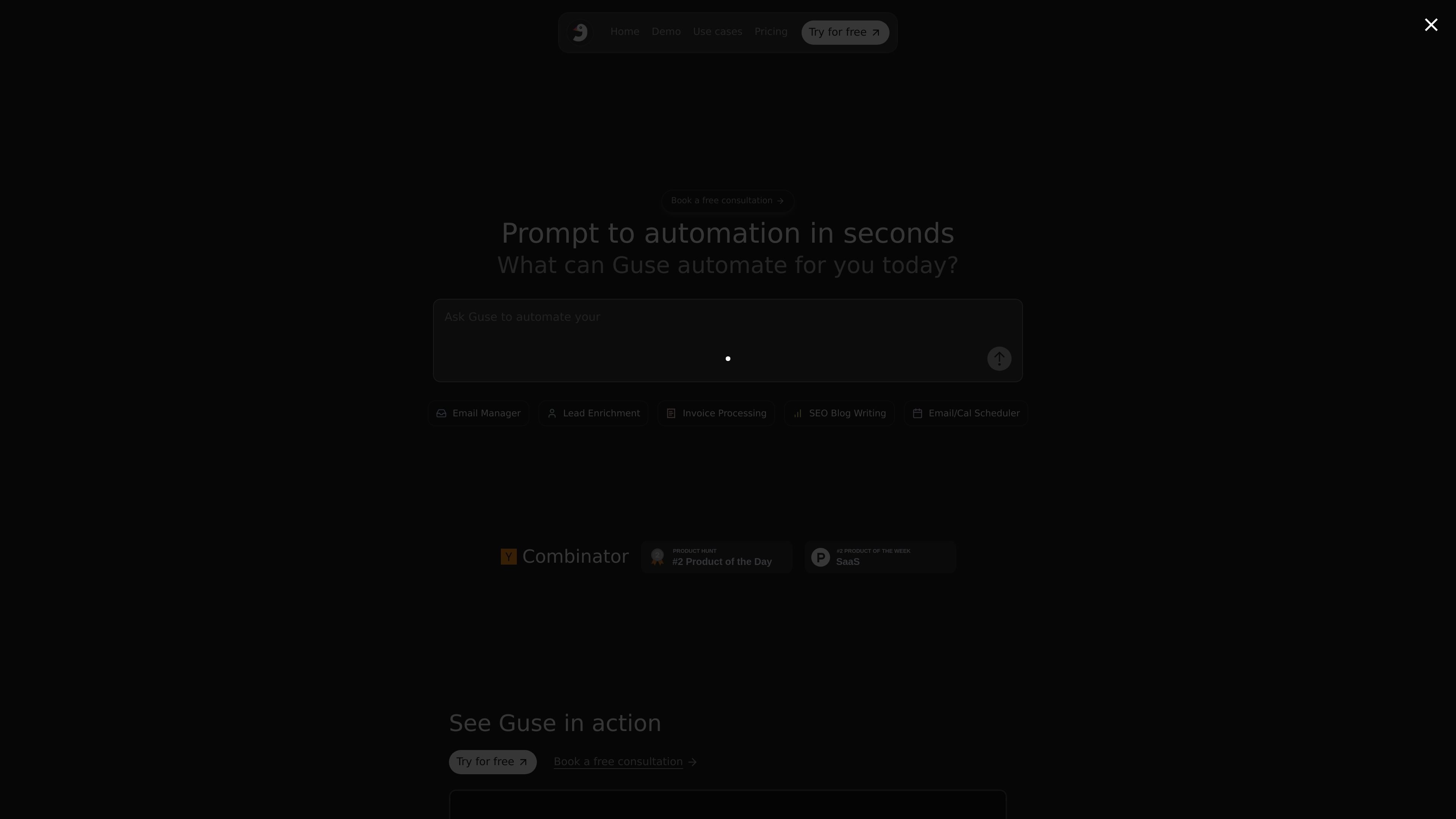
Guse is an AI automation product that lets users turn prompts into workflows and connect those workflows to other apps. The homepage positions it as a way to automate tasks such as email management, lead enrichment, invoice processing, SEO blog writing, scheduling, and engineering-related handoffs.
The public site also shows example flows that can be cloned and edited, which suggests Guse combines template-based starting points with a workflow builder. The homepage claims support for 200+ app integrations, and the pricing section presents Free, Plus, and Team plans with different credit limits and support levels.
The homepage describes Guse as a way to turn a prompt into an automation in seconds, which points to a prompt-driven flow builder.
Guse says it integrates with 200+ apps, so flows can connect to external tools rather than staying inside a single interface.
The site highlights that flows can be cloned, and public examples are shown in read-only mode until cloned for editing and use.
Homepage examples include email responder, lead enrichment, invoice processing, SEO blog writing, email and calendar scheduling, and ticket routing from Linear to Slack.
The pricing section states that plans include unlimited flows and unlimited AI chats, indicating support for multiple automations and iterative prompt work.
The Team plan mentions custom integrations, organization management, and enterprise support, showing that the product can be adapted for larger deployments.
Use Guse to draft and run automations for recurring inbox work, such as responding to messages or organizing email-related tasks.
Use the platform to enrich leads from spreadsheet-based workflows, including the example flow tied to Google Sheets.
Use Guse for content production tasks such as SEO blog writing, where a prompt can drive a repeatable output flow.
Use it for operations that connect calendars and scheduling, based on the homepage examples for email/calendar scheduling.
Use public example flows as starting points for team processes, then clone them to edit, adapt, and deploy them in your own workspace.
Guse is presented as a way to turn prompts into automations and to clone existing flows. The homepage also shows example automations such as email response, lead enrichment, SEO blog writing, invoice processing, and scheduling-related workflows.
The homepage says Guse integrates with 200+ apps. One example flow page shows Google Sheets as an authenticated connection, but the public sources do not provide a full integration list.
Yes. The pricing section on the homepage lists a Free plan, a Plus plan, and a Team plan, and also offers a free consultation. The separate pricing URL was blocked by a verification page, so only the homepage pricing details are confirmed here.
The public flow pages are shown in read-only mode and prompt users to clone the flow in order to edit and use it. That suggests Guse includes reusable templates or examples alongside editable automations.