
All-in-one AI workspace
Access a broad toolset for content creation, image crafting, audio generation, transcription, and related AI tasks from a single platform.

Easy-Peasy.AI is an all-in-one AI platform for content creation, image and video generation, audio tools, transcription, bots, and visual workflow automation. It helps individuals and teams handle a range of AI-assisted writing, media, and support tasks in one place.
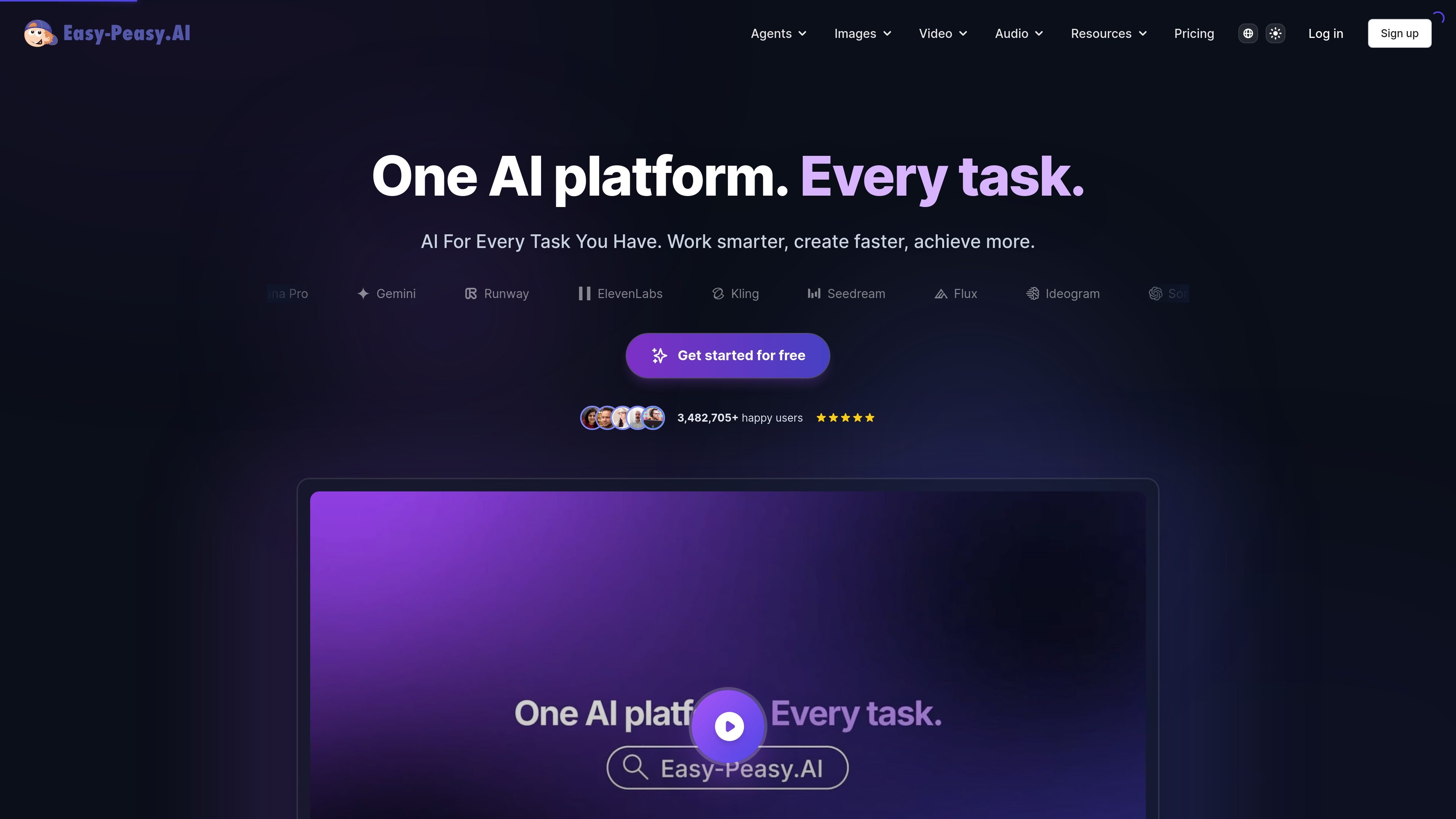
Easy-Peasy.AI is an all-in-one AI platform for content creation, image generation, video production, audio generation, transcription, bots, and workflow automation. Its site positions the product as a single place to handle a wide range of AI-assisted tasks rather than a single-purpose tool.
The product combines standalone tools with visual automation. Users can create content from templates, generate and edit media, transcribe audio, build bots, and connect steps together in AI Workflows to automate multi-step tasks without coding.
Access a broad toolset for content creation, image crafting, audio generation, transcription, and related AI tasks from a single platform.
Create automated flows by connecting AI nodes visually, including text generation, image creation, video production, audio synthesis, and utility steps.
Generate images, edit images, and produce image-based outputs with tools such as AI Image Generator, Photo Studio, Headshots, and AI Interior Design.
Produce video content from text or images, create talking videos, animate images, and edit generated video sequences.
Convert speech to text and text to speech, and generate audio assets such as music and sound effects.
Build custom AI bots and agents, including a website-embedded support agent and Marky AI Agent for web browsing, code execution, charts, file analysis, and presentations.
Create blog posts, captions, headlines, rewrites, and email replies using templates and generators for everyday marketing and communication work.
Build workflows that connect text, image, video, and audio nodes to automate repeatable AI production steps for campaigns or internal processes.
Generate product visuals, stylized images, headshots, or interior design concepts for design, ecommerce, and presentation needs.
Produce videos from text or images, create talking videos, and animate images for social, promotional, or personalized content.
Transcribe audio, generate spoken audio, and build support bots or web-embedded agents for documentation and customer-facing tasks.
Easy-Peasy.AI combines AI chat, content templates, image generation, video tools, audio generation, transcription, and AI workflows in one platform.
The source shows a free plan and paid plans, but the available page text does not provide a complete current pricing breakdown beyond plan names and some included limits.
AI Workflows lets users build visual automations by connecting nodes for text generation, image creation, video production, audio synthesis, and utility operations.
The guide pages and workflow page indicate the platform supports bots, APIs, headshots, image generation, transcription, and text-to-speech, but the public source text does not fully document every setup step or integration.