
Schema-based extraction
Create an extraction schema by listing the fields you want, then let Airparser populate structured output automatically.

Airparser is an AI document parser that extracts structured data from emails, PDFs, and other documents for teams that need automated data entry and workflow integration. It supports imports through email, upload, API, and automation tools, with export options including webhooks, spreadsheets, and connected apps.
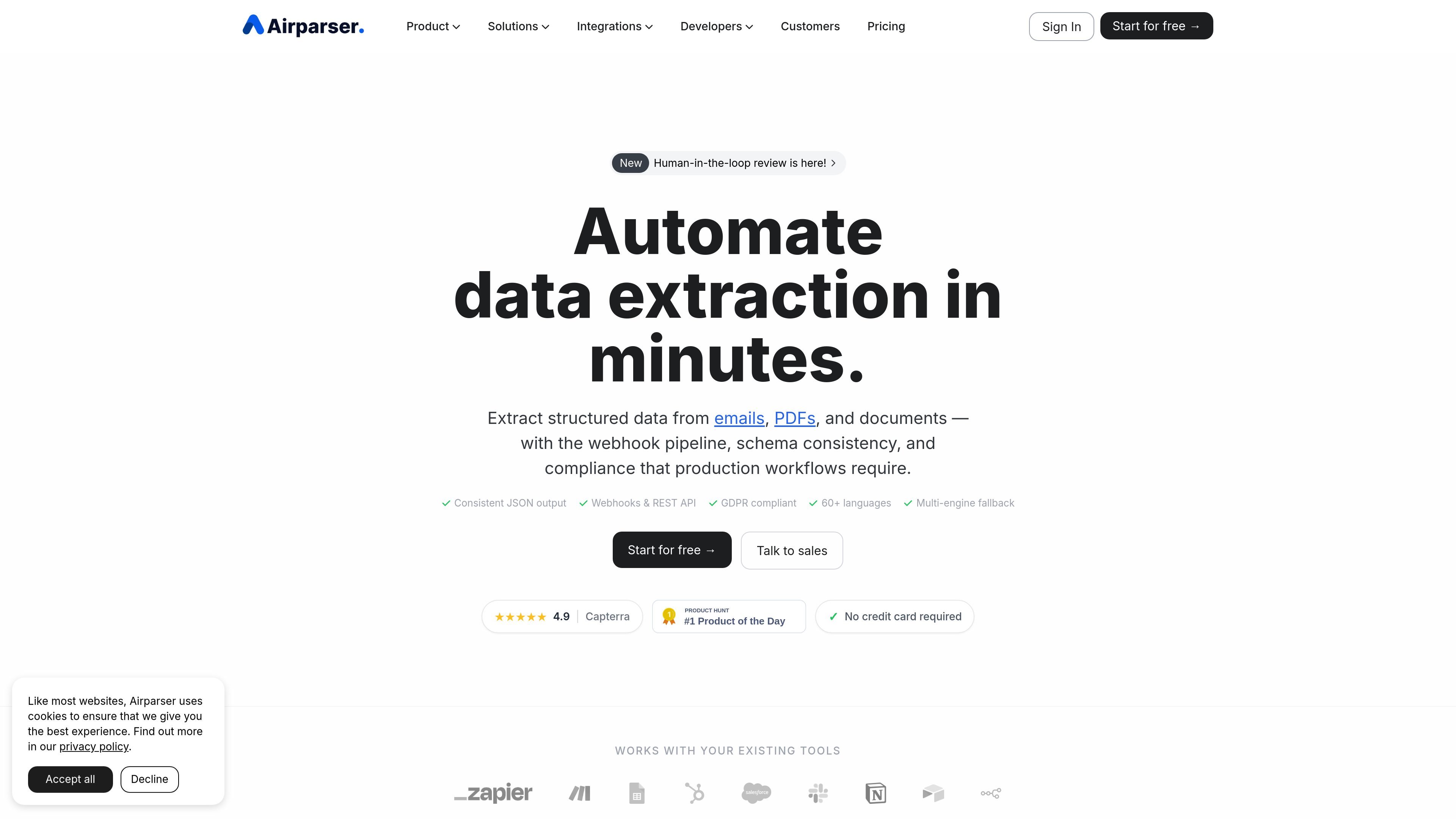
Airparser is an AI document parser that extracts structured data from emails, PDFs, and other document types without requiring custom code. The product is positioned for teams that want to turn unstructured content into consistent fields that can flow into spreadsheets, CRMs, or internal systems.
Its workflow centers on defining the data fields you need, importing documents through email, upload, API, or automation tools, and exporting the parsed result through webhooks, REST API, files, or integrations. The site also highlights human-in-the-loop review for low-confidence documents, which helps teams check outputs before they are pushed downstream.
Create an extraction schema by listing the fields you want, then let Airparser populate structured output automatically.
Import data through forwarded emails, manual uploads, API calls, or automation platforms such as Zapier and Make.
Export parsed data in real time to webhooks, REST API endpoints, Excel, CSV, JSON, Google Sheets, and connected apps.
Use LLM, vision, and OCR engines to handle typed text, scanned documents, images, and handwritten content.
Hold low-confidence documents for verification before they reach downstream tools and integrations.
Process content in 60+ languages and across emails, PDFs, HTML, text files, images, scans, and other supported formats.
Turn incoming order emails, shipping notices, and support messages into structured fields for downstream tools like spreadsheets or CRMs.
Extract invoice totals, dates, line items, and vendor details from PDFs, scans, and attachments for accounting or operations workflows.
Capture names, contact details, work history, and other resume fields into a consistent schema for recruiting workflows.
Route uncertain documents to a reviewer so a team can confirm or correct extracted fields before the data is exported.
Airparser supports a free trial with 20 credits per month, and the pricing page says no credit card is required to start. Paid plans add larger monthly credit allowances and longer document retention.
Yes. The pricing page says documents can be exported through API, webhooks, and integrations, and the site also mentions downloads to Excel, CSV, and JSON.
Airparser accepts emails and attachments, uploaded files, and API or automation-platform imports. The site also describes support for PDFs, images, scanned documents, HTML, text files, Word documents, and spreadsheets.
The site says low-confidence documents can be held for review so a team can verify, correct, and approve the data before it reaches downstream integrations.
Airparser says it is GDPR compliant, uses encryption, and that documents and extracted data are not used to train AI models. The pricing FAQ also mentions 256-bit AES encryption and secure transmission.