
AI text humanizing
Rewrites pasted text into more natural-sounding language and positions that output as human-like rather than machine-like.

AI Text Humanizer rewrites AI-generated or formal text into natural-sounding copy with free no-login access, PRO plans, API access, and detector-focused rewriting.
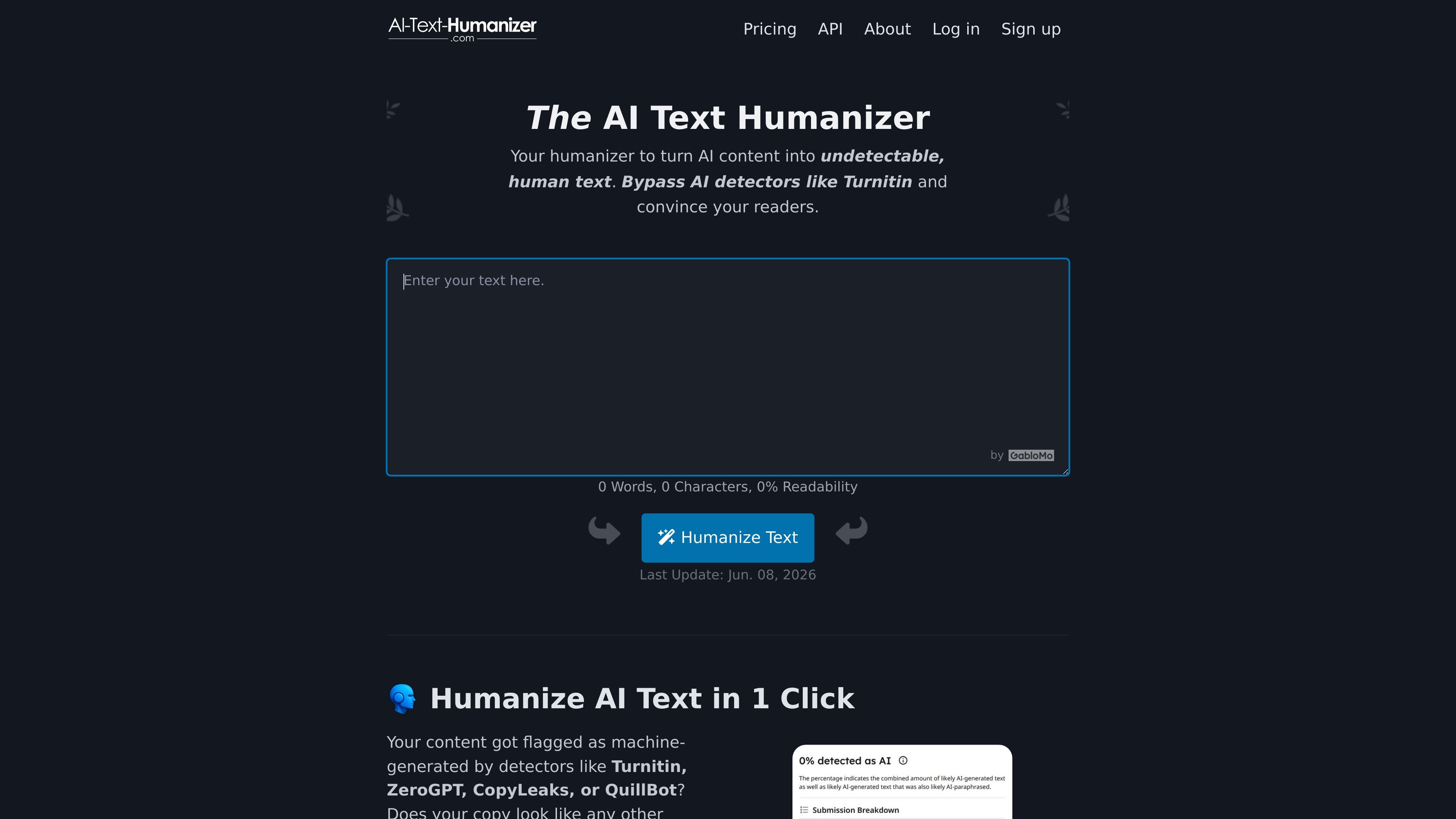
AI Text Humanizer is a web-based text rewriter that takes AI-generated or overly formal copy and rewrites it into more natural language. The site presents it as a no-login tool for turning machine-like text into clearer prose that is easier for readers to follow.
The product is built around a simple paste-and-rewrite flow, with visible statistics for word count, character count, and readability score. It also offers paid plans and an API for PRO users, so the same rewriting workflow can be used directly on the site or programmatically inside another tool.
Across the site, the product is positioned for people who want to humanize text for reading quality, editing speed, and detector-related workflows. The pages describe use cases such as essays, business reports, emails, SEO articles, marketing copy, and API-driven automation.
Rewrites pasted text into more natural-sounding language and positions that output as human-like rather than machine-like.
Displays word count, character count, and readability score for the input and the generated output so users can review the text alongside the rewrite.
Offers a repeat-run option, and the site states the result changes each time even when the input stays the same.
Provides an API for PRO subscribers and the API page says it can be used for humanizing content, improving readability, and reducing AI-detection signals.
Supports 50+ languages on the pricing page, including English, Spanish, French, German, Chinese, Japanese, Russian, and others.
Shows a Turnitin bypass guarantee with money-back wording on the pricing page and also lists support for ZeroGPT, QuillBot, AIscan24, and related detectors.
Students can paste essays or homework text and generate a more natural rewrite before submission. The site specifically references homework, essays, and Turnitin-related checks.
Writers and journalists can use the tool to rephrase machine-generated drafts into copy that reads less repetitive and more fluid. The homepage and guide pages describe this as useful for more engaging articles.
Marketers and businesses can use it to reshape emails, product details, and social updates into friendlier language. The site explicitly mentions marketing copy, product details, and customer-facing messages.
SEO-focused users can humanize articles and other web copy that may sound too mechanical. The site names SEO articles and discusses readability as part of the output.
Developers can send text through the API instead of using the web interface when they need the rewriting step inside another product or workflow. The API page says it can be used in a tool or workflow and supports up to 60 calls per minute.
It is a web-based paraphrasing tool that rewrites pasted AI-generated text into more natural language. The site also presents it as a way to reduce detection by tools such as Turnitin, ZeroGPT, QuillBot, GPTZero, AIscan24, and Copyleaks.
The homepage describes a simple workflow: paste text, click the humanize button, review the result, and try again if you want a different version. The output changes each time you run it.
The pricing page shows a free tier with no login, plus PRO Monthly and PRO Prepaid plans. PRO Monthly is billed at $19.99 per month, and PRO Prepaid is a one-time $69.99 purchase.
Yes. The pricing page says the tool can be used by sharing an account, and the API page says the API can be used in a workflow or tool with up to 60 API calls per minute.
The site says it does not save your input or the resulting text and does not use the input for machine learning. It also notes that results can vary and that no tool can guarantee bypassing every detector.
트래픽 데이터는 참고용으로만 확인하세요.
| 3월 | 182455 |
|---|---|
| 4월 | 170843 |
| 5월 | 163678 |