
Record your screen, camera, and voice
Capture your screen, webcam, microphone audio, or screen and camera together. The browser-based recorders support multiple takes for voiceovers, demonstrations, and presentations.

A browser-based video editor for recording, editing, and sharing videos, with a Windows app option.
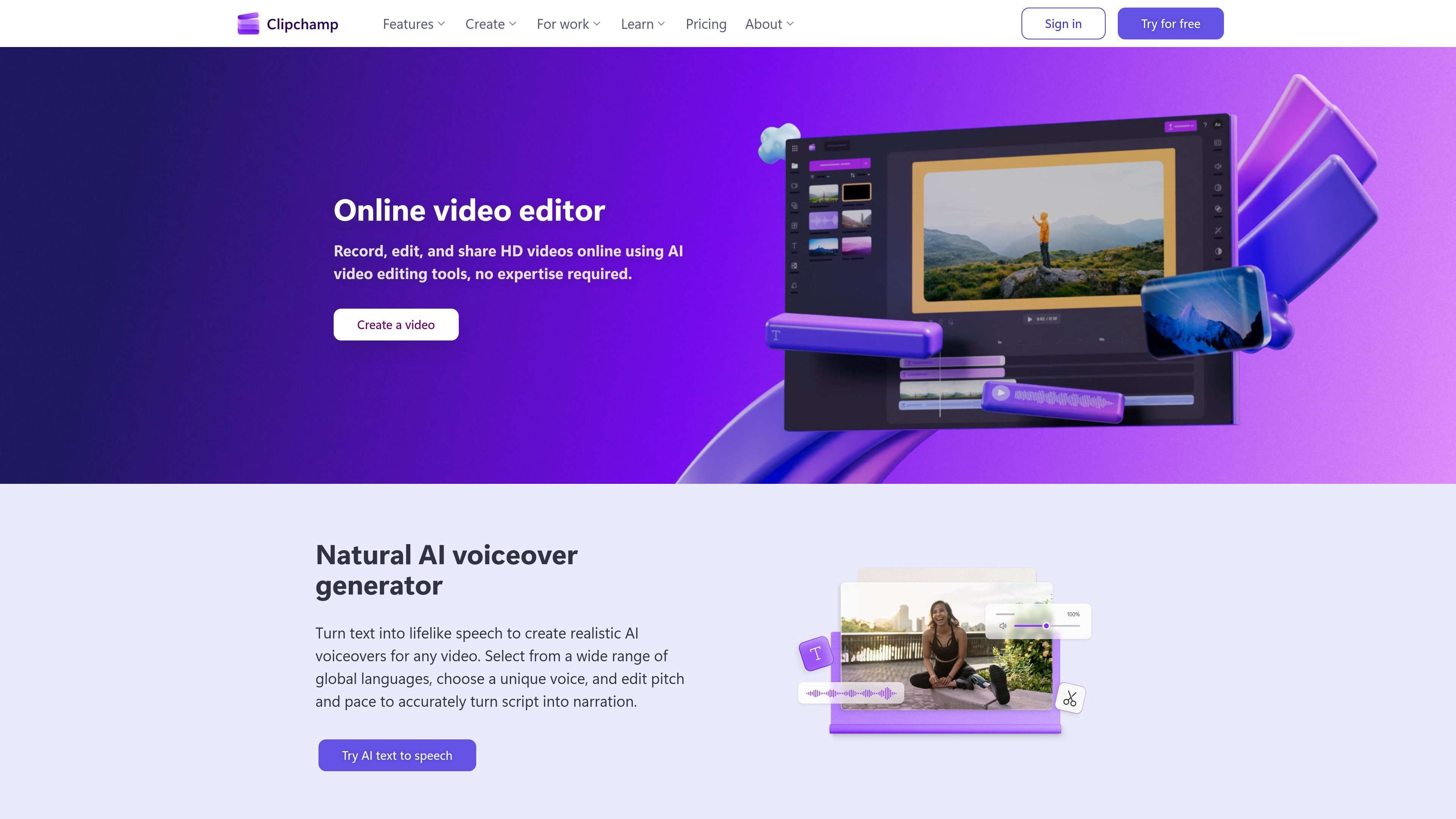
Microsoft Clipchamp is a video editor for creating and exporting videos in a browser or Windows app. It brings together recording, clip editing, templates, stock media, and AI-assisted narration, captions, and audio cleanup. For personal accounts, the free plan supports unlimited video exports in HD without watermarks, using the assets and features included in that plan. Premium video editing features are available with a Microsoft 365 subscription; check the selected subscription for included assets, branding tools and export options. Review generated captions and narration before publishing.
Capture your screen, webcam, microphone audio, or screen and camera together. The browser-based recorders support multiple takes for voiceovers, demonstrations, and presentations.
Trim, crop, resize, rotate, split, and layer media. Adjust video brightness, saturation, and contrast; replace or remove audio; and add music or sound effects.
Convert scripts to speech with selectable voices and adjustable pitch and pace. Generate subtitles, edit their visual styling, and create captions in more than 80 languages.
Use AI tools to remove background noise, silences, pauses, and filler words, helping make recordings clearer and more concise.
Start with video templates or browse royalty-free video, image, music, sticker, GIF, and sound-effect assets. Premium subscriptions add premium stock content.
Export videos in HD without watermarks. Premium editing features are available through Microsoft 365; check the selected subscription for branding tools and export options.
Combine recorded clips, stock media, animated text, and music into videos for social channels; templates and aspect-ratio resizing support different formats.
Record your screen and webcam together, then add a script-based voiceover, titles, and captions for software walkthroughs or instructional presentations.
Remove long pauses, filler words, or background noise from meeting recordings and voice tracks before sharing or reusing them.
Use the premium brand kit to apply a logo, brand colors, and fonts across videos, alongside premium stock assets and effects.
The website offers free video editing and HD export without watermarks, including AI captions and narration tools. Premium features are available through Microsoft 365; confirm the assets and features in your selected offering before exporting.
Microsoft 365 subscriptions provide premium video editing features. Check the current subscription for included stock media, branding tools, effects and export options.
Microsoft Clipchamp is available in a web browser and as a Windows app. It is available from the Start menu in Windows 11, and can be downloaded for Windows 10 from the Microsoft Store.
Yes. Its AI tools generate subtitles in more than 80 languages and convert text into voiceovers with selectable voices and controls for pitch and pace.
Clipchamp also has work and education offerings. Check your organization’s available license and administrator settings rather than applying personal-account access conditions to it.
トラフィックデータは参考情報としてご利用ください。

easycut.studio
A browser-based video editor for refining Claude-generated videos and editing local media.

vmaker.com
AI video creation and editing platform for recording, repurposing, and publishing videos.

www.arsaze.com
Arsaze is a multi-track video editor for manual editing and AI-assisted workflows. Users can connect Claude, ChatGPT, or Grok over MCP so an AI agent can operate the same timeline, while exports are available through the cloud or the Windows app.

movavi.com
Movavi Video Editorは、タイムラインツールとAIアシスト機能で動画のカット、トリミング、補正ができるデスクトップ動画編集ソフトです。無料ダウンロード、幅広い形式、Windowsの動作要件を提供します。

vyond.com
A business video creation platform for generating, editing, and localizing videos.

kinemaster.com
A mobile video editor for creators, with layered editing, AI tools, and 4K export.