
Transcript-based editing
Word-timed transcripts let editors remove sentences, filler words, pauses, and retakes; the corresponding timeline edits follow the transcript.

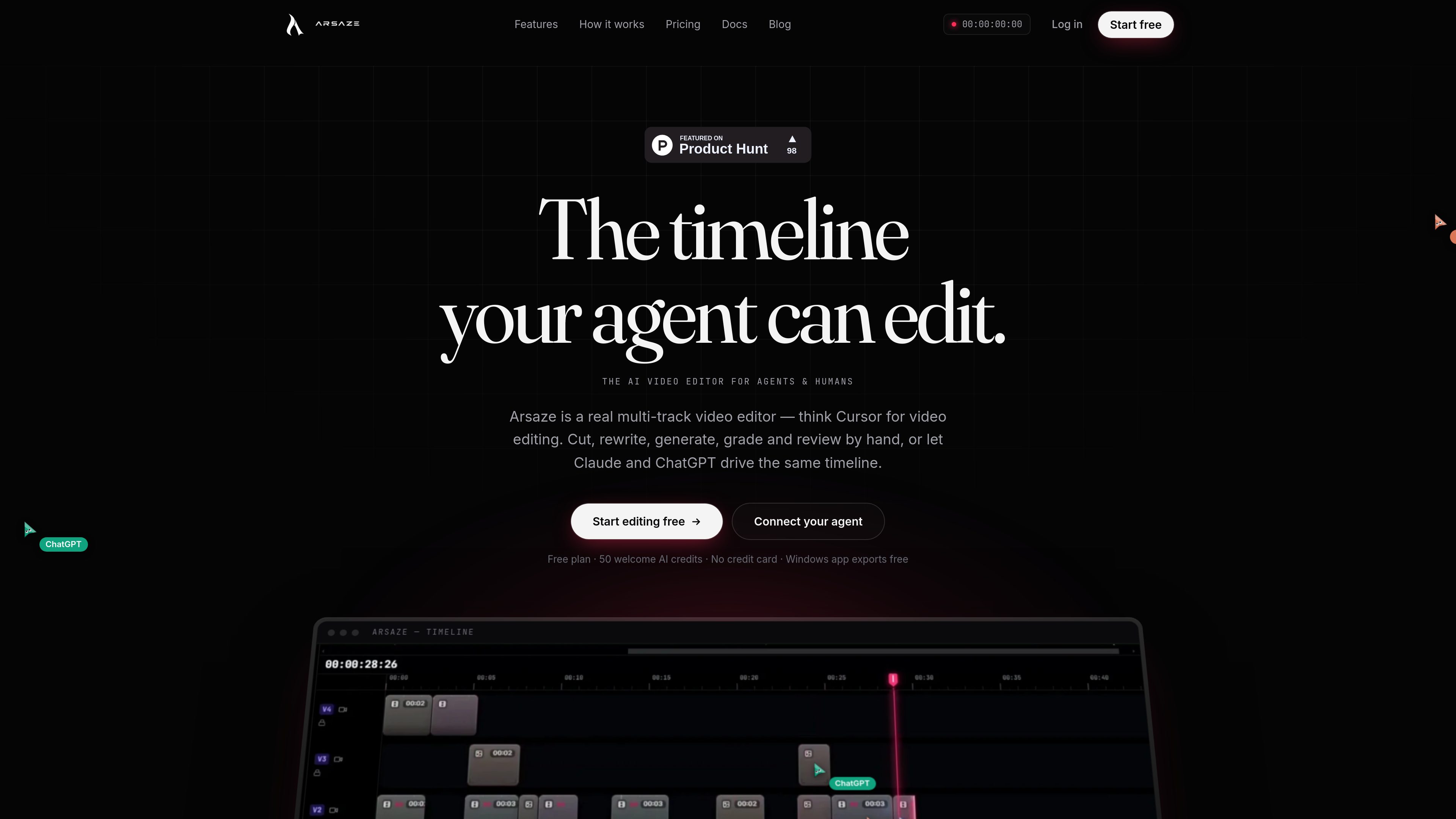
Arsaze is a multi-track video editor for manual editing and AI-assisted workflows. Users can connect Claude, ChatGPT, or Grok over MCP so an AI agent can operate the same timeline, while exports are available through the cloud or the Windows app.
Arsaze is a multi-track video editor for manual editing and AI-assisted production. Users can cut, generate, grade, caption, review, and export from the same project, while Claude, ChatGPT, or Grok can operate the timeline through an MCP connection.
The product combines transcript-based editing, AI media generation, color and audio tools, code-to-video rendering, review links, and automatic version history. It runs in a browser, with a Windows app available for local exports.
Word-timed transcripts let editors remove sentences, filler words, pauses, and retakes; the corresponding timeline edits follow the transcript.
Node-based graphs combine AI image and video models into reusable workflows, with generated media placed directly on the timeline. Paid plans also cover voice, music, and sound effects.
The timeline supports video and audio tracks, frame-accurate trims, keyframes, transitions, and live preview. Code-authored animated scenes can be rendered onto the same edit.
Color controls include wheels, curves, HSL qualifiers, shot matching, film and creative LUTs, and .cube import. Audio tools include voice isolation, noise reduction, loudness normalization, and automatic ducking.
Claude, ChatGPT, and Grok can be connected as custom MCP connectors so an agent can inspect and change a project while the user continues to work in the editor.
Review links attach comments to exact frames and versions, with threads and ratings. Automatic versioning supports comparison and rollback; output includes MP4, FCPXML, cloud rendering, and watermark-free local Windows exports.
Use transcripts to remove dead air, filler words, retakes, or unwanted sentences from interviews, presentations, and other spoken footage, then refine the resulting cuts manually.
Connect an AI agent and describe changes such as silence removal, b-roll placement, or a color treatment in chat. The agent operates the project timeline, leaving the editor available for review and adjustment.
Create image or video assets in Playground, place them into the edit, or render code-authored title cards, kinetic type, and animated scenes alongside conventional footage.
Share a review link so clients can comment on exact frames, reply in threads, and rate scenes. Editors or connected agents can use the feedback for a subsequent version.
Export MP4 through the cloud or locally from the Windows app, or provide an FCPXML project for continued work in DaVinci Resolve or Premiere Pro.
No. Arsaze is a full manual editor with a multi-track timeline, trim modes, color tools, and keyframes. An AI agent is optional.
Claude, ChatGPT, and Grok are supported over MCP. They can be added as custom connectors and can call tools against a selected project.
The Free plan includes the full editor and 50 one-time welcome AI credits for audio analysis such as transcripts, captions, and silence detection. AI generation and the built-in AI assistant require a paid plan.
You can export MP4 through cloud rendering, use the Windows app for local exports without a watermark, or export FCPXML for DaVinci Resolve and Premiere Pro.
Edits are versioned automatically, allowing users to return to earlier states, compare versions, and branch from saved work.

clipchamp.com
A browser-based video editor for recording, editing, and sharing videos, with a Windows app option.

story.com
Story’s timeline-based video editor for combining uploaded footage, generated scenes and AI editing suggestions.

www.supercut.cc
Supercut is a private AI video editor that runs in a browser or desktop app, letting creators describe edits such as trimming, reframing, captioning, color grading, and audio cleanup in plain English. It also includes a multitrack timeline and screen recorder for local video workflows.

zellahq.com
Zella is an on-device screen recorder and video editor for Mac and iPhone. It records screen or camera footage, then supports AI-assisted polishing, captions, background removal, reframing, and export without an account or cloud upload.

openvids.ai
An open-source AI video editor for macOS and Windows that turns story briefs and text prompts into reviewable timeline edits.

easycut.studio
A browser-based video editor for refining Claude-generated videos and editing local media.