
OS-level telemetry
Monitors from the kernel rather than relying on the agent’s own logs, so activity can be reviewed independently of what the agent reports.

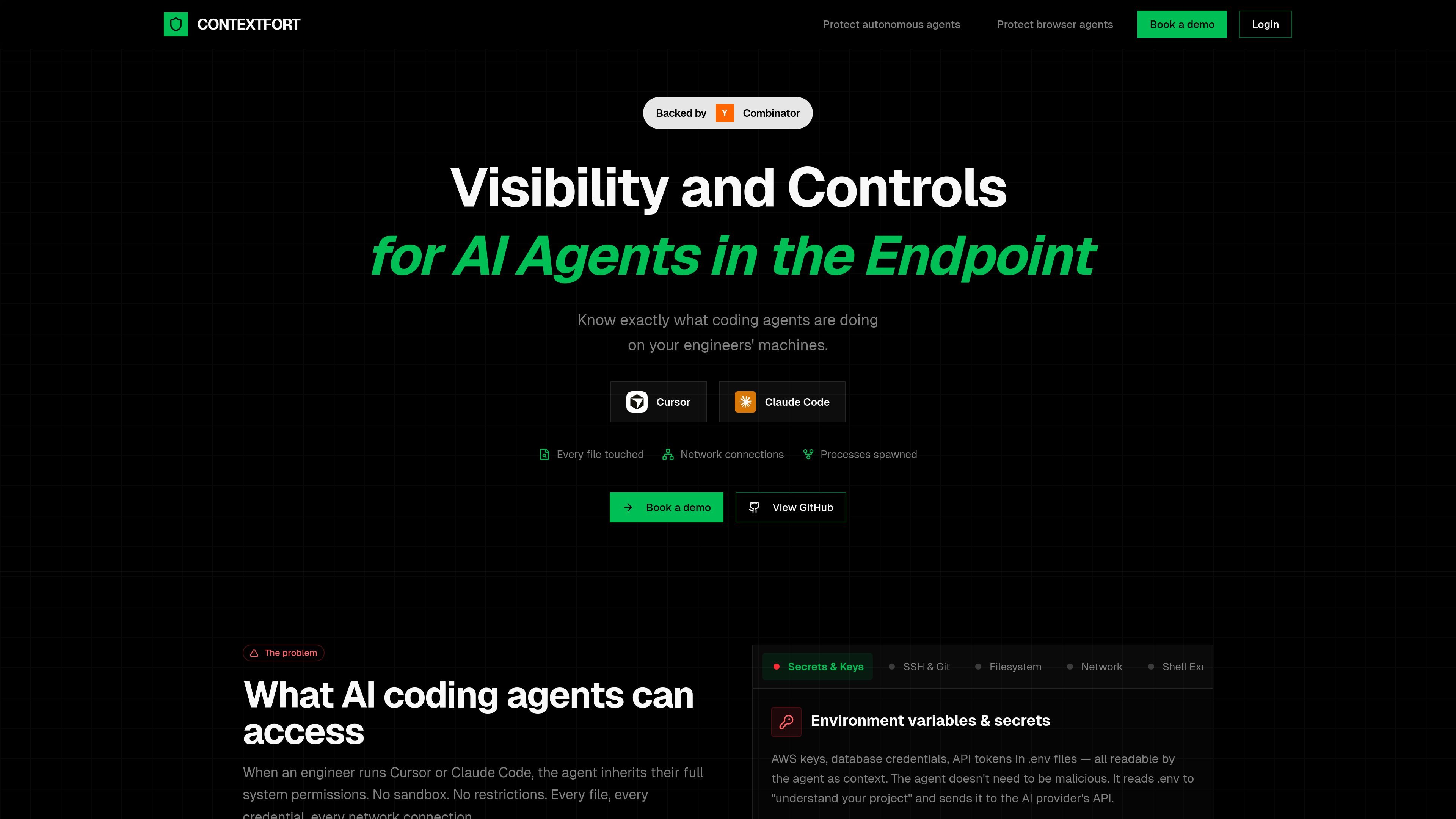
ContextFortはOSレベルでAIコーディング・ブラウザエージェントを監視し、ファイルやプロセス、ネットワーク活動をリアルタイムで可視化します。
ContextFort is an endpoint visibility product for AI coding and browser agents. The site positions it as a way to detect and track AI agents in real time so engineering teams can see what those agents are doing on developers’ machines.
Its core purpose is to provide independent, OS-level visibility into file access, network activity, and spawned processes. The product is framed as a response to the access that agents like Cursor and Claude Code inherit when they run with a user’s system permissions.
Monitors from the kernel rather than relying on the agent’s own logs, so activity can be reviewed independently of what the agent reports.
Captures every file the agent reads or writes, including source code, credentials, SSH keys, and environment files such as `.env`.
Tracks outbound connections initiated during agent activity so teams can see what data may have been sent and where it went.
Records subprocesses and shell activity, giving visibility into commands, installs, and build steps launched by the agent.
Maintains an audit trail of agent actions that the product says the agent cannot tamper with after the fact.
Describes platform coverage across Linux, macOS, and Windows using eBPF, Apple’s Endpoint Security Framework, and ETW plus Minifilter.
Review what an AI coding agent accessed during a session, including files opened, commands launched, and network connections made.
Investigate whether an agent read sensitive files such as `.env`, SSH keys, or cloud credentials while working on a repository.
Track subprocesses and shell execution when an agent installs packages, runs builds, or spawns helper processes.
Correlate outbound network activity with agent behavior to understand what data may have left the machine.
ContextFort is designed for engineering environments where AI coding or browser agents run with broad system access. It helps teams understand what those agents touched so they can review activity after the fact.
The source describes OS-level monitoring for file access, network activity, and process trees, plus an independent audit trail. It is presented as monitoring from the kernel rather than relying on agent self-reported logs.
The site references Linux, macOS, and Windows support through eBPF, Endpoint Security Framework, and ETW plus Minifilter, respectively.
The public site does not provide setup steps, pricing details, or integration documentation. It points users to book a demo or view the GitHub repository for more information.
トラフィックデータは参考情報としてご利用ください。

soloterm.com
AIコーディングエージェントとローカル開発環境を扱うデスクトップワークスペース

band.ai
チームとAIエージェントがリアルタイムで協働するエンタープライズ向けプラットフォーム

murmell.com
Murmellは、共有クラウドサンドボックスでAIコーディングエージェントを実行するブラウザー上のキャンバスです。ローカル環境の設定やファイルの競合を避けながら、Claude Code、Codex、Kimi、OpenCodeを同じプロジェクトで連携できます。

superagent.computer
Superagentは、コーディングエージェントが実際のブラウザーやiPhoneシミュレーターで作業でき、チャットも自分のMacに保存できるアプリです。既存のClaude Codeサブスクリプションを使って、Mac上でプロジェクトの構築、編集、テストを見守れます。
bentoai.dev
Bento Termは、SSH経由で実行中のtmuxセッションに接続し、複数のコーディングエージェントの状態確認や操作を行えるネイティブクライアントです。Mac、iPhone、iPadからファイルツリーやプレビューも確認できます。