
Video and article generation
Convert screen recordings into polished videos and structured step-by-step articles. Clueso also accepts existing videos, mobile recordings, slide decks, and documents or PDFs as inputs.

Clueso is an AI video and documentation platform that turns screen recordings and other source material into editable product videos and step-by-step guides. It also connects to MCP-compatible AI tools so users can create and revise content through conversational instructions.
Clueso is an AI video and documentation platform for creating product videos and step-by-step articles from source material such as screen recordings. Users can record through a browser extension or upload mobile recordings, existing videos, slide decks, and documents or PDFs. The platform is designed for repeatable walkthroughs, tutorials, demos, training content, and product updates.
Clueso generates a video and structured written content from the creation workflow, with tools for script generation, AI voiceovers, captions, translations, visual effects, music, and manual editing. Finished work can be exported, shared through view-only links, or embedded in other locations.
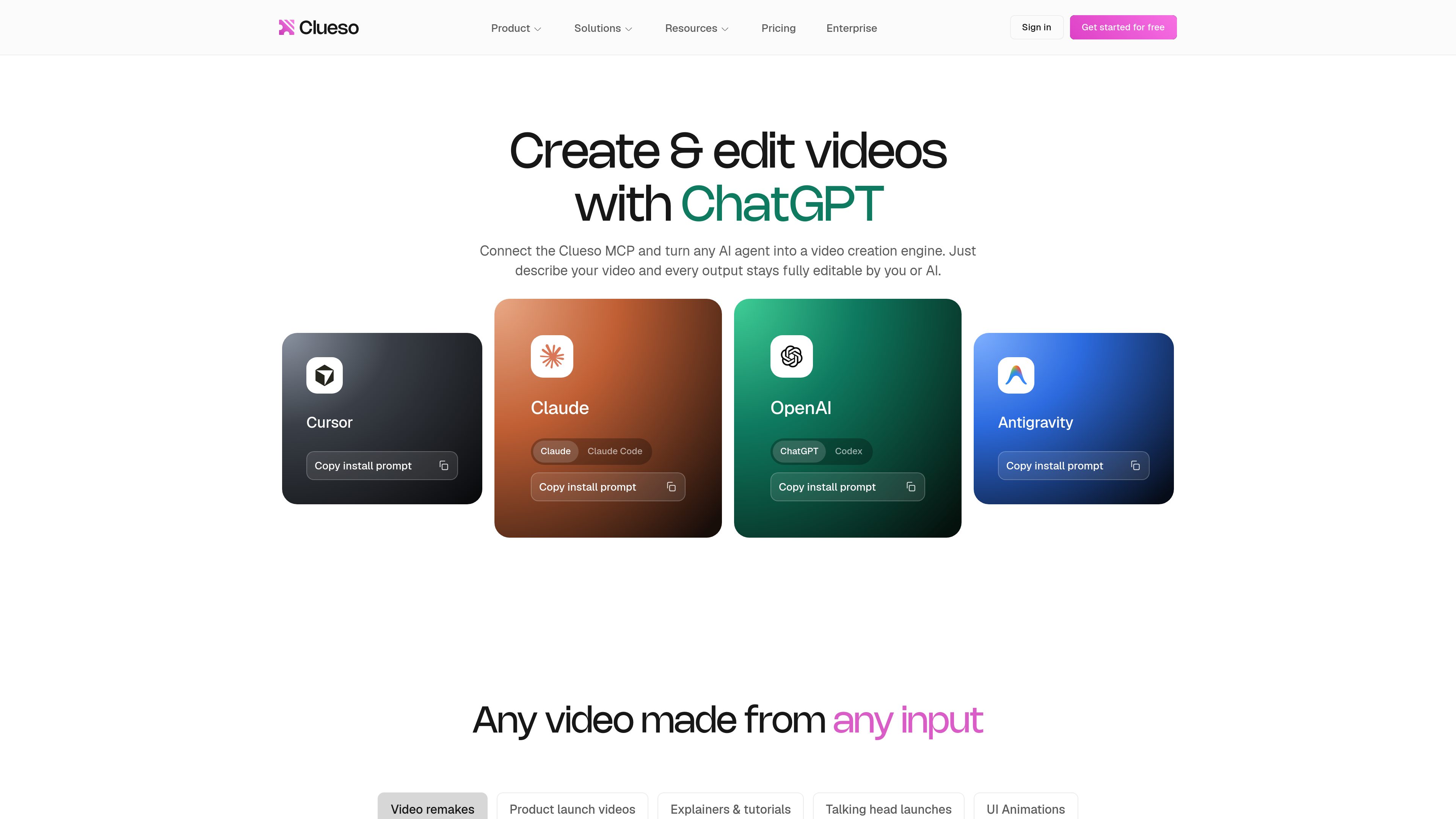
The Clueso MCP connector lets compatible AI tools create and edit Clueso content through conversation. Supported examples listed by Clueso include Claude, ChatGPT, Codex, Gemini, and Cursor. MCP-created outputs remain editable by hand or through further instructions.
Convert screen recordings into polished videos and structured step-by-step articles. Clueso also accepts existing videos, mobile recordings, slide decks, and documents or PDFs as inputs.
Generate scripts and enhance projects with AI voiceovers, captions, translations, visual effects, music, AI avatars, and AI-assisted image or motion-graphics features.
Refine generated content with tools for trimming, splitting and merging clips, cropping and resizing, animations, keyframes, sync points, a screenshot editor, and a GIF tool.
Connect Clueso to MCP-compatible tools such as Claude, ChatGPT, Codex, Gemini, or Cursor. Users can describe a video or edit in plain language, while the resulting project remains editable in Clueso.
Paid and enterprise plans list capabilities including reusable video templates, components, custom fonts, writing prompts, pronunciation controls, and, for enterprise, translation glossaries and rules.
Export videos as MP4 or GIF, export captions as VTT or SRT, export articles in multiple formats, share view-only links, and embed videos with a link. Higher plans add customizable players and viewership analytics.
Product marketing teams can turn releases or screen recordings into feature announcement videos, product highlights, demos, and accompanying articles.
Support and education teams can create tutorials, how-to content, onboarding walkthroughs, and step-by-step help materials for recurring product questions.
Teams can produce product demos and meeting recap videos that explain workflows or summarize discussions for stakeholders.
Teams expanding into new markets can use translation capabilities to create localized versions of videos and documentation for different customer personas.
Learning and development or operations teams can turn procedures and SOPs into training videos and written guides, then organize the material for role-specific onboarding.
Clueso is an AI-powered platform that creates polished product videos and step-by-step articles from source material such as raw screen recordings.
You can record through Clueso's Chrome extension or upload a recording directly. The pricing comparison also lists mobile recordings, existing videos, slide decks or PPTs, and documents or PDFs as supported inputs.
Yes. Clueso's FAQ says it can generate a polished video and a structured step-by-step article from the same screen recording.
The MCP connector gives an AI tool that supports the Model Context Protocol access to Clueso. After setup in the AI tool's settings, users can describe creation or editing instructions in plain language; Clueso lists Claude, ChatGPT, Codex, Gemini, and Cursor as examples.
Yes. Clueso says MCP outputs remain fully editable by hand or through additional AI instructions. Its editor also includes standard controls such as trimming, splitting, merging, resizing, captions, animations, and sync points.

docmd.io
docmd is an open-source documentation compiler that turns a Markdown source tree into a static documentation site and machine-readable outputs. It is designed for teams serving human readers, search systems, LLMs, coding agents, and knowledge tools from one build pipeline.

trainn.co
AI platform for creating product videos, guides, in-app tutorials, and customer training academies.

deepwiki.com
Explore code repositories through AI-generated wikis, architecture diagrams, source links and repository-specific questions with DeepWiki.

www.contextsbase.com
ContextsBase is a focused markdown workspace for personal documentation, deep research, and collaborative engineering specifications. It combines nested document organization, keyboard-driven search, technical formatting, and source-aware AI.

ferndesk.com
Ferndesk is a help center for SaaS teams that uses Fern to check articles against product context, identify changes, and draft documentation updates. It also provides public and private documentation, AI conversations, an in-app help widget, API docs, translations, and analytics.