
Generated repository wikis
Organize a codebase into documentation, architecture diagrams and summaries, with source links that let readers return to the underlying implementation.

Explore code repositories through AI-generated wikis, architecture diagrams, source links and repository-specific questions with DeepWiki.
DeepWiki turns software repositories into browsable documentation with architecture diagrams, codebase summaries and links back to source files. Developers can read the generated wiki and ask questions about how the code works, rather than starting only from a file tree.
The public site works with public GitHub repositories: explore an indexed project or submit a repository URL for indexing. Private-repository wikis are accessed through Devin. Teams using that workspace can guide generation with a repository configuration file and choose the available wiki-generation effort level.
Organize a codebase into documentation, architecture diagrams and summaries, with source links that let readers return to the underlying implementation.
Ask questions about a repository using its indexed code and documentation as context. Public DeepWiki provides documentation and Q&A; advanced Ask Devin planning and session creation belong to the Devin app.
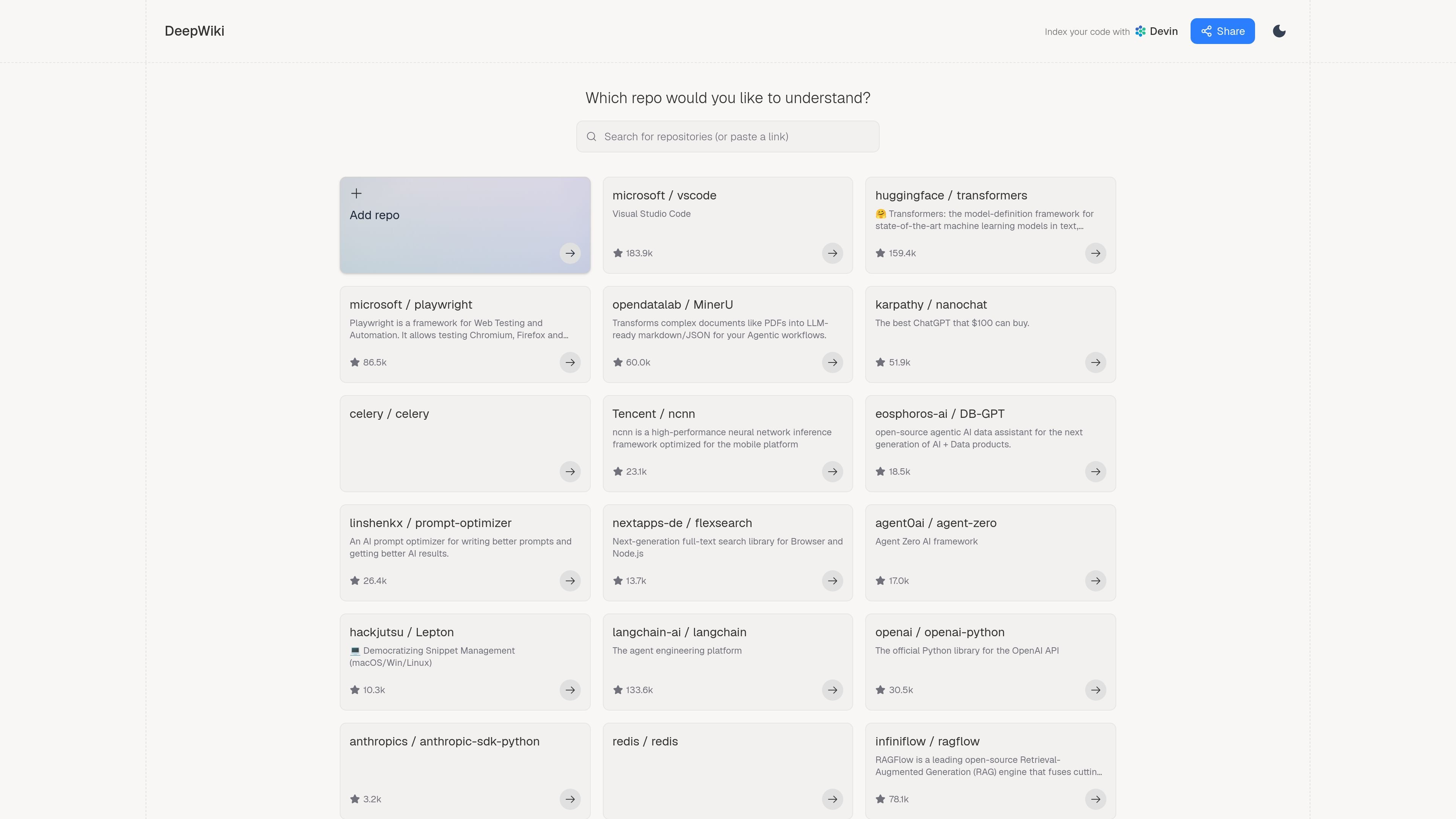
Browse existing open-source repository wikis or submit your own public GitHub repository URL to generate documentation.
Use the private-repository entry to open the wiki and search workspace in Devin. This path is separate from browsing public projects on deepwiki.com.
For wiki generation in Devin, add .devin/wiki.json at the repository root with repo_notes and a nonempty pages list. Page titles, purposes and optional parent relationships guide the generated documentation.
Start with generated architecture diagrams and codebase summaries, then follow source links to inspect the implementation behind a topic.
Ask how a component works or where relevant behavior is implemented, using the repository wiki and linked source files to inspect the answer.
In a Devin-managed wiki, specify pages for important folders or components and explain their priorities in repo_notes. Include the complete page list you want generated.
Browse an existing public GitHub wiki or submit the project URL to get structured documentation before working through the repository files.
Yes. The public version provides documentation and basic repository Q&A for public GitHub repositories. Explore an indexed project or submit a public GitHub URL for indexing.
Yes. The private-repository entry opens the wiki and search workspace in Devin. It offers team access without payment for the basic wiki and search experience; Devin software-engineering agent tasks require credits.
In Devin, Low-effort wiki generation is free by default. Medium uses approximately 5–10 ACUs per wiki and High approximately 20–40; both require an active subscription or a positive credit balance and count against team ACU usage. Enterprise organizations use Low effort only.
The file must include repo_notes and at least one page in pages. It replaces default page planning: only the pages you list are generated. List every page you want, not only missing sections; use an empty repo_notes array if you have no notes.
Public DeepWiki focuses on documentation and Q&A. Advanced code search, planning and session creation are part of the full Ask Devin experience in the Devin app.
トラフィックデータは参考情報としてご利用ください。
