
AI clip detection
The platform detects standout moments in uploaded video and turns them into shorter clips for social sharing.

Spikes Studio is an AI video editing and social publishing tool that turns long-form footage into short clips for platforms like YouTube, TikTok, and Reels. It also includes captioning, scheduling, and analytics from a single dashboard.
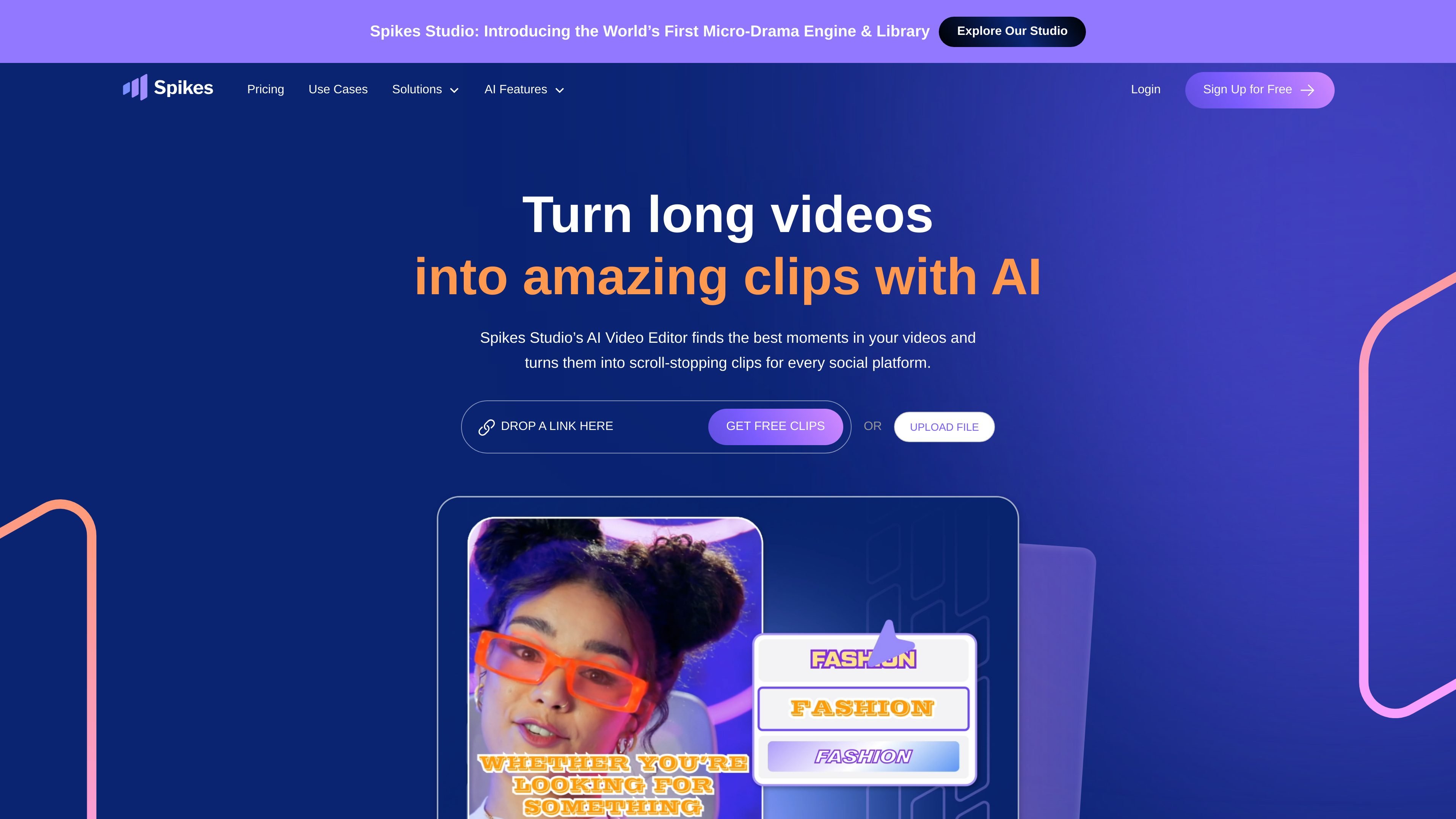
Spikes Studio is an AI clip generator and social video studio for turning long-form video into shorter clips for platforms such as YouTube, TikTok, Instagram Reels, LinkedIn, Facebook, and YouTube Shorts. The site positions it as a tool for editing, publishing, and tracking video content from one place.
Its workflow combines AI-powered moment detection, captioning, format adaptation, scheduling, and analytics. The browser editor can handle videos up to 5 minutes through the Add Captions tab, while the pricing page shows paid plans alongside a free trial and a free plan with a watermark.
The platform detects standout moments in uploaded video and turns them into shorter clips for social sharing.
The editor supports captions, vertical reframing, auto-effects, and automatic clip styling for different formats.
The product can resize clips for TikTok, Instagram, and YouTube and generate titles, hashtags, and branded visuals.
Users can schedule and publish content from the product and manage posting from a shared dashboard.
Analytics surface views, engagement, and growth patterns so users can review what performs well.
The site says the product supports over 99 languages and can transcribe video in its original language.
A creator uploads a longer video, lets the system find strong moments, and exports a shorter version for social platforms.
A social media manager prepares a clip once, then adapts it for different platforms with captions, formatting, and post metadata.
A team schedules posts from one dashboard instead of handling each platform separately.
A marketer reviews views and engagement in the analytics dashboard to decide which clip styles to repeat.
Yes. The site says you can use the web editor for videos up to 5 minutes long through the Add Captions tab. That editor supports captions, vertical reframing, auto-effects, and post metadata such as a title, description, and suggested hashtags.
The free plan includes a watermark. To remove it, you need a paid plan.
The site says Spikes Studio supports over 99 languages and can transcribe videos in their original language.
Yes. You can connect social media accounts, schedule content from Spikes Studio, and manage posting and analysis from one dashboard. The site specifically mentions LinkedIn, TikTok, Facebook, and YouTube.
No credit card is required to start the free trial, according to the pricing page.