
Agent and application tracing
Capture and inspect prompts, retrieval steps, tool calls, outputs, and other parts of an agent execution so developers can investigate behavior beyond the final response.

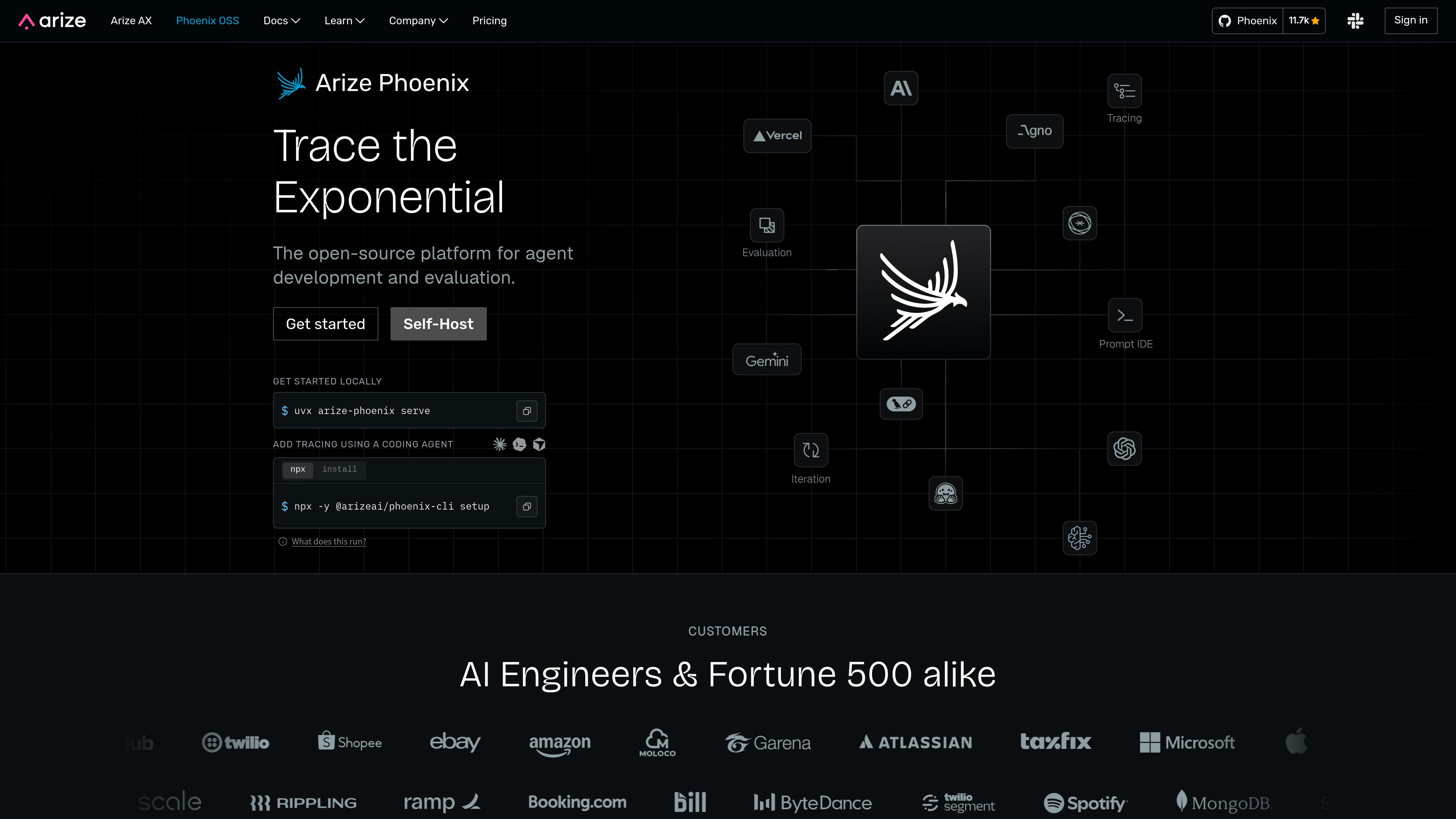
Phoenix is an open-source, local-first platform for tracing, evaluating, experimenting with, and improving AI applications and agents. It helps AI engineers inspect agent behavior, assess output quality, and test changes before deployment.
Phoenix is an open-source, local-first platform for developing and improving AI applications and agents. It brings together tracing, annotations, datasets, experiments, evaluations, and prompt iteration in a workflow designed to help AI engineers understand agent behavior and validate changes.
The platform records execution details such as prompts, retrievals, tool calls, and outputs, making it possible to investigate why an agent produced a particular result. Developers can label examples through human review or LLM-as-judge, create datasets from observed traces, run experiments, and evaluate outputs across cost, latency, and performance.
Phoenix is available for local use and can also be deployed with Docker or Kubernetes. It supports OpenTelemetry and is presented as compatible with different models, frameworks, and languages. The product site also documents connections to coding assistants, including Claude Code, Codex, Cursor, VS Code, and Windsurf.
Capture and inspect prompts, retrieval steps, tool calls, outputs, and other parts of an agent execution so developers can investigate behavior beyond the final response.
Mark successful or problematic examples with human review or LLM-as-judge workflows, creating structured feedback for debugging and evaluation.
Create datasets from traces and run experiments under comparable conditions to test prompts, models, retrieval behavior, or other application changes.
Build evaluations that score outputs and identify issues before release, with measurement areas including cost, latency, and performance.
Use the prompt IDE and related iteration tools to compare changes and connect prompt development with trace-based evidence.
Run Phoenix locally, with Docker, or on Kubernetes using Helm. Its OpenTelemetry support is intended to work with existing instrumentation across models, frameworks, and languages.
When an agent returns an unexpected answer, inspect the recorded prompts, retrievals, tool calls, and outputs to locate the step where the workflow diverged.
Collect representative traces, annotate examples through human review or LLM-as-judge, and use the resulting dataset to make quality issues measurable.
Run an experiment with the same dataset or comparable conditions, then compare evaluation results before deciding whether to ship the change.
Run Phoenix in a local environment so traces remain within the team’s infrastructure while developers instrument and inspect an application.
Connect a coding assistant through Phoenix’s documented CLI, MCP, or skills workflow so the assistant can work with tracing, experiments, and evaluation tasks.
Phoenix is used to trace AI applications and agents, investigate execution behavior, evaluate output quality, create datasets from traces, run experiments, and iterate on prompts and workflows.
The product site describes running Phoenix locally, starting it with Docker, or deploying it on Kubernetes with Helm. It also describes a cloud option; the appropriate setup depends on the team’s infrastructure and workflow.
The site specifically mentions prompts, retrievals, tool calls, and outputs, allowing developers to inspect the steps an agent took and investigate why it responded as it did.
Yes. Phoenix documents a coding-agent workflow using CLI, MCP, and skills. The listed assistants include Claude Code, Codex, Cursor, VS Code, and Windsurf.
Teams can build evaluations that score outputs, use human review or LLM-as-judge annotations, create datasets from traces, and run experiments to measure changes across areas such as cost, latency, and performance.

www.lyzr.ai
OpenController is Lyzr’s control plane for discovering, evaluating, governing, and monitoring AI agents, models, tools, data, and workflows across an enterprise AI estate. It is intended for teams managing agents across clouds, frameworks, runtimes, and environments.
www.langchain.com
LangSmith is an observability and evaluation platform for AI agents and LLM applications. It helps development and production teams trace agent behavior, monitor quality and cost, investigate failures, and evaluate changes.

www.trulens.org
TruLens is an open-source library for tracing and evaluating AI agents and other LLM applications. It helps development teams inspect agent steps, score quality with configurable metrics, and compare application versions using OpenTelemetry-based instrumentation.

harproject.dev
HAR HQ is a team governance and observability layer for organizations running coding agents with HAR. It standardizes verification, tracks AI-related work and spend, and helps engineering teams review and improve agent workflows.

context.ai
Context は、顧客インフラ上で AI エージェントを構築・デプロイ・改善できる企業向けプラットフォームです。ワークスペース、ランタイム、コンテキスト、評価ツール、コネクタ、IdP ベースのアクセス制御を備えています。

www.galileo.ai
Galileo is an AI observability and evaluation platform for testing, debugging, and governing LLM and agent systems across development and production. It helps teams turn evaluation results into production guardrails and monitor AI behavior at scale.