
Prompt-based image editing
Upload a portrait, product shot, old photo, or any visual you want to improve, then describe the change in plain language instead of drawing detailed masks.

Nano Banana Free is a web-based AI workspace for editing images and generating videos from prompts or source images. It supports portrait retouching, product photo cleanup, background changes, and export-ready delivery through free and paid plans.
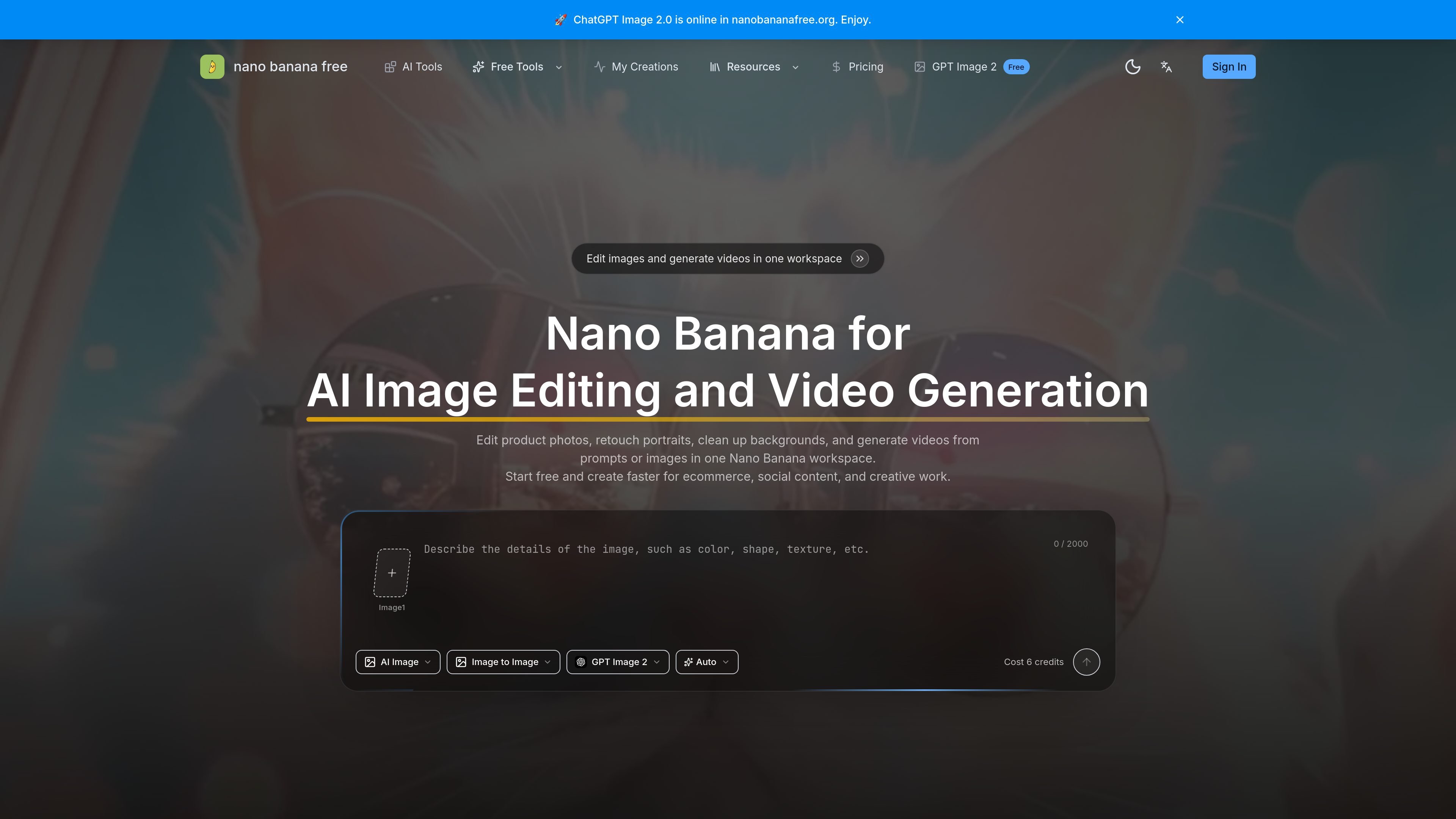
Nano Banana Free is an AI image editing and video generation workspace for turning prompts and source images into polished visuals. The site presents it as a single place to retouch portraits, polish product photos, clean up backgrounds, and generate videos without moving between separate tools.
The workflow is built around uploading an image or starting from a prompt, choosing a model or version, describing the edit in plain language, and then exporting the finished result. The homepage also emphasizes side-by-side version comparison, short revision loops, and practical output for product pages, ads, thumbnails, social posts, and campaign visuals.
Upload a portrait, product shot, old photo, or any visual you want to improve, then describe the change in plain language instead of drawing detailed masks.
Switch between Nano Banana, Nano Banana 2, Nano Banana 3, and Nano Banana Pro in one flow to compare outputs before you commit to a result.
Replace or rebuild backgrounds, extend the canvas, and adjust scene details while keeping the main subject and composition intact where possible.
Generate product videos from prompts or images, with the pricing page also listing video model support such as Veo 3.1 and text/image-to-video workflows.
Download finished results after processing, with paid plans emphasizing no-watermark outputs and private video visibility.
Use focused tools for tasks such as background removal, upscaling, object removal, face swap, enhancement, blur removal, subtitle removal, and video upscaling.
Retouch portraits, clean up lighting or detail, and keep the same face or subject across revisions when you need a polished profile image or editorial-style portrait.
Improve ecommerce images by cleaning backgrounds, adjusting composition, and creating more presentation-ready product visuals for storefronts and campaign assets.
Turn a still image or prompt into a short video, including product-focused clips that use prompt guidance, duration controls, and audio options where supported.
Compare Nano Banana versions before committing to a result, which is useful when a team wants to test edit behavior or output style on the same source image.
Handle repeat production tasks such as background removal, image enhancement, upscaling, subtitle removal, and video enhancement from dedicated tool pages.
Nano Banana Free is a browser-based AI workspace for image editing and video generation. The source describes a workflow where you upload an image or start from a prompt, choose a model or version, describe the edit, and export the result.
The homepage and pricing page show multiple model/version choices, including Nano Banana, Nano Banana 2, Nano Banana 3, Nano Banana Pro, and video models such as Veo 3.1. The exact choice depends on the task and the level of detail or fidelity you want.
Yes. The site says you can refine the result more than once, compare versions in one workspace, and keep iterating until the image is ready to use.
The site positions the product for product photos, portrait retouching, background cleanup, social content, ads, thumbnails, campaign visuals, and AI video generation from prompts or images.
The FAQ on the homepage asks about commercial use, but the rendered source does not provide a clear policy statement in the extracted text. You should verify the current terms before using outputs commercially.
The pages suggest that if the first result is not perfect, you can review it, refine the prompt, and generate another version in the same workflow. The product is designed for short revision loops rather than a one-shot workflow.