
Multi-format editing
Build editors for newsletters, landing pages, websites, and documents from the same SDK surface.

GrapesJS Studio SDK is an embeddable visual editor for building newsletters, landing pages, websites, and documents inside your app. It combines drag-and-drop editing, code editing, reusable components, and export tools for HTML/CSS/JS output.
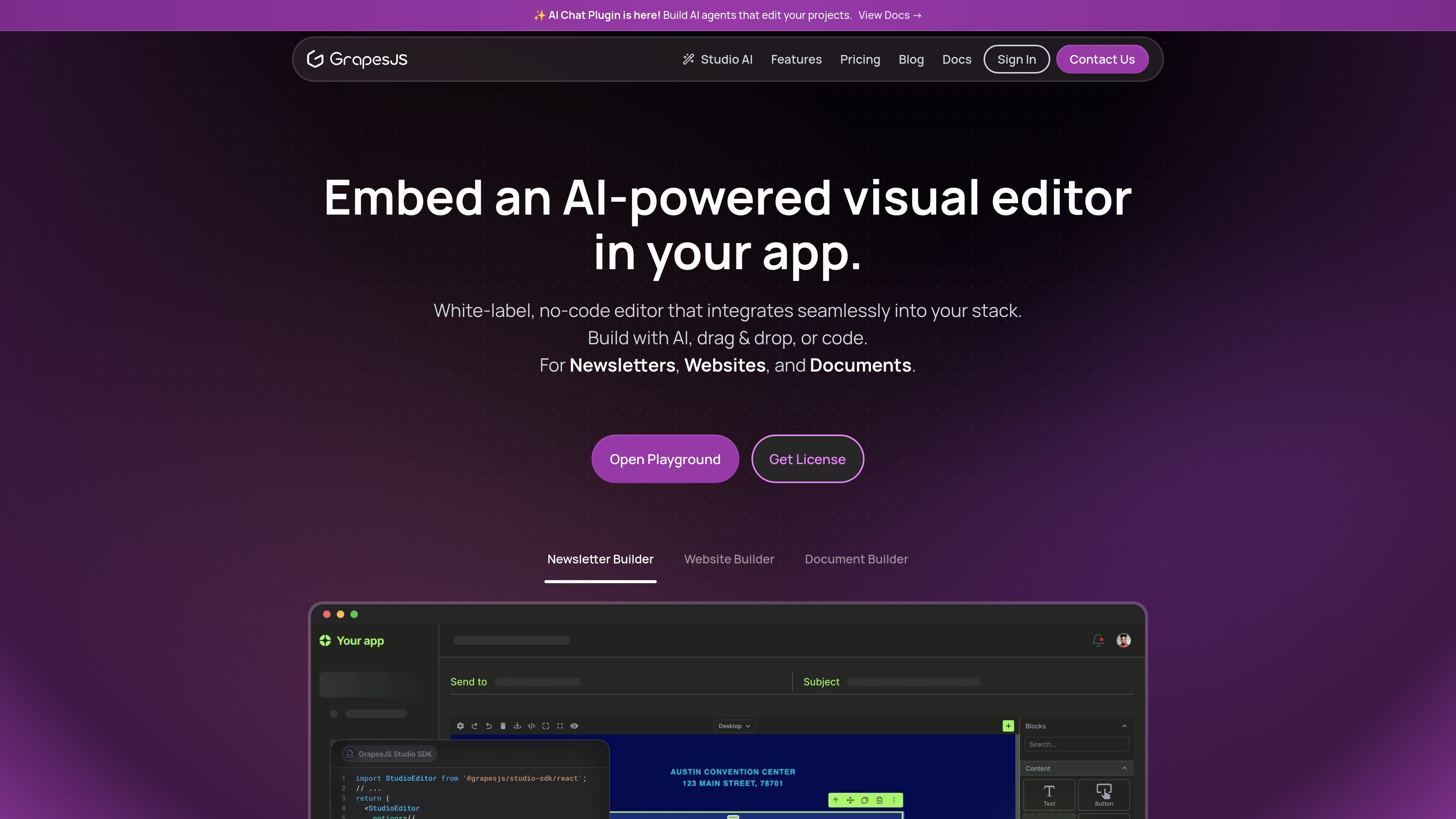
GrapesJS Studio SDK is an embeddable visual editor for building newsletters, landing pages, websites, and documents inside your application. The site positions it as a white-label editor that combines drag-and-drop editing, code editing, reusable components, and AI-assisted workflows.
The product page and docs describe GrapesJS as a multi-purpose web builder framework for HTML-like structures. That makes it suitable not only for web pages, but also for template-based content such as newsletters, documents, and other element-driven layouts that need a visual authoring interface and clean export.
Build editors for newsletters, landing pages, websites, and documents from the same SDK surface.
Let users drag, drop, and arrange custom components while still editing code when needed.
Create reusable symbols and manage pages, layers, and assets inside the editor.
Style content from basic to advanced responsive layouts, with support for configurable CSS properties.
Export content as simple JSON and built-in HTML/CSS/JS output for downstream use.
Style the editor UI, add custom plugins, and choose cloud or self-hosted data hosting.
Give end users a no-code or low-code way to build email templates with reusable components and clean export for downstream systems.
Embed a visual page editor for marketing teams or content teams that need landing pages and website layouts without hand-coding every change.
Create document editors for printable or structured outputs where users arrange elements visually and export the result.
Build custom authoring tools for product teams that need white-label editing, custom UI styling, and plugin-driven extensions.
Support hybrid workflows where users assemble content visually but can still inspect or edit code when necessary.
GrapesJS is a multi-purpose web builder framework, while GrapesJS Studio SDK is the embed-ready, white-label editor experience highlighted on the product site. The docs also describe GrapesJS as a framework for creating drag-and-drop builders around HTML-like structures.
The site describes drag-and-drop editing, code editing, reusable components, responsive design tools, built-in assets management, pages and layers managers, and HTML/CSS/JS export. The pricing page also highlights AI credits and cloud space in the hosted plans.
The homepage says the editor can be used for newsletters, landing pages, websites, and documents. The docs add that GrapesJS can be adapted to other HTML-like structures such as MJML, React Native, PDFs, and similar element-based templates.
The pricing page shows a Free Starter plan, a paid Pro plan, and an Enterprise option with embedded editor SDK, dedicated support, white-label solution, and SLA guarantee. The documentation page also points developers to downloadable framework packages and presets.
The homepage says the product is intended to integrate into your stack and offers flexible data hosting with cloud or self-hosted options. The docs frame GrapesJS as a framework that can be used independently inside applications, but specific framework or runtime integrations are not detailed on the collected pages.