
Automatic route durations
Uses Google Maps to calculate travel time instead of relying on a manually entered duration, adding an outbound and return block around location-based events.

場所が設定された Google Calendar の予定の前後に、Google Maps の移動時間ブロックを自動で追加します。会議へ移動する人が、カレンダーや予約ページ、計画アプリで現実的な移動時間を確保できます。
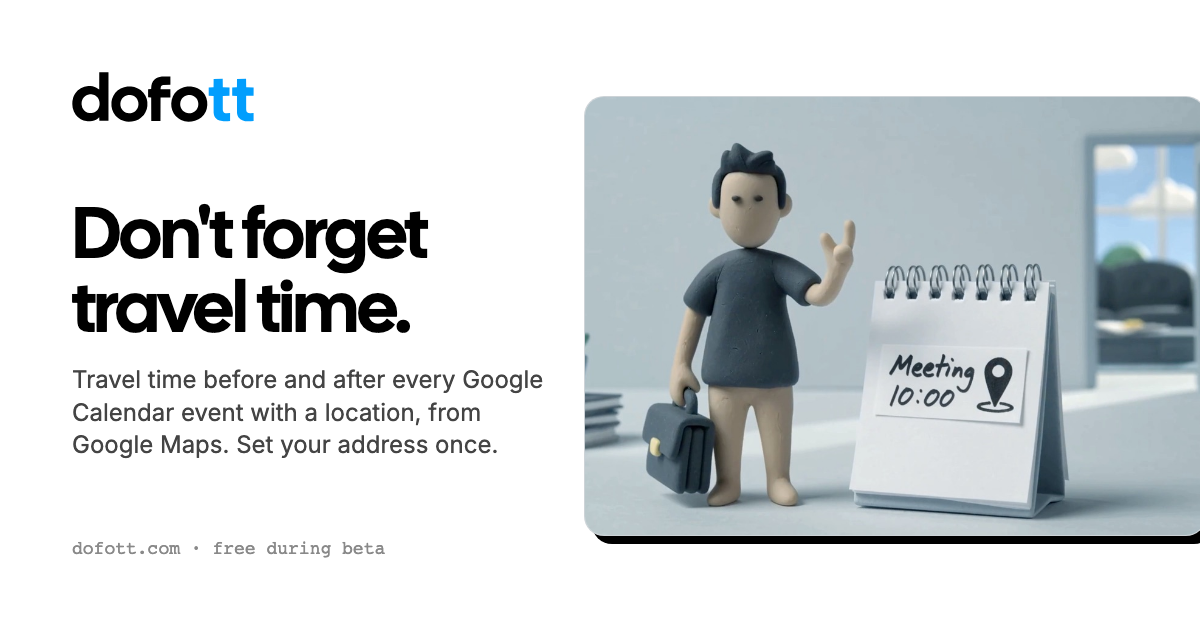
DOFOTT adds travel-time blocks before and after Google Calendar events that have a location. After connecting a Google account, users set home and optional work addresses, select a travel mode, and let Google Maps calculate the route duration for driving, transit, walking, or cycling.
The resulting blocks are ordinary Google Calendar events. They can therefore appear in other apps that show the same Google account, while marking the travel period as busy for scheduling purposes. DOFOTT is intended for people and teams whose calendars need to account for the time spent reaching in-person meetings.
Uses Google Maps to calculate travel time instead of relying on a manually entered duration, adding an outbound and return block around location-based events.
Users can set home and optional work starting points, with work used during configured work hours and home at other times.
Supports driving, transit, walking, and cycling, with the option to change the mode for an individual trip.
Travel blocks follow events when they move or change length, disappear when the event is deleted, and support recurring events and single-occurrence changes.
Each travel block provides controls for the mode, starting point, return trip, or no travel. Users can add five, ten, or fifteen minutes for parking and finding the destination.
Writes to calendars the connected account can edit. Blocks can use Google Calendar colors, remain quiet, show as busy, and be removed with a single deletion control.
Consultants, salespeople, and other people traveling to appointments can reserve realistic driving or transit time between in-person meetings.
People using Calendly, Cal.com, SavvyCal, or TidyCal can expose travel blocks as busy time so new bookings do not occupy the journey.
Users planning in Apple Calendar, Notion Calendar, Akiflow, Sunsama, or Superhuman can see the blocks through the connected Google Calendar account.
Recurring meetings with locations can receive recurring travel blocks, while a change to one occurrence can remain specific to that date.
Team members can connect their own Google Calendars so colleagues see travel time as busy without exposing home or work addresses. The team offering is currently described as a pilot.
You need a Google account with Google Calendar. Gmail is not required; Google Workspace and Google accounts created with another email address can work. Connect the account, choose writable calendars, and set your address details.
It can appear in Apple Calendar when the events are stored in a connected Google account because the blocks are ordinary Google Calendar events. It does not work with calendars stored only in iCloud and does not support Outlook as its calendar platform.
A meeting with a location that receives travel time counts once, regardless of the number of blocks. Video calls with only a meeting link or a location such as Zoom or Teams do not count. Each occurrence of a recurring event counts separately.
It works 60 days ahead, with the planning window moving forward over time. Meetings farther out receive blocks as they enter that range, while recurring events are handled as recurring blocks as far ahead as the meeting extends.
Up to 12 qualifying meetings per calendar month are free. A month exceeding 12 costs $5 plus tax with unlimited qualifying meetings for that month; the annual plan costs $36 plus tax with no meeting limit. The published pricing also states that the sign-up month is free and annual subscriptions can be refunded in full within 30 days.
トラフィックデータは参考情報としてご利用ください。

toki.com
Tokiは、テキスト、音声メモ、スクリーンショット、メールをカレンダーの予定やリマインダー、タスク計画に変換し、会議の調整もサポートするAIカレンダー・スケジュールアシスタントです。個人、チーム、家族など、複数の予定を管理する人に適しています。

payflip.xyz
Payflip is a payment app and claim-link protocol for sending money to a person by email, phone number, @username, QR code, or link. Recipients can choose an available way to receive the payment, while unclaimed transfers are designed to return automatically after the sender’s selected time limit.

googlebook.google
Googlebook is a laptop category designed around Gemini features, Android phone connectivity, and access to apps through Google Play. It is intended for users who want a laptop for productivity, creative work, entertainment, and workflows that move between phone and computer.

www.notchowl.com
NotchOwl is a Mac workspace for managing tasks, focus sessions, notes, and upcoming calendar events from the notch or menu bar. It is designed for keeping a personal daily workflow accessible without opening separate windows.

piccollage.com
PicCollage is a photo and video collage creation app with templates, editing tools, stickers, text, and backgrounds. It helps people make greeting cards, digital scrapbooks, social posts, memory pages, and video recaps on iOS, Android, or in a web browser.