
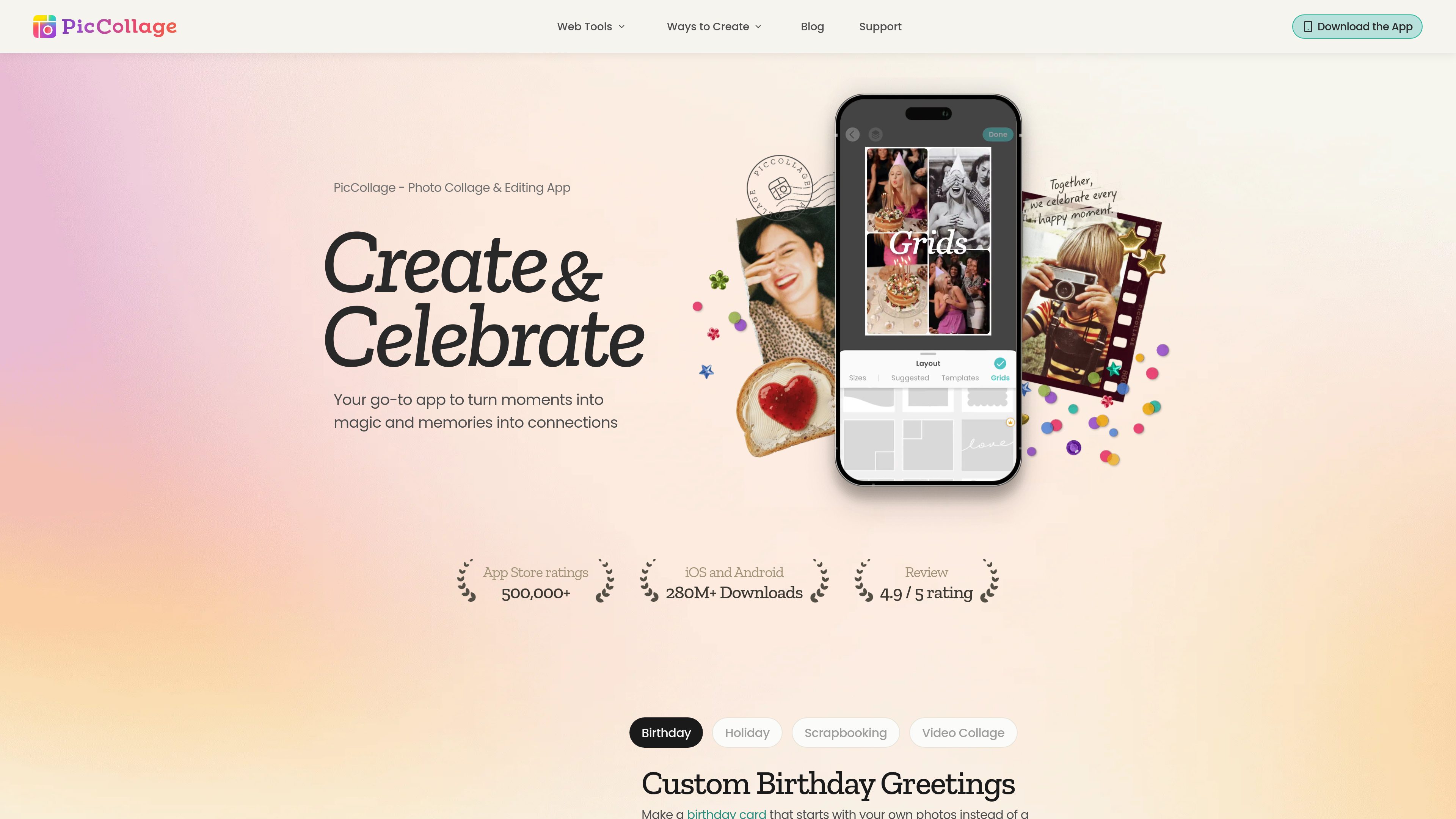
Grid and template layouts
Start with a structured grid or a designed template, then place photos into cells and adjust the arrangement. The homepage describes layouts that can accommodate from two photos up to twelve.

PicCollage is a photo and video collage creation app with templates, editing tools, stickers, text, and backgrounds. It helps people make greeting cards, digital scrapbooks, social posts, memory pages, and video recaps on iOS, Android, or in a web browser.
PicCollage is a photo and video collage maker for turning personal media into designed cards, memory pages, social graphics, and short recaps. Its core workflow combines uploaded photos or clips with grids, templates, text, stickers, backgrounds, and adjustable layouts rather than requiring users to begin with a blank canvas.
It is available as an iOS and Android app, while the web collage maker runs in a modern browser without a download or account. Users can upload images, choose a grid or template, adjust photo placement and the canvas, and save the finished design. The web tool states that exports are full resolution and have no watermark.
Start with a structured grid or a designed template, then place photos into cells and adjust the arrangement. The homepage describes layouts that can accommodate from two photos up to twelve.
Drag photos to change their position, resize them within cells, swap images, and adjust spacing, borders, and canvas settings. The homepage also describes tools for removing a busy background and expanding an image to fill the frame.
Add captions, dates, names, or quotes with text tools, and customize a project with stickers, fonts, backgrounds, and paper-like textures.
Combine photos and video clips in one layout to create a moving recap of a trip, year, or other memory.
The web collage maker works in a modern browser on phones, tablets, laptops, and desktops. It accepts JPEG, PNG, WEBP, and HEIC uploads and does not require an account or software installation for the described workflow.
The web tool states that finished collages can be downloaded at full resolution without a watermark or compression, then used for posts, messaging, printing, or wallpaper.
Create a card around the recipient's own photos, then add stickers, text, and seasonal design elements. Finished work can be sent digitally or printed at home.
Turn a camera roll into a page for a trip, school year, family milestone, or pet memories. Captions and dates provide context alongside the photos.
Bring several moments together in a single photo collage or combine still images and video clips for a recap that can be shared with a group.
Build image collages for feeds, Stories, and other posts by selecting a canvas format, arranging multiple photos, and downloading the result for posting.
Use two- or three-cell layouts to show renovations, progress, transformations, plant growth, or other changes side by side.
No. The web collage maker is designed to run in a modern browser without a download or account. PicCollage also offers mobile apps for iOS and Android.
The web tool lists JPEG, PNG, WEBP, and HEIC as supported upload formats.
Yes. The described browser workflow lets you drag photos, resize them inside cells, swap images, adjust the canvas, and add a background color.
The collage-maker page states that downloaded web collages have no watermark and are exported at full resolution.
Examples supported by the site include birthday and holiday cards, digital scrapbooks, travel or year-in-review collages, video recaps, social-media graphics, and before-and-after comparisons.

isheji.com
爱设计は、ポスターやSNS画像、ECビジュアルなどを作成できるブラウザ型テンプレートデザイン platformです。オンライン編集、クラウド保存、ダウンロードと商用利用許諾を分けた会員制度に対応しています。

lucidchart.com
Build process maps, org charts and technical diagrams from templates, text prompts or data, then edit and collaborate on a shared canvas.

mydesigns.io
MyDesignsは、オンデマンド印刷・デジタル商品販売者向けに商品作成から注文処理までを自動化します。

edrawmax.com
Create diagrams from a blank page or an existing Edraw file, arrange symbols and text, and export the result from a browser-based editor.

blancbrowser.com
Blanc is a minimal desktop browser for macOS, Windows, and Linux with built-in ad and tracker blocking, private tabs, and keyboard-first navigation. It is designed for people who want a smaller browser surface while keeping tools for tab organization, profiles, reference viewing, and optional encrypted sync.

cropit.xyz
Cropit is an in-browser photo slicer for creating Instagram profile grids, swipeable panorama carousels, and multi-tile image layouts. It helps photographers, agencies, and visual creators prepare precisely ordered image slices without uploading source photos to a server.