
Built-in ad and tracker blocking
Blocking runs in the browser’s network layer using reviewed EasyList and EasyPrivacy snapshots included with each release. A per-site control lets users adjust blocking when needed.

Blanc is a minimal desktop browser for macOS, Windows, and Linux with built-in ad and tracker blocking, private tabs, and keyboard-first navigation. It is designed for people who want a smaller browser surface while keeping tools for tab organization, profiles, reference viewing, and optional encrypted sync.
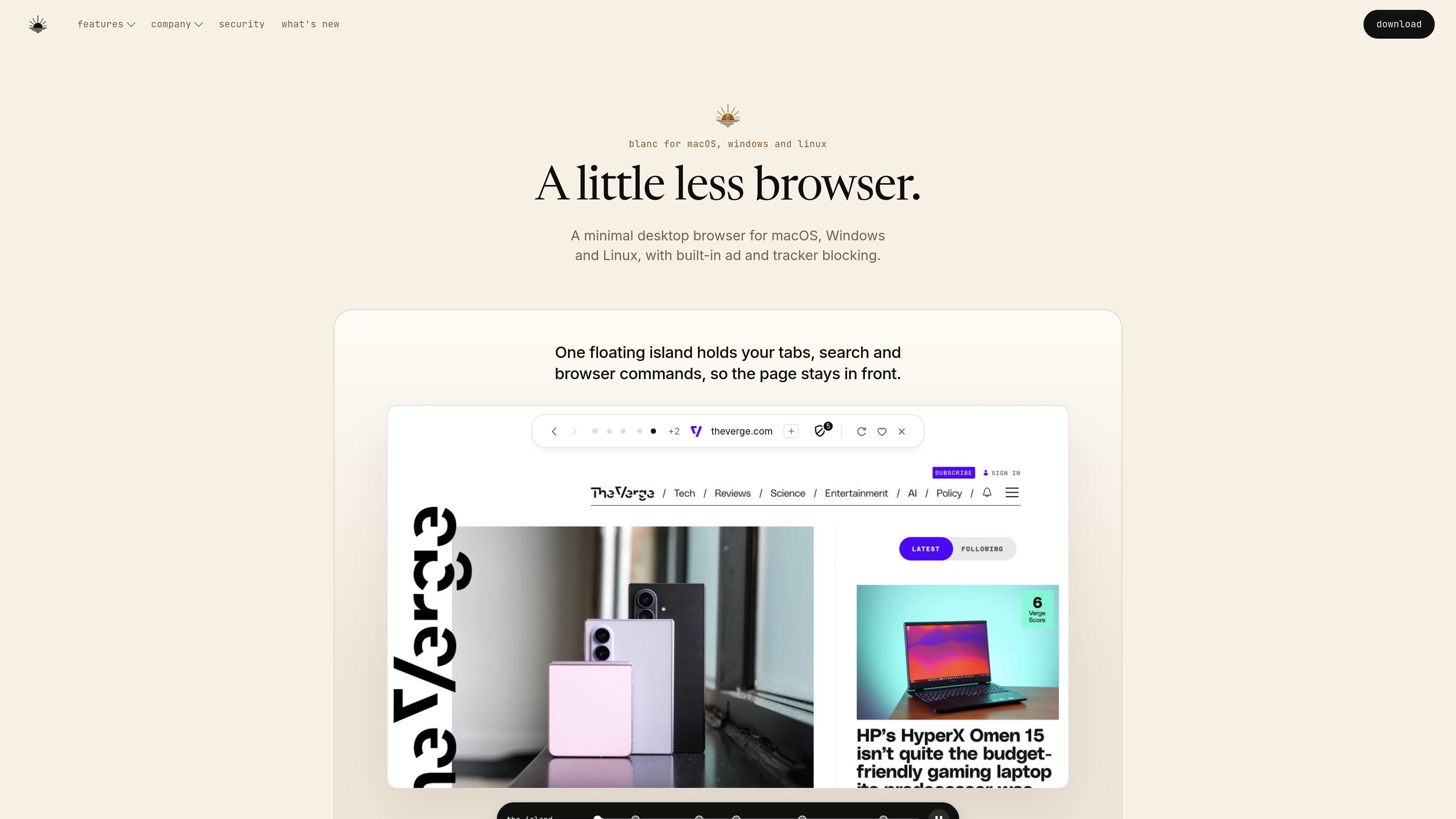
Blanc Browser is a desktop web browser for macOS, Windows, and Linux. It uses a compact floating interface called the Island for tabs, navigation, search, and browser commands, and includes built-in ad and known-tracker blocking without requiring an extension.
The browser supports private tabs, tab groups, local profiles, independent windows, Glance side-by-side reference viewing, configurable gestures, and Recently Closed recovery. Optional sync can carry Favorites and settings across devices, with optional open-tab snapshots; data is encrypted on the device before transmission and sync is off by default.
Blanc is free to browse. An optional Blanc Patron subscription enables creation and saving of Named Workspaces, which preserve sets of tabs and groups for later use. Blanc does not include a built-in AI assistant or browser extension runtime.
Blocking runs in the browser’s network layer using reviewed EasyList and EasyPrivacy snapshots included with each release. A per-site control lets users adjust blocking when needed.
Private activity stays out of Blanc history, session restore, and Recently Closed. Private tabs also do not contribute to the Billboard frequent-sites row.
The address field searches tabs, Favorites, and history, while `/` opens browser commands. Configurable mouse gestures and trackpad drags provide an additional navigation method.
Tab groups keep related pages together, and Recently Closed restores ordinary tabs or groups within bounded, per-window undo history. Reopened pages may need to reload.
Local profiles separate logins, Favorites, and history. Independent windows keep contexts apart, while Glance places another open tab beside the main page for reference.
Favorites and settings can sync across devices, with optional open-tab snapshots. Sync is off by default, and the data is encrypted on the device before transmission.
Use the compact Island interface and built-in blocking for routine web tasks without relying on a large toolbar or an ad-blocking extension.
Keep a source or reference page visible in Glance while working in another tab, and organize related material with tab groups.
Use local profiles and independent windows when different logins, Favorites, or browsing histories need to remain separate.
Enable optional sync to carry Favorites and settings between supported desktop installations, with the choice to include open-tab snapshots.
Patron subscribers can save named sets of tabs and groups as Named Workspaces for recurring projects or routines.
Blanc is free to browse. Patron is optional and is required to create and save Named Workspaces. Existing workspaces remain usable if the subscription lapses, and renaming or removing them continues to work.
Blanc provides desktop builds for macOS, Windows, and Linux. The download page lists Apple Silicon and Intel macOS DMGs, a signed Windows NSIS installer, and a Linux AppImage.
Yes. First-run setup can detect another browser, and Favorites can import from a detected browser profile or an HTML bookmarks file. Imports happen on the device and do not include passwords, cookies, or every part of another browser’s session.
Blanc does not currently support extensions because it has no extension runtime. It also has no built-in AI assistant, copilot, or page summarizer.
Sync is optional and end-to-end encrypted, with data encrypted on the device before it leaves. On a fresh profile, usage measurement sends nothing until the choice is saved; it can be turned off and does not include URLs, searches, page content, game state, or private-tab feature activity.
トラフィックデータは参考情報としてご利用ください。

linkflick.com
LinkFlick is a macOS menu bar utility that transfers supported Apple Magic accessories between trusted Macs on the same local network. It is designed for people who use one Magic Keyboard, Mouse, or Trackpad with multiple Macs and want to avoid manual re-pairing.

www.bzgapps.com
Coherence X turns websites into standalone macOS apps powered by Chrome and other supported Chromium-based browsers. It is designed for Mac users who want separate Dock-accessible apps, browser profiles, extensions, and link behavior for web services.

favenest.app
FaveNestは、iPhone、iPad、Macでリンク、メモ、写真、ファイルを保存・整理できるプライベートなライブラリです。ライブラリは自分のiCloudに保存され、検索、オフライン閲覧、書き出しに対応。FaveNest Proでは、任意でデバイス上または自分のキーを使ったAI整理も利用できます。

drawgenie.io
DrawGenie creates personalized, print-ready AI coloring books from a child’s first name, age, and a theme. It is designed for parents, grandparents, teachers, illustrators, and educators who want custom pages they can download and print at home.

thoughtsformac.com
Thoughts is a native macOS note-taking app that lives in the menu bar, letting you quickly save text, voice recordings, images, screenshots, links, and video notes. It is designed for capturing ideas without an account or subscription, with optional AI tools powered by a provider key you supply.

kiwidesk.kiwicanopy.com
Mac向けのタイル型ウィンドウマネージャーです。開いているウィンドウを自動整列し、レイアウト、アプリのショートカット、プロファイル、マウスによるウィンドウ移動に対応。各ウィンドウのサイズや位置を手動で調整せずに、デスクトップを整理できます。