
Online video editing
Create videos in the browser with tools for trimming, cropping, splitting, reversing, mirroring, adding transitions, and adjusting layout without starting from a blank timeline.

CapCut is an AI-powered video and photo editor for creating, editing, and exporting social content in the browser. It includes online video editing, text-to-speech, subtitles, templates, and image tools for creators working on YouTube, Instagram, TikTok, and related formats.
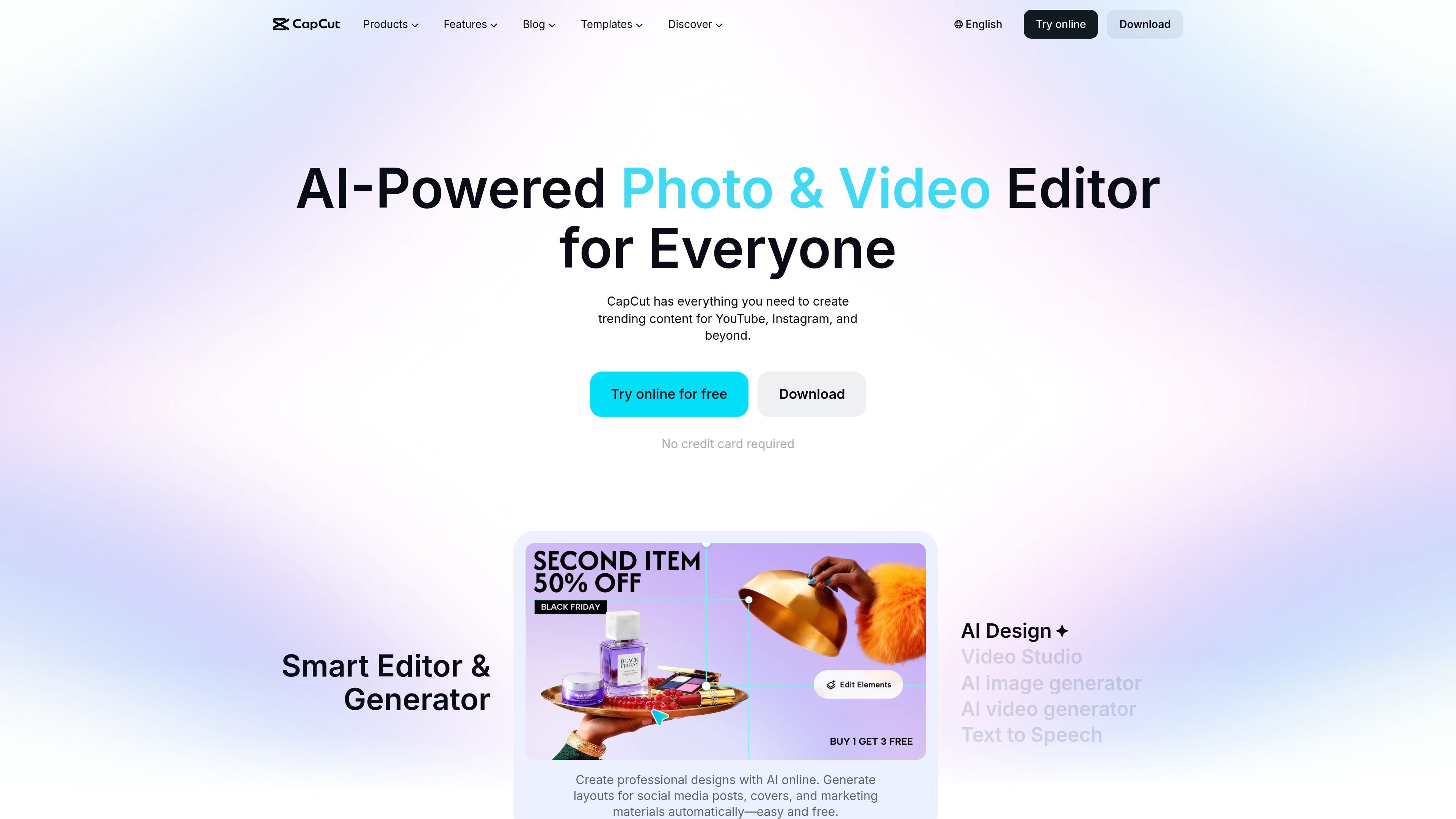
CapCut is an AI-powered video and photo editor with web-based tools for creating, editing, and exporting content. The site positions it as a place to make videos for YouTube, Instagram, TikTok, promo work, slideshows, and other social content, with additional tools for image editing and audio generation.
The product combines an online video editor, AI text-to-speech, subtitle generation, background removal, and template-driven creation. The collected pages also describe browser workflows for uploading media, arranging clips, adding effects and text, and exporting finished videos without a watermark on the online editor page.
Create videos in the browser with tools for trimming, cropping, splitting, reversing, mirroring, adding transitions, and adjusting layout without starting from a blank timeline.
Use AI to generate subtitles from spoken audio and refine accessibility and pacing with subtitle-focused editing workflows.
Turn written scripts into voiceovers with a text-to-speech tool that supports more than 200 AI voices and multiple languages.
Start from templates designed for reels, social posts, promo videos, slideshows, intros, and outros instead of building every project manually.
Create and edit visuals with AI tools such as background removal, image enhancement, image resizing, and photo editing directly in the browser.
Control delivery details during export with filename, resolution, frame rate, and format settings before downloading or sharing the final video.
Assemble short-form videos for TikTok, Reels, and similar platforms using templates, effects, subtitles, and music, then export the finished clip for posting.
Create promo videos, intro videos, outro videos, and slideshows for brands or products using the web editor’s timeline and asset tools.
Generate voiceovers from a script with AI voices, then adjust speech rate, volume, and language for narration-heavy videos or podcasts.
Add automatic subtitles and edit them into a cleaner viewing experience for audiences that need captions or for videos intended to be watched without sound.
Clean up and prepare image or video assets with background removal, image enhancement, and resizing before combining them into a final project.
CapCut’s online editor supports browser-based video creation with tools for trimming, cropping, splitting, reversing, mirroring, captions, effects, transitions, and filters. The site also presents it as available on desktop and mobile, depending on the version you use.
Yes. The source says you can create videos online free and export without a watermark in the online editor, including for commercial or personal use.
The source shows an online editor, text-to-speech, and subtitle tools for English and other languages, plus a text-to-speech page that advertises 200+ AI voices. The site does not provide a full technical integration list on the pages provided.
The online editor page says you can upload media from your computer, cloud storage, Google Drive, Dropbox, or by QR code, then export or share your video.
The provided pages do not show pricing details. The homepage and tool pages describe free online use and free trials, but the pricing page itself returns a 404 in the collected evidence.