
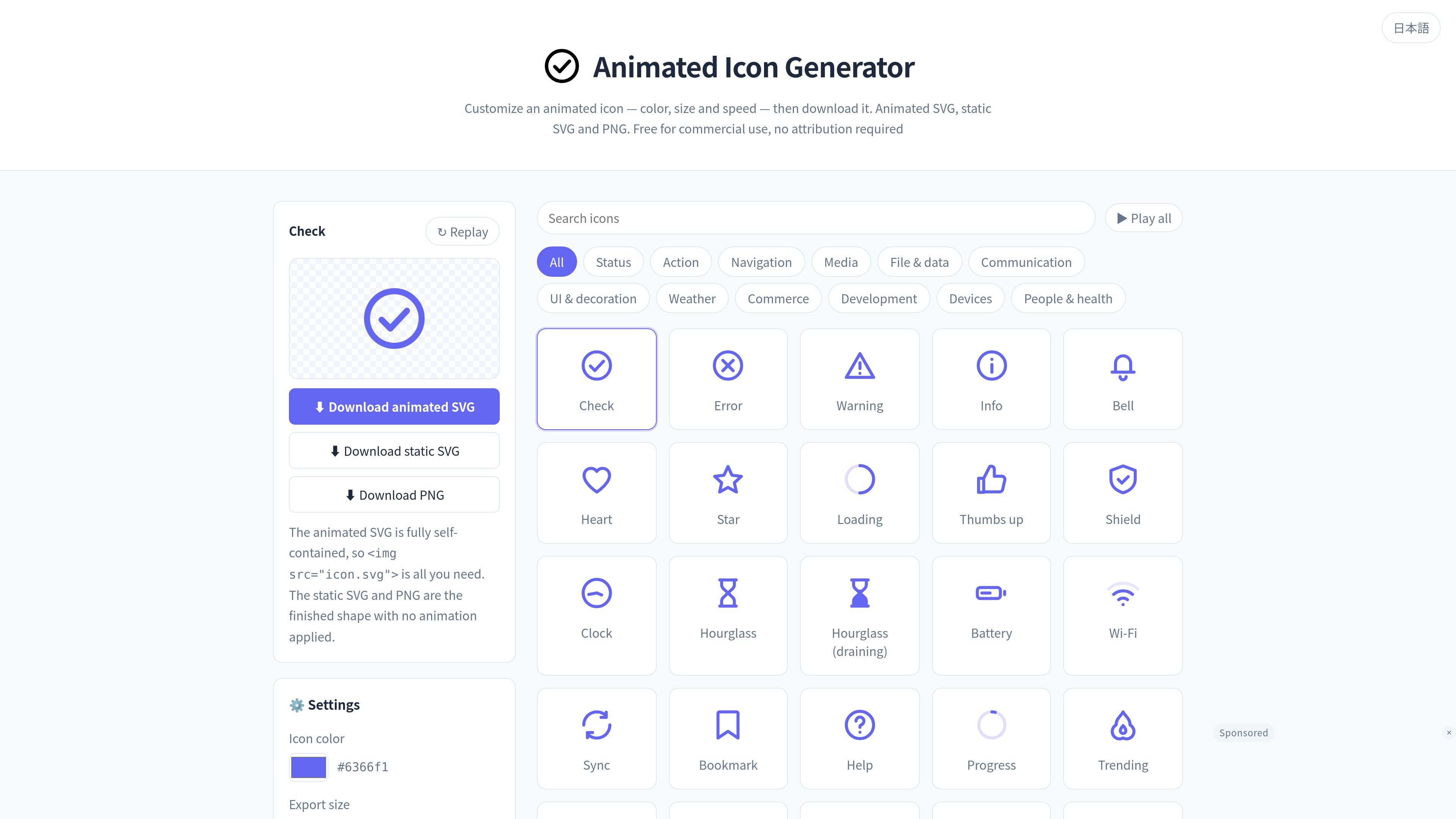
300-icon catalog
Browse 300 icons organized across practical categories including navigation, communication, UI, weather, commerce, development, devices, and people and health.

A browser-based tool for selecting icons, customizing their color, size, speed, and loop count, and downloading them as animated SVG, static SVG, or PNG. It is intended for web creators and other users who need reusable animated or static icon files.
Animated Icon Generator is a browser-based tool for choosing an icon, changing its available export settings, and downloading a ready-to-use file. The catalog contains 300 icons spanning actions, navigation, communication, UI and decoration, weather, commerce, development, devices, and people and health.
Exports are available as animated SVG, static SVG, or PNG. Animated SVG keeps the configured animation behavior inside the file, while static SVG provides a non-animated vector version and PNG provides a transparent-background raster alternative for environments where SVG is not suitable. The tool is designed for downloading files rather than generating standalone CSS animation snippets.
Browse 300 icons organized across practical categories including navigation, communication, UI, weather, commerce, development, devices, and people and health.
Select an icon and configure its color, export size, animation speed, and loop count before downloading.
Download the result as an animated SVG, static SVG, or PNG, allowing the same icon concept to be used in animated, vector, or raster contexts.
Configured speed and loop count are written into the animated SVG’s CSS, so the file can animate when embedded without adding external CSS or JavaScript.
Use PNG when the destination does not support SVG; the exported PNG has a transparent background.
Generated icons may be used personally or commercially without credit, and color, size, and shape changes are allowed. The icons themselves may not be redistributed or sold as a standalone collection.
Download animated SVG icons for interface states such as loading, success, warnings, errors, notifications, and progress, then embed them with an `img` element or CSS background image.
Choose static SVG when a non-animated vector is needed for design-tool import, editing, or print-oriented work.
Export PNG for websites or publishing systems where SVG cannot be uploaded or supported. This is also the documented fallback for WordPress installations that do not allow SVG uploads.
Adjust the icon color and export size to fit a site or interface, and use permitted modifications to adapt the downloaded asset to a project.
Choose an icon from the catalog, set its color, export size, speed, and loop count in the settings panel, then download it as animated SVG, static SVG, or PNG.
Animated SVG retains motion and scales without vector quality loss. Static SVG does not animate and remains editable as a vector. PNG does not animate, has a transparent background, and is intended for environments that cannot use SVG.
Yes. The configured speed and loop count are included in the animated SVG’s CSS, so the downloaded file uses those settings when embedded elsewhere. The catalog preview itself stops after three plays regardless of the selected settings.
Yes. The icons can be used for personal and commercial work without attribution, and modifications to color, size, and shape are allowed. You may not redistribute or sell the icons themselves as a standalone asset collection.
WordPress blocks SVG uploads by default for security reasons. You can use an SVG-upload plugin or change the site’s allowed MIME types if appropriate; if those settings cannot be changed, use the transparent PNG export instead.

jitter.video
Jitterは、テンプレートやAI生成、手動操作でアニメーションを作成・編集できるブラウザベースのモーションデザインツールです。

cascadeur.com
AIポージングと物理ベースの動きを備えたキャラクター向け3Dキーフレームアニメーションツール。

oiioii.art
OiiOii is an AI animation creation agent for turning story ideas and scripts into animated productions. It organizes creative work through specialized roles including writing, scene design, character design, storyboarding, art direction, and music direction.

deepmotion.com
ブラウザで使えるAIモーションキャプチャーと3Dアニメーション基盤

animaker.com
プロンプトからアニメーション動画を作るWebベースのAIプラットフォーム

alson.ai
AlsonAI is an AI storytelling and illustrated book creation platform for turning ideas, manuscripts, poems, and memories into editable illustrated books, with optional narrated animation and publishing workflows.