
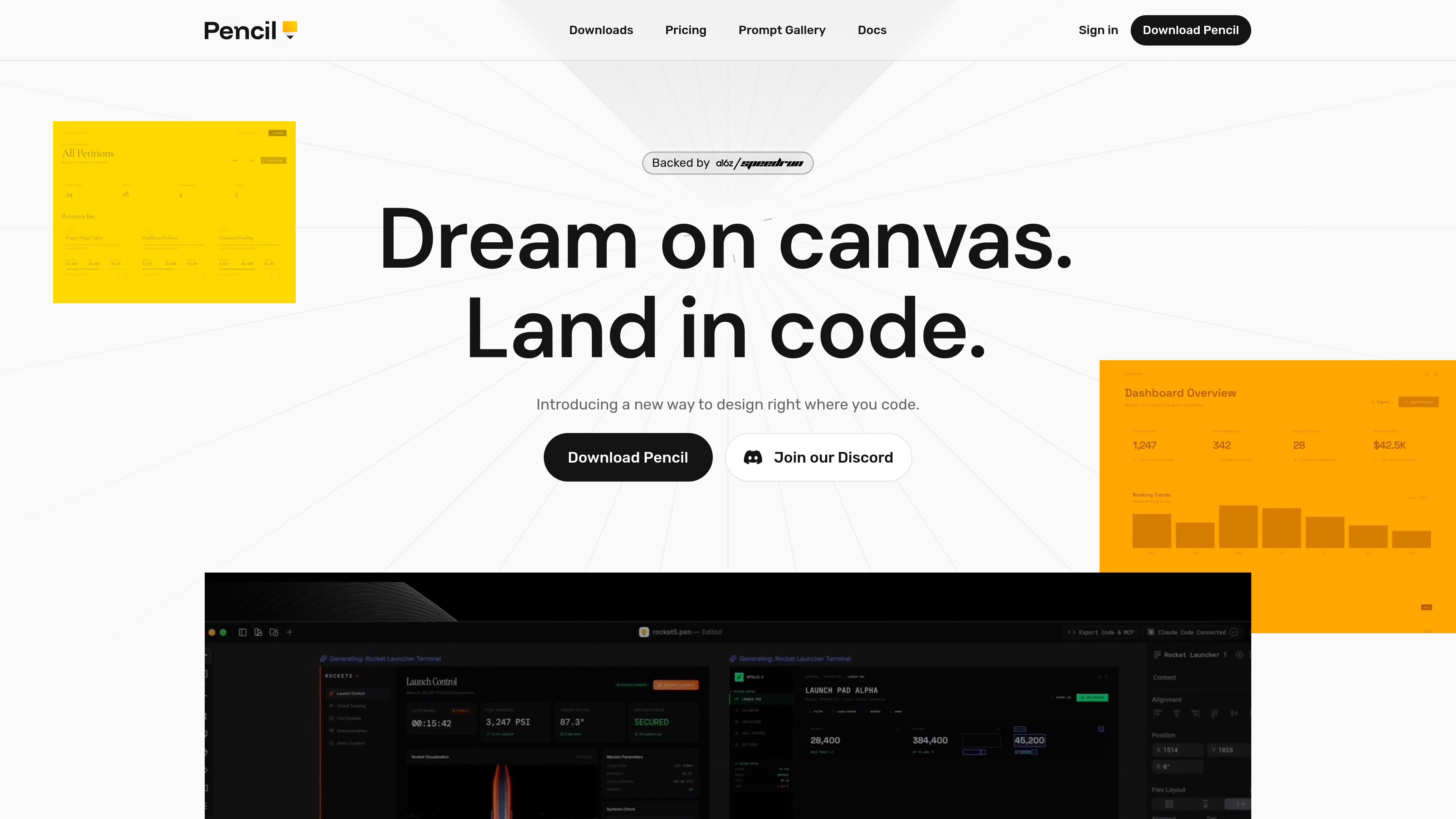
IDE-native design canvas
Design directly in your IDE rather than switching between a separate design tool and your code editor. The product is positioned around keeping design and code close together.

Pencil è uno strumento di progettazione assistito dall’IA per creare interfacce all’interno dell’IDE e della codebase. Designer e sviluppatori possono creare, iterare e gestire i file di design insieme al codice, senza cambiare strumento.
Pencil is an AI-assisted design tool for creating interfaces on a canvas that lives close to code, with a strong focus on working inside the developer’s IDE. The site describes it as an agent-driven MCP canvas built around an open design format that lives in your codebase.
Its core purpose is to let teams design without leaving their coding environment, then keep design files versioned, branchable, and mergeable like normal source code. Pencil also emphasizes direct interaction with prompts, design kits, and imported Figma content so users can move from idea to production-ready UI in one workflow.
Design directly in your IDE rather than switching between a separate design tool and your code editor. The product is positioned around keeping design and code close together.
Generate screens or broader flows with an AI-driven canvas workflow. The homepage says you can work side by side with AI and create multiple directions in parallel.
Use an open design format that lives in your codebase. Pencil says design files are readable, debuggable, extendable, and versionable with Git.
Move designs between tools more easily by copying from Figma. The homepage says vectors, text, and styles come over intact.
Use curated component-based design kits or bring your own. The homepage says Pencil includes brand kits and can plug into a team’s existing design system from the codebase.
Access the product through a desktop app, IDE extensions, and a CLI. The downloads page lists native desktop builds, add-ons for several editors, and an npm-installed CLI.
Create UI screens or flows directly in your editor when you want design work to happen alongside implementation rather than in a separate handoff step.
Use the prompt gallery or your own prompts to generate new screen directions, refine layouts, or explore multiple concepts quickly.
Import an existing Figma design as a starting point, then continue iterating on it in Pencil with the source design assets preserved.
Work on repository-based design files that can be versioned, branched, and merged with Git as part of the normal development process.
Use the CLI or editor extensions when you want AI-assisted design from a terminal or inside tools like Cursor and VS Code.
Pencil is designed to work inside your preferred IDE. The site names Cursor, VS Code, Claude Code, and OpenAI Codex on the homepage, and the downloads page lists extensions for Cursor, VS Code, Google Antigravity IDE, and Windsurf, plus a CLI for terminal-based use.
The homepage describes Pencil as an agent-driven MCP canvas built around an open design format that lives in your codebase. The downloads page also shows a desktop app, IDE extensions, and a CLI, indicating multiple ways to use the product.
The pricing page says Pencil is currently free. It also notes that paid features or plans may be introduced in the future, with terms shown before any charge.
The prompts page is a gallery of copyable prompts that can be pasted into Pencil to generate or modify designs. The examples include web app, mobile app, and design-direction prompts.
I dati sul traffico sono solo a scopo di riferimento.

shotcandy.app
Shotcandy è uno strumento gratuito e open source per browser che trasforma screenshot, registrazioni dello schermo e frammenti di codice in immagini o video pronti da condividere. Aggiungi sfondi, cornici, dimensioni e movimento senza caricare file né creare un account.

stitch.withgoogle.com
Stitch è uno strumento di progettazione basato sull’IA che genera concept UI per applicazioni mobile e web, aiutando i team a passare rapidamente dall’idea di prodotto all’esplorazione iniziale dell’interfaccia.

uxpilot.ai
UX Pilot è uno strumento di design con IA per creare wireframe, concept UI e template per siti web da prompt o riferimenti, con modifica iterativa ed esportazione in Figma o codice.

canva.cn
Canva è uno strumento di progettazione visiva basato sul web per creare e condividere risorse digitali e stampate con modifica tramite trascinamento, modelli e funzionalità assistite dall’AI. Supporta i flussi di lavoro individuali, dei team e aziendali per presentazioni, post sui social, loghi, poster e altro.

style3d.ai
Style3D AI è una piattaforma di design della moda e prova virtuale con AI per creare concept di abbigliamento, visual di capi, stampe e immagini pronte per l’e-commerce da prompt, schizzi o immagini di prodotto, senza competenze di modellazione 3D.

moda.app
Moda è uno strumento di design AI basato sul Web per creare risorse visive modificabili, come slide, post per i social, documenti, PDF e diagrammi. I team possono realizzare design coerenti con il brand a partire dai materiali di origine, mantenendo modificabile ogni elemento.