
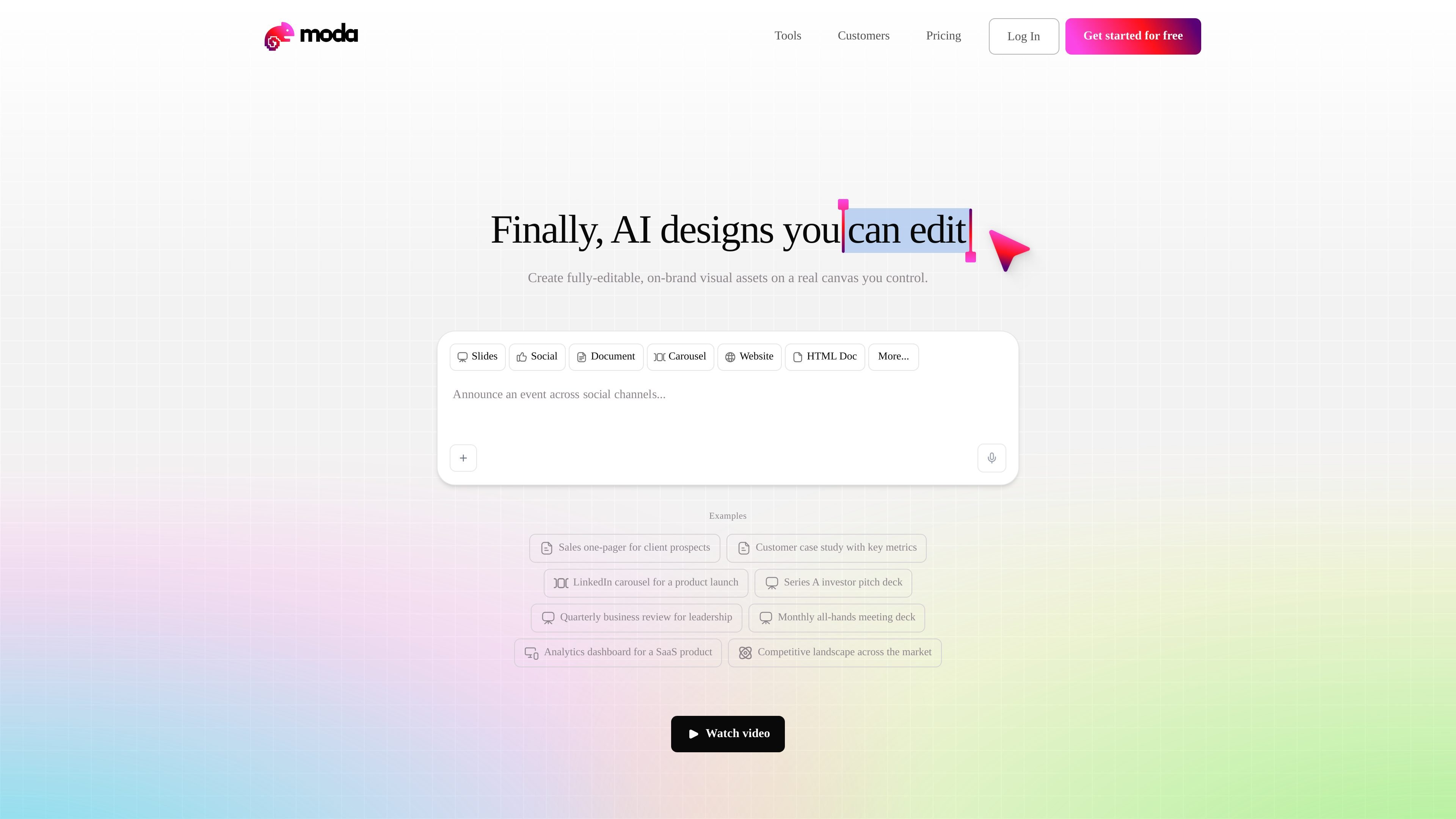
Editable canvas output
Generate fully editable designs on a real canvas rather than a flat image output. The product emphasizes that every element can be adjusted after generation.

Moda è uno strumento di design AI basato sul Web per creare risorse visive modificabili, come slide, post per i social, documenti, PDF e diagrammi. I team possono realizzare design coerenti con il brand a partire dai materiali di origine, mantenendo modificabile ogni elemento.
Moda is an AI design tool for creating editable visual assets on a real canvas. The site positions it for work that needs both speed and control: instead of producing static AI images, it generates slides, social posts, documents, PDFs, diagrams, charts, and related marketing or internal materials that can be revised element by element.
The product is aimed at teams that need branded output without handing every request to a designer or agency. Case studies show go-to-market teams using Moda to turn transcripts, notes, and outlines into polished drafts, then editing the result directly or through conversational prompts. Pricing pages also show a free tier, paid plans, real-time collaboration, and API/MCP access for higher-volume use.
Generate fully editable designs on a real canvas rather than a flat image output. The product emphasizes that every element can be adjusted after generation.
Create slides, social posts, documents, PDFs, diagrams, charts, visualizations, UI mockups, and motion graphics from a single product surface.
Use brand context, custom themes, and brand kits so outputs stay aligned to an organization's visual system. Higher tiers add shared brand management for larger teams.
Edit work directly or ask the AI to revise a layout conversationally. The case studies show teams using source transcripts and notes to produce first drafts, then making live changes as needed.
Work together in real time, share projects across teammates, and pool credits on paid plans. The pricing page also shows unlimited projects across plans.
Use the API and MCP on paid plans for up to 3, 10, or 15 concurrent tasks depending on tier. The site also mentions deep research access in beta on the Free plan by request.
Turn meeting transcripts, notes, or rough outlines into a polished deck for a prospect, customer, or internal review. The case studies show this workflow being used to create enterprise-ready collateral quickly and then correct slides during live conversations.
Build one-pagers, ads, carousels, and other on-brand campaign assets for marketing or ABM work. FERMÀT’s case study shows the product being used for content-driven lead generation and fast iteration without contractor handoffs.
Create internal documents, agendas, and employee-facing materials that need to look designed without spending time in a separate design tool. The homepage examples and case studies both point to this kind of everyday business communication.
Use the canvas to produce charts, dashboards, and visual explanations for leadership updates or quarterly business reviews. The homepage examples include analytics and quarterly reporting-style materials, which fit this use case.
Start from remixable example files when a team wants a quick template for a known format, then adapt the design and copy to match the current topic or campaign.
Moda is designed for creating editable visual assets such as slides, social posts, PDFs, diagrams, documents, and HTML-style layouts. It works well when a team needs to turn source material into a design that can still be revised element by element.
The pricing page describes a free plan and paid Pro and Ultra plans. Free includes 1,500 AI credits per seat each month, while paid plans increase the included credits and add higher-capacity AI usage and team features.
Yes. The pricing page says all plans include unlimited projects and real-time collaboration. The case studies also show teams using Moda together on GTM collateral and live edits.
Moda uses AI credits for actions such as generating designs, editing layouts, removing backgrounds, and creating images. The page notes that more complex tasks consume more credits and that paid plans bill extra usage at a metered rate after included credits are used.
The source pages do not describe a public template library or a complete integration list. They do show API and MCP access on paid plans, plus browser-based design workflows and remixable example files.
I dati sul traffico sono solo a scopo di riferimento.

canva.cn
Canva è uno strumento di progettazione visiva basato sul web per creare e condividere risorse digitali e stampate con modifica tramite trascinamento, modelli e funzionalità assistite dall’AI. Supporta i flussi di lavoro individuali, dei team e aziendali per presentazioni, post sui social, loghi, poster e altro.

veeso.ai
Veeso AI trasforma il testo incollato in design modificabili per post sui social, slide, pagine e newsletter. È pensato per titolari di PMI, marketer, team operativi e founder che hanno bisogno rapidamente di visual curati, senza competenze di design.

designlumo.com
DesignLumo è un generatore e editor di design con AI per creare poster, annunci e post social modificabili da prompt, URL, brand kit o immagini.

miricanvas.com
MiriCanvas è uno strumento di design online per creare presentazioni, post social, miniature, poster e altro con modelli e funzioni AI.

mindshow.fun
MindShow è uno strumento AI per presentazioni basato sul web che genera presentazioni a partire da titoli, documenti, mappe mentali, testi e immagini. Consente di creare e modificare le presentazioni più rapidamente, presentarle online ed esportarle in PPTX.

wizad.ai
Wizad è uno strumento di design AI basato sul web per creare post brandizzati, poster e grafiche con modelli.