
Remote usability testing
Run unmoderated usability tests for prototypes, websites, and mobile apps, with screen and audio recordings to review how people interact with each task.

UXArmy is a user research and usability testing platform for prototypes, websites, and mobile apps. It supports remote testing, moderated sessions, card sorting, tree testing, and AI-assisted analysis for research teams.
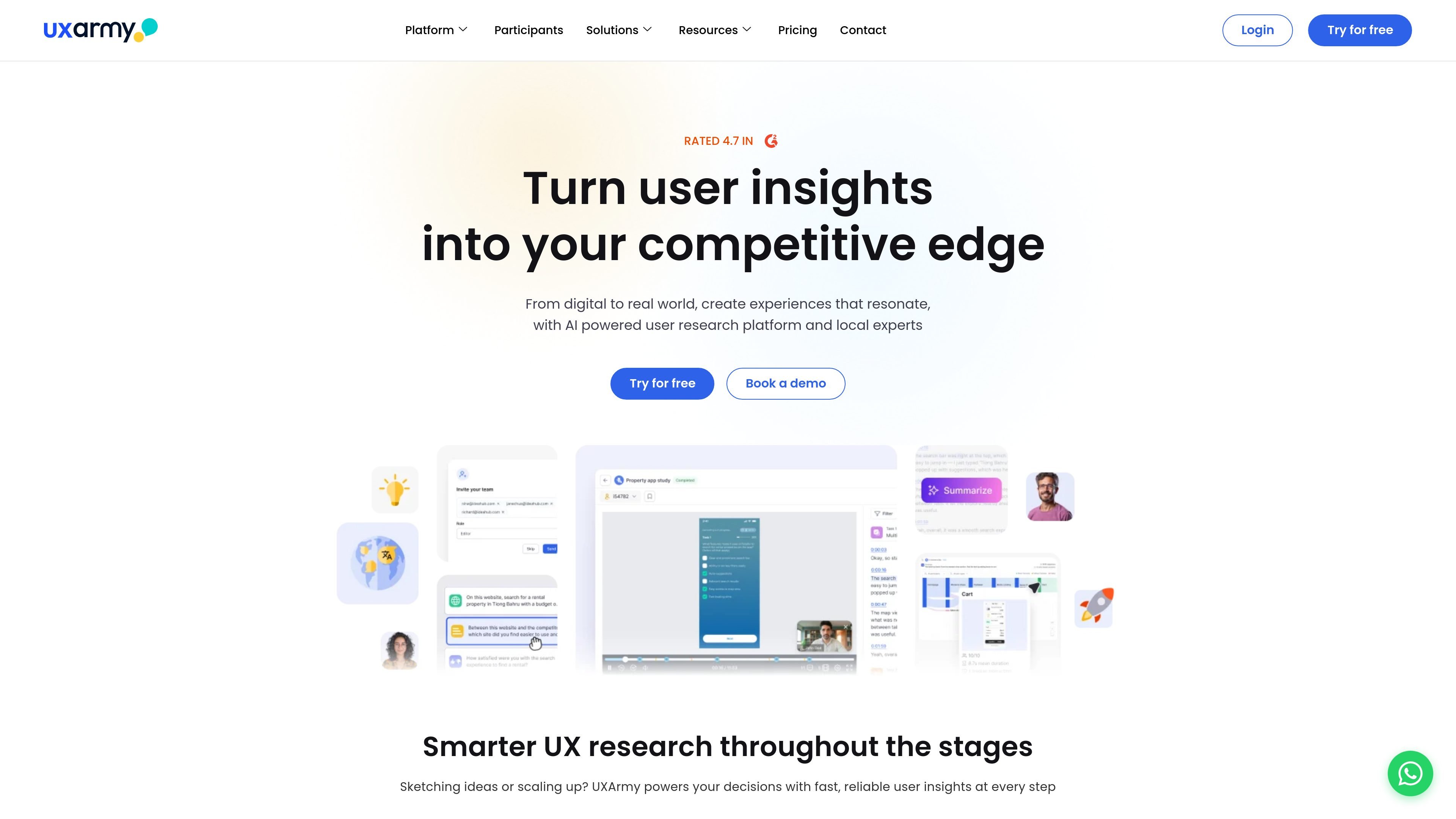
UXArmy is a user research and usability testing platform for studying prototypes, websites, and mobile apps. It combines unmoderated testing, moderated research, card sorting, tree testing, and AI-assisted analysis in one product.
The platform is positioned for teams that want to observe user behavior, collect feedback, and organize findings in a shared workspace. Its pricing page also shows a Free plan and paid tiers for individual users, teams, and organizations, with add-ons such as participant panel access on some plans.
Run unmoderated usability tests for prototypes, websites, and mobile apps, with screen and audio recordings to review how people interact with each task.
Design moderated sessions for interviews, dyads, triads, and focus groups, including longer sessions and shared screen views for richer discussions.
Use task logic, heatmaps, navigation path analysis, click path analysis, and survey questions to study how users move through a prototype or site.
Auto-transcribe sessions, generate AI summaries, and review sentiment and transcripts with timestamps to speed up synthesis.
Support card sorting and tree testing workflows, including open, closed, and hybrid card sorts, participant screening, and similarity analysis.
Collaborate in a shared analysis space with tags, comments, highlight reels, roles, permissions, and collaborator seats on higher plans.
Test a Figma prototype before launch to watch how participants navigate key flows, then review recordings, click paths, and heatmaps to identify friction points.
Run live website or mobile app studies with real users to observe task completion, gather spoken feedback, and analyze recorded sessions afterward.
Use moderated interviews, dyads, triads, or focus groups to explore attitudes, workflows, and follow-up questions in a structured research session.
Organize cards into open, closed, or hybrid sorts to refine navigation labels and information architecture based on how users group content.
Validate hierarchy and find structure problems with tree testing, then compare how users move through site content before redesigning navigation.
UXArmy supports remote usability testing on prototypes, websites, and mobile apps. It also offers moderated research, card sorting, tree testing, and AI-assisted analysis tools.
The pricing page shows a Free plan with no commitment and a Starter plan, with paid tiers available for individuals, teams, and organizations. Users can try the platform before choosing a paid plan.
The platform includes unmoderated testing with screen and audio recording, task logic, AI summaries, auto transcriptions, heatmaps, and a shared analysis space for collaboration.
UXArmy’s pricing information shows plans for solo researchers, small teams, large teams, and organizations, with collaborator seats and role/permission features appearing on higher tiers.
The source pages do not provide a public integrations list. The homepage does mention a Figma prototype workflow and the card sorting page mentions CSV, XLS, and XLSX imports.