
Work order management
Create, assign, and close work orders from any device, with photos, checklists, and real-time updates that help technicians finish work in the field.

UpKeep is a CMMS and asset operations platform for maintenance, operations, and reliability teams. Manage work orders, preventive maintenance, assets, and sensor workflows across web and mobile.
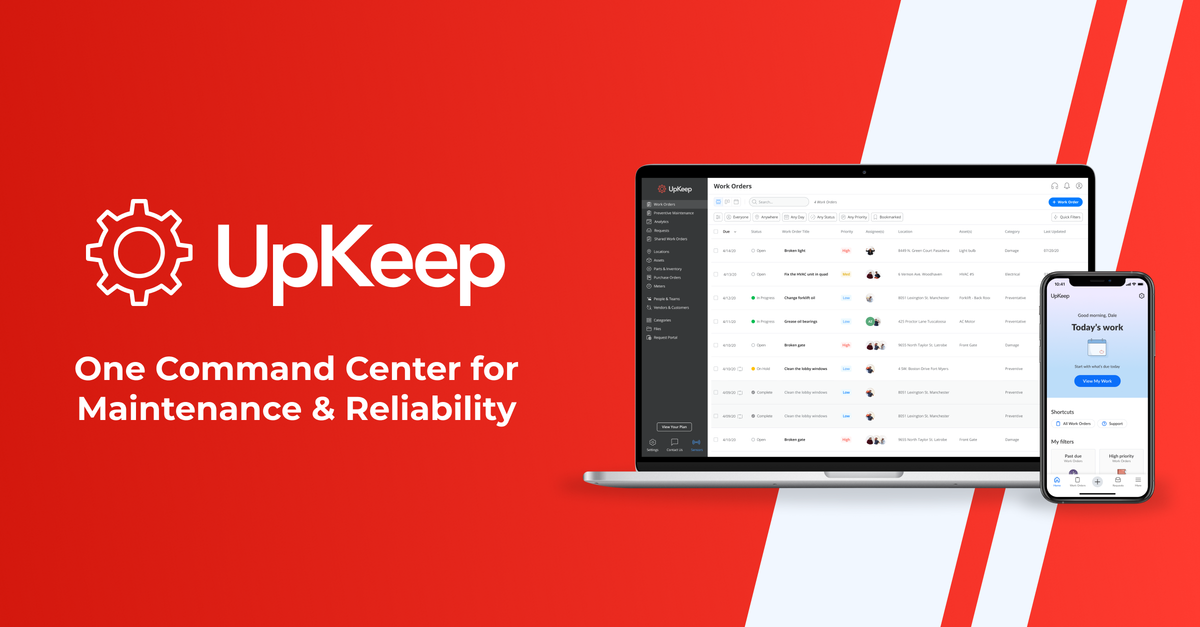
UpKeep is a CMMS and asset operations platform for maintenance, operations, and reliability teams. The homepage describes it as a single system for work orders, compliance, preventive maintenance, and asset data, with embedded AI that adapts to how teams work.
The product is designed to help teams reduce downtime, extend asset life, and keep work visible across sites and devices. The pricing page shows a tiered offering that ranges from a per-user maintenance plan to quote-based Professional and Enterprise plans for larger teams and more advanced needs.
Create, assign, and close work orders from any device, with photos, checklists, and real-time updates that help technicians finish work in the field.
Plan routine maintenance tasks and schedules so teams can move from reactive work toward preventive maintenance.
Keep work orders, safety, reliability, and asset data in one system so different teams can work from the same records.
Use embedded AI to generate work orders, optimize schedules, surface insights, and automate routine actions.
Track assets and related maintenance activity in a single platform, with analytics, lifecycle tracking, and downtime reporting available on higher plans.
Connect UpKeep to ERP, sensors, and other systems, and on the Edge product page route sensor data into work orders, asset records, and reports.
Maintenance teams can centralize work orders, preventive tasks, and asset records so routine jobs are easier to schedule and track.
Operations groups can use the platform to keep safety, compliance, and asset information in the same workflow rather than in separate tools.
Reliability teams can use analytics, downtime tracking, and AI-assisted insights to monitor recurring equipment issues and prioritize action.
Organizations with connected equipment can pair Edge sensors with CMMS records to detect anomalies, generate alerts, and create work orders from sensor events.
Multi-site organizations can use higher-tier plans for workflow automation, custom roles, SSO, and custom dashboards.
UpKeep is a CMMS and asset operations platform for maintenance teams. The source describes it as a place to manage work orders, preventive maintenance, safety, and asset data in one system.
The pricing page shows multiple paid plans, including Maintenance Essential at $24 per user per month, Premium at $55 per user per month, and Professional and Enterprise plans that require a quote.
UpKeep’s source pages emphasize work orders, preventive maintenance, asset tracking, analytics, AI-assisted scheduling, offline mobile mode on higher tiers, and workflow automation on Enterprise.
The pricing page says some capabilities are tied to specific plans. For example, mobile offline mode appears on Professional and above, and workflow automation appears on Enterprise.