
Timestamped notes
Add notes while watching a video and keep the note linked to the exact time in the source video.

Snipo is a browser extension that sends video notes into Notion for YouTube and online courses. Capture timestamps, screenshots, transcripts, and flashcards while studying.
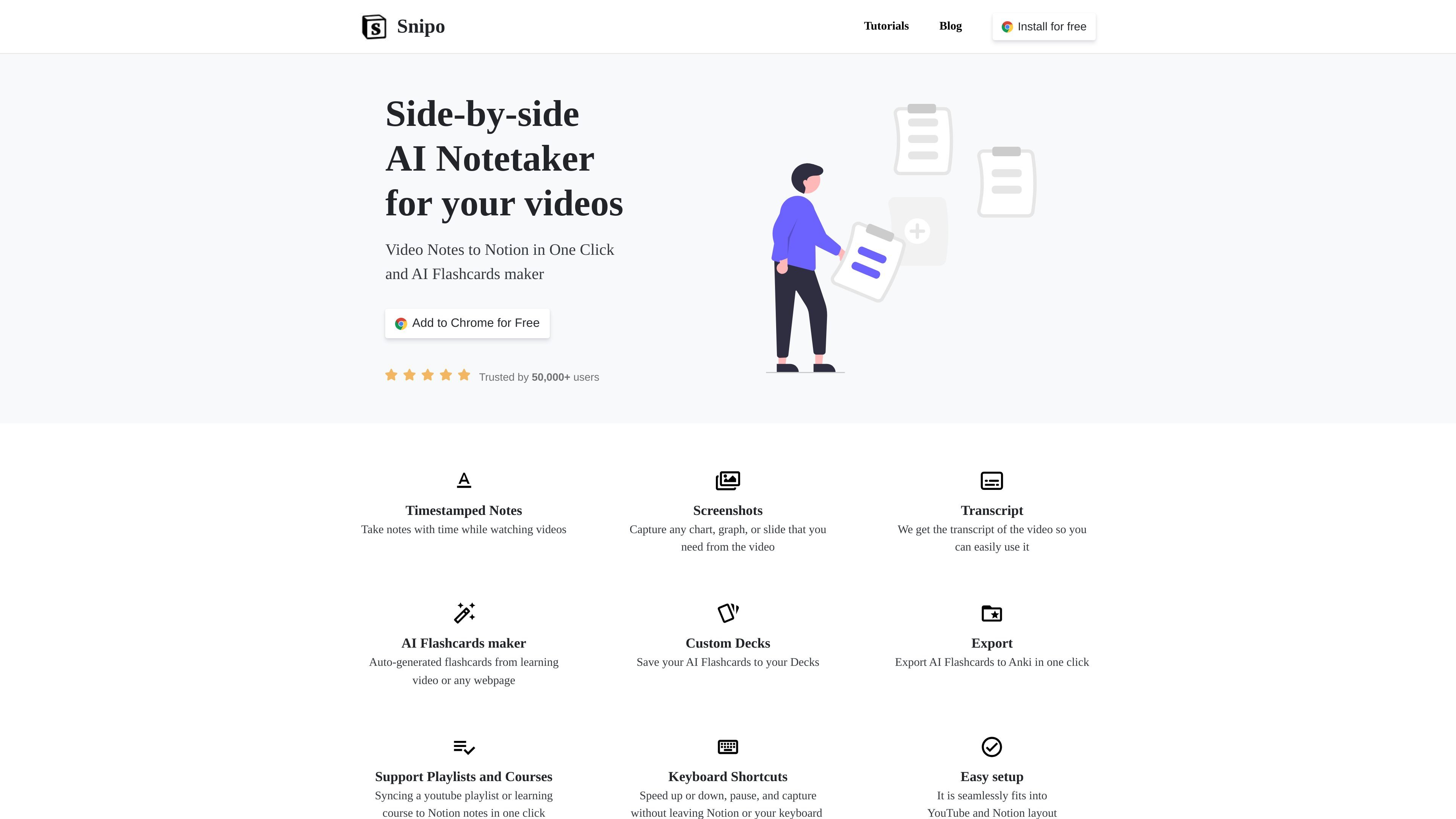
Snipo is a browser extension for taking video notes into Notion. The product page positions it as a side-by-side AI notetaker for videos, with a workflow that keeps your notes close to the video source while you watch and study.
Across the site, Snipo is shown working with YouTube as well as course platforms such as Udemy and Coursera. The main job is to turn video lessons into structured notes, screenshots, transcripts, and flashcards inside Notion, so learners can review material without manually copying information between apps.
Add notes while watching a video and keep the note linked to the exact time in the source video.
Capture charts, graphs, slides, or other visual details from the video as screenshots inside your note.
Pull the video transcript into your note so you can reuse the spoken content without switching tools.
Generate flashcards from a learning video or other webpage, save them to custom decks, and export them to Anki.
Use playback and capture shortcuts such as speed control, pause, and capture without leaving the keyboard or Notion workflow.
Sync YouTube playlists and learning courses into Notion notes, including automatic syncing for supported course pages.
Take notes while watching lessons on YouTube and keep each note anchored to the exact moment in the video for later review.
Open an Udemy course video, use the Snipo Notes button, and sync the course's videos into a Notion note page.
Read a Coursera lesson, capture timestamps and screenshots, and work in split screen between the video and your Notion page.
Turn learning videos or other webpages into flashcards, then save the set to a deck or export it to Anki for spaced repetition.
Use keyboard shortcuts to pause, change speed, and capture notes without leaving the video or reaching for the mouse.
Snipo is a browser-based note-taking extension that sends video notes into Notion. The site shows it working with YouTube, Udemy, Coursera, Skillshare, and LinkedIn Learning.
The source pages show Snipo offering timestamped notes, screenshots, video transcript access, keyboard shortcuts, and automatic syncing from supported video pages into Notion.
The site says Snipo fits into YouTube and Notion layouts and shows integration pages for YouTube, Udemy, and Coursera. It also lists Chrome, Edge, and Firefox in the footer downloads area.
Snipo's public pages do not show pricing details. The homepage includes an 'Add to Chrome for Free' call to action, but the pricing page itself is missing and should not be treated as a full pricing source.