
Automatic transcription
Transcribe meetings, interviews, lectures, and uploaded files in one workspace, then search, edit, and reuse the text later.

Notta is an AI note taker that transcribes meetings, interviews, lectures, and recordings, then helps summarize and organize the results. It also supports scheduling, screen recording, and structured outputs like presentations and infographics.
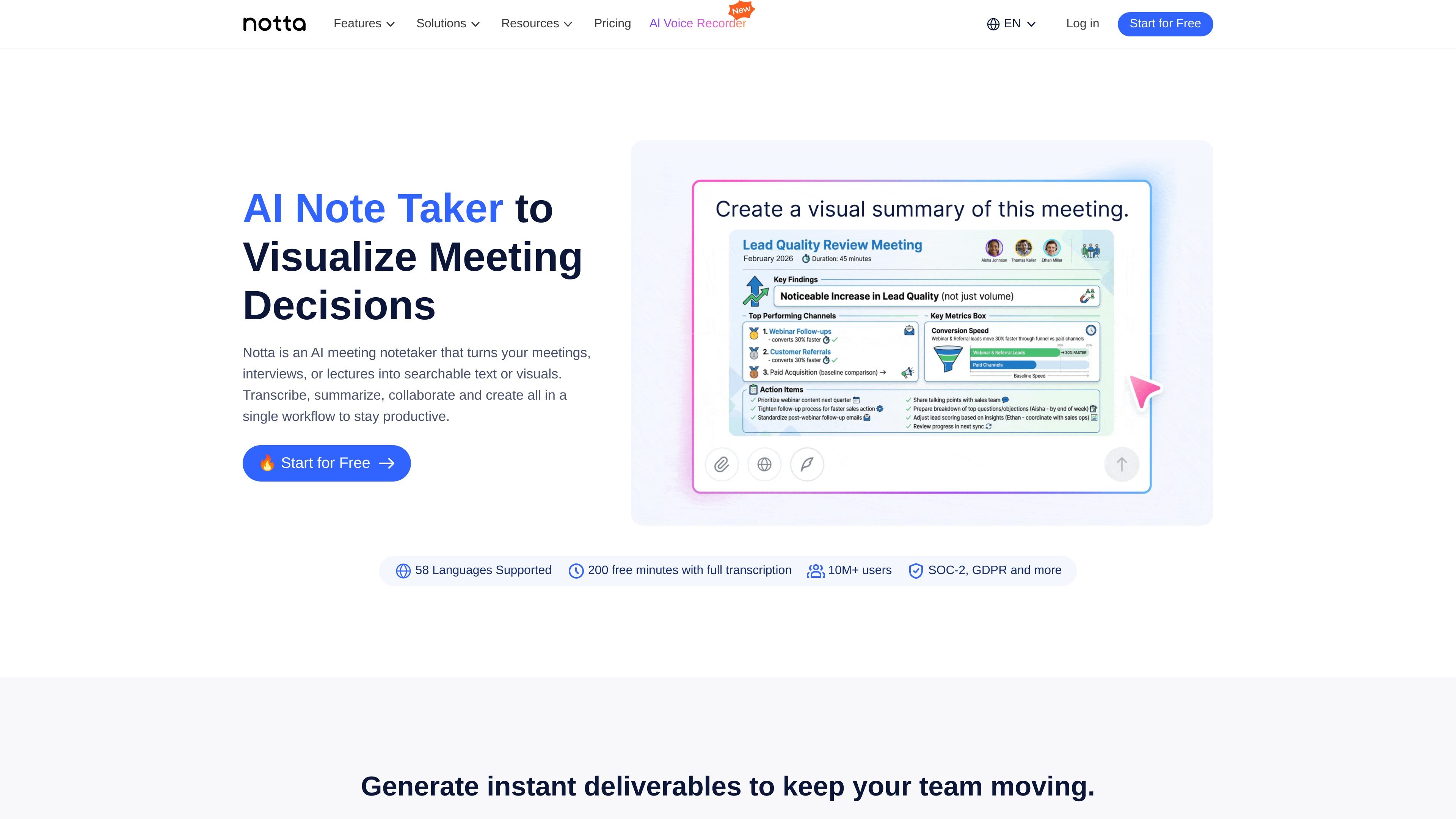
Notta is an AI note-taking and transcription platform for meetings, interviews, lectures, and uploaded recordings. It turns spoken content into searchable text, supports summaries and action-plan workflows, and can generate structured outputs such as presentations and infographics from meeting insights.
The product is designed for people who need to capture discussions quickly and reuse them later, including individual professionals and teams. The site positions Notta as a single workspace for recording, transcribing, summarizing, collaborating, scheduling, and reviewing content across web and mobile use cases.
Transcribe meetings, interviews, lectures, and uploaded files in one workspace, then search, edit, and reuse the text later.
Generate concise summaries from transcripts to reduce manual note taking and speed up meeting follow-up.
Record speaker turns so meeting notes show who said what, which is useful for minutes and shared action items.
Turn meeting content into deliverables such as presentations, infographics, and other structured outputs through Notta Brain.
Create booking pages to coordinate meetings, sync availability with calendars, and reduce manual scheduling back-and-forth.
Record screen activity alongside audio, with options for PC screen only, camera only, or both, then review the recording with its transcript.
Record conversations, transcribe them automatically, and summarize key points so you can share notes after meetings without retyping everything.
Capture interview audio or lecture recordings and turn them into searchable text for review, citation, or later editing.
Coordinate availability with a booking page, then move from scheduling into transcription and minutes in one workflow.
Record on-screen demonstrations or troubleshooting sessions and keep both the capture and transcript for later reference.
Reuse meeting insights to generate presentations, infographics, and other deliverables for internal or client communication.
Notta supports recording or importing meeting audio, then automatically transcribing it and letting you edit the text afterward. The site also says its AI summary feature can summarize transcripts, and the minutes page adds that it helps record speakers accurately and support meeting-note creation.
The pricing page lists a free plan with 120 transcription minutes per month, one account, up to 3 minutes per recording, and 50 file imports per month. The product site also says the free plan includes meeting transcription and speaker identification.
The pricing page lists native integrations with Zoom, Teams, Google Meet, Webex, Outlook Calendar, Google Calendar, Notion, Zapier, Slack, Microsoft Teams, Box, Google Drive, Dropbox, and Microsoft OneDrive, plus CRM integrations such as Salesforce, HubSpot, Pipedrive, Zoho CRM, Zendesk Sell, Salesflare, and Freshsales.
The site says Notta supports 58 languages for transcription, and the minutes page says its translation feature supports 42 languages for meeting-note workflows.
The site says Notta provides SOC 2 Type II certification, GDPR compliance, ISO 27001 certification, data storage in Japan, encryption in transit and at rest, and no AI learning on business and enterprise plans.
I dati sul traffico sono solo a scopo di riferimento.
| mag | 2411750 |
|---|---|
| giu | 2581475 |
| lug | 2575376 |
Le analisi del traffico non sono ancora disponibili.
Le analisi del traffico non sono ancora disponibili.