
Flexible recording modes
MeetGeek can join scheduled meetings as a bot, or record browser-based and desktop meetings without a bot on supported workflows.

MeetGeek is an AI meeting assistant that records, transcribes, summarizes and organizes meetings across online, offline and uploaded recordings.
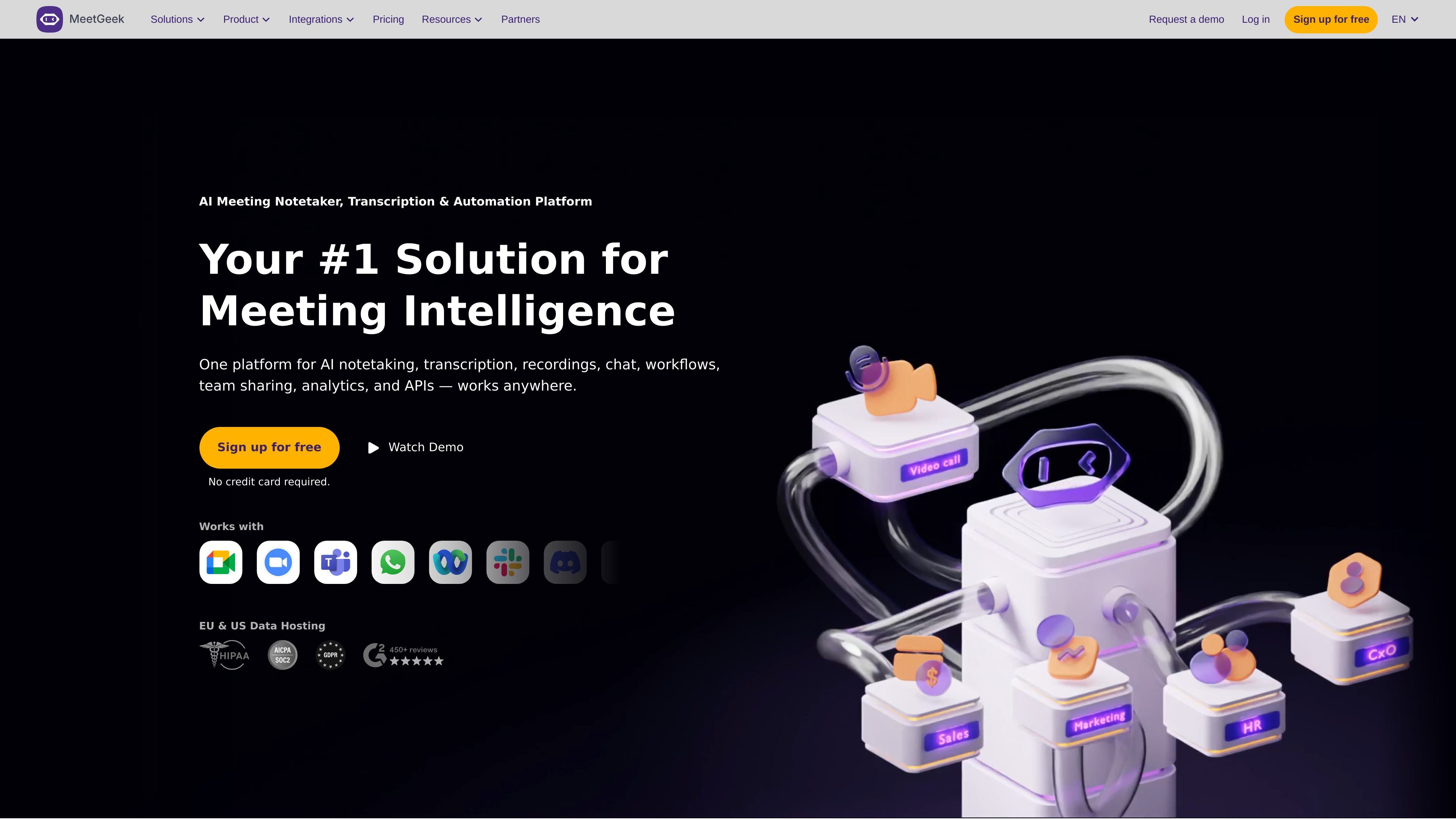
MeetGeek is an AI meeting assistant for recording, transcribing, summarizing, and organizing conversations. It is positioned as a meeting intelligence platform that works with online meetings, offline conversations, uploads, and connected business tools.
The site says MeetGeek can join calls automatically as a bot, support no-bot recording in browser and desktop workflows, and turn meeting content into summaries, action items, highlights, and searchable records. The pricing page shows free and paid plans, while the integrations page shows connections to tools such as Slack, Notion, HubSpot, Google Calendar, Outlook Calendar, Pipedrive, Monday.com, Greenhouse, RingCentral, and Aircall.
MeetGeek can join scheduled meetings as a bot, or record browser-based and desktop meetings without a bot on supported workflows.
The product automatically transcribes meetings, detects language, and creates summaries with key points and next steps.
MeetGeek organizes meetings with topics, highlights, search, tags, folders, and AI chat so teams can find and reuse information later.
The platform supports chat-based workflows, workflows through Zapier, Make, and n8n, and API or webhook access for custom automations.
Paid plans add meeting analytics and team-sharing features, including team spaces, shared workflows, and admin management.
Sales teams can capture calls, review meeting notes, and sync insights into CRM and workflow tools to follow up on prospects and coaching opportunities.
HR teams can record interviews, review transcripts, and share key moments with hiring managers instead of relying on manual note-taking.
Customer success teams can keep a searchable record of customer conversations and use highlights or alerts to spot issues and follow-up opportunities.
Leaders can use summaries, analytics, and shared meeting records to keep teams aligned on decisions, action items, and recurring topics.
Marketing teams can review customer or sales call transcripts to understand wording, needs, and signals that may inform messaging or campaign planning.
Yes. The pricing page lists a Free plan, Pro, Business, and Enterprise, and also notes a 14-day free trial for Pro and Business.
MeetGeek is designed to connect with common meeting tools and can work with Zoom, Google Meet, Microsoft Teams, browser-based meetings, and offline recordings through its apps and upload options.
The product page says MeetGeek can generate summaries, action items, topics, highlights, and searchable transcripts, and its pricing page also lists AI chat and workflow automation features on higher plans.
The site highlights team sharing, analytics, integrations, and admin controls on paid plans, so it is positioned for individual users as well as teams.
The integration page says MeetGeek connects with tools such as Slack, Notion, HubSpot, Google Calendar, Outlook Calendar, Pipedrive, Monday.com, Greenhouse, RingCentral, Aircall, and public API/webhooks.