Fast3D icon

Fast3D

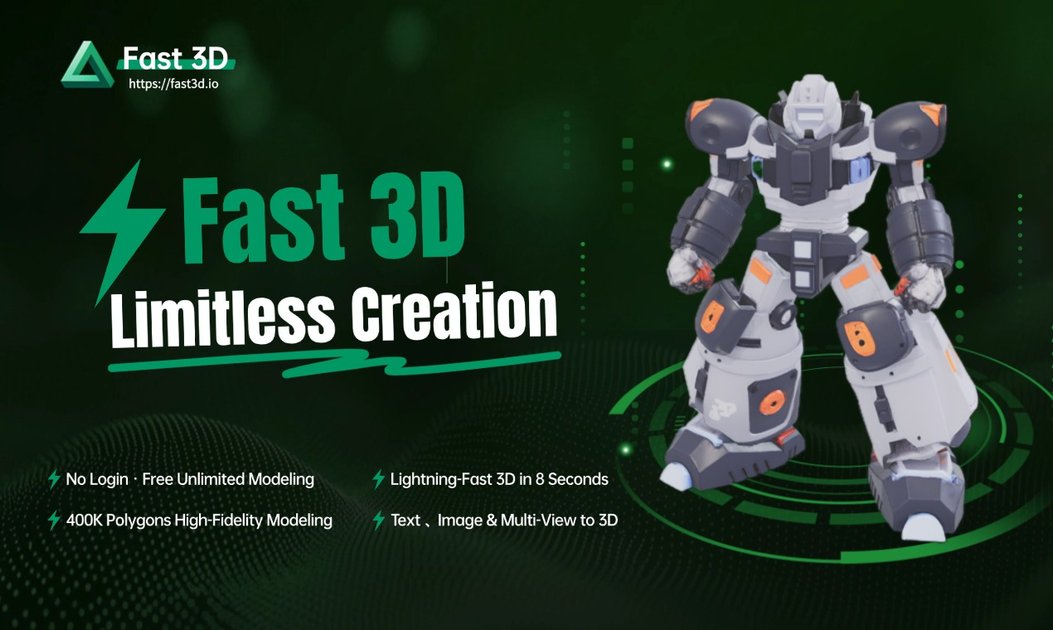
Fast3D is a web-based AI 3D model generator that creates models from text prompts or images. It supports common export formats and a browser viewer for previewing 3D files without installing software.

Fast3D

Overview

Fast3D is an AI-powered 3D model generator that turns text prompts or images into 3D assets through a browser-based workflow. The site positions it as a tool for creating models quickly without requiring traditional 3D modeling software.

The product supports text-to-3D and image-to-3D generation, with options for single-image or multi-view input and several quality settings. It also includes export support for common formats such as GLB/GLTF, FBX, OBJ/MTL, and STL, plus a separate online 3D viewer for inspecting files in the browser.

Features

Text and image input

Create 3D models from text prompts, single images, or multiple images, with the interface offering both text-to-3D and image-to-3D workflows.

Fast generation workflow

Generate models in 10 seconds according to the site, with simple settings that let users choose between different quality levels.

Quality controls

Adjust texture and mesh density settings before generating, including options such as Fast, Standard, Pro, and Ultra.

High-precision geometry generation

Produce high-precision geometry designed to capture detailed contours and structural accuracy for more realistic model output.

Multiple export formats

Export finished models in GLB/GLTF, FBX, OBJ/MTL, and STL formats for use in 3D software, game engines, and printing workflows.

Browser-based 3D preview

View uploaded 3D files in the browser with rotation, zoom, pan, fullscreen, and support for common formats through the included 3D viewer.

Use Cases

  • Concept-to-asset creation

    Generate a 3D asset from a written prompt when you want to move from concept to a model quickly without opening traditional modeling software.

  • Image-based model generation

    Upload one image or multiple views to produce a 3D model when you already have reference art or product photos.

  • Cross-format export for production use

    Create output in formats such as STL for printing or GLB/FBX/OBJ for downstream 3D software and game workflows.

  • Browser review and inspection

    Preview, rotate, and inspect 3D files directly in the browser before handing them off to another tool or workflow.

  • Evaluation before subscription

    Use the free tier to try the generator before choosing a paid plan with higher or unlimited generation limits.

Pros and Cons

Pros

  • Supports both text-to-3D and image-to-3D generation.
  • Offers multiple output formats, including GLB/GLTF, FBX, OBJ/MTL, and STL.
  • Includes controls for texture and mesh density, giving users some influence over the result.
  • Provides a browser-based 3D viewer for previewing models without installing software.
  • Has a free-to-start entry point with no login required on the homepage.

Cons

  • API access is not currently available, so teams cannot integrate it through a public API today.
  • Free accounts have generation limits, and the site does not present the free tier as unlimited.

FAQ

What file formats can I export my 3D models in?

Fast3D exports models in GLB/GLTF, FBX, OBJ/MTL, and STL formats.

Do I need 3D modeling experience to use Fast3D?

No. The site says Fast3D is designed to be user-friendly for beginners, and you can create models from text descriptions or images.

Can I use the generated models for commercial projects?

Yes, but only for paid subscriptions. The site says models generated on a paid plan can be used in commercial projects, subject to the terms of service.

Is there a limit to how many models I can generate?

Free accounts have a monthly generation limit. Paid plans include higher or unlimited generations depending on the tier.

Can I integrate Fast3D through an API?

API access is not currently available. Fast3D says it is on the roadmap and that interested businesses can contact support for early access waitlist information.

Quick Facts

Category
AI 3D model generator
Primary inputs
Text prompts, single images, and multiple images
Output formats
GLB/GLTF, FBX, OBJ/MTL, STL
Platform
Web app
Source domain
fast3d.io
Paid plans
Available, including Pro, Max, and Max Unlimited tiers

Alternative a Fast3D

Tripo 3D icon

Tripo 3D

Tripo 3D is an AI 3D modeling platform that turns text, images, sketches, and multi-view inputs into 3D assets. It includes a browser-based studio, an API for automation, and export support for GLB, STL, and OBJ.

Hi3D icon

Hi3D

Hi3D is an AI-powered 3D model generator that creates 3D assets from images and supports related workflows like texturing, relief generation, and printing prep. The site also shows free and paid subscription plans with export options for common 3D formats.

Hyper3D icon

Hyper3D

Hyper3D is a web-based AI 3D generation platform that creates models from text and images, with browser tools for HDRI skyboxes, image prep, mesh editing, and export workflows. It is aimed at creators, studios, and enterprise teams that need usable 3D assets and optional API access.

Meshy icon

Meshy

Meshy is a web-based AI 3D model generator that turns text prompts and images into downloadable 3D assets. It is aimed at 3D artists, game developers, creators, and teams that need faster model generation and texture workflows.

Zoo icon

Zoo

Zoo is a CAD software platform for hardware design that combines traditional modeling tools, code-based CAD, and the Zookeeper conversational agent. It supports Mac, Windows, Linux, and browser-based exploration for users building and iterating on mechanical and hardware designs.

Magic3D icon

Magic3D

Magic3D is an AI creative studio for generating 3D models, images, and videos from text, images, or uploaded files. It also includes browser-based tools for viewing and converting 3D files, with a free plan and paid tiers for export and commercial use.