
Text and image input
Create 3D models from text prompts, single images, or multiple images, with the interface offering both text-to-3D and image-to-3D workflows.

Fast3D is a browser-based AI 3D model generator that creates models from text or images, with common exports and instant online previewing.
Fast3D is an AI-powered 3D model generator that turns text prompts or images into 3D assets through a browser-based workflow. The site positions it as a tool for creating models quickly without requiring traditional 3D modeling software.
The product supports text-to-3D and image-to-3D generation, with options for single-image or multi-view input and several quality settings. It also includes export support for common formats such as GLB/GLTF, FBX, OBJ/MTL, and STL, plus a separate online 3D viewer for inspecting files in the browser.
Create 3D models from text prompts, single images, or multiple images, with the interface offering both text-to-3D and image-to-3D workflows.
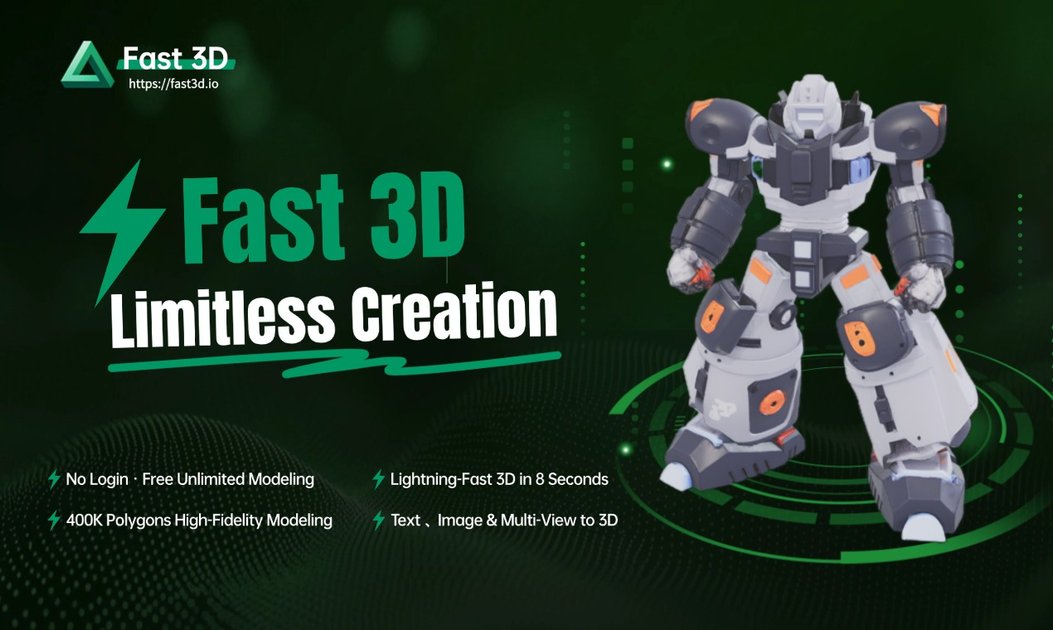
Generate models in 10 seconds according to the site, with simple settings that let users choose between different quality levels.
Adjust texture and mesh density settings before generating, including options such as Fast, Standard, Pro, and Ultra.
Produce high-precision geometry designed to capture detailed contours and structural accuracy for more realistic model output.
Export finished models in GLB/GLTF, FBX, OBJ/MTL, and STL formats for use in 3D software, game engines, and printing workflows.
View uploaded 3D files in the browser with rotation, zoom, pan, fullscreen, and support for common formats through the included 3D viewer.
Generate a 3D asset from a written prompt when you want to move from concept to a model quickly without opening traditional modeling software.
Upload one image or multiple views to produce a 3D model when you already have reference art or product photos.
Create output in formats such as STL for printing or GLB/FBX/OBJ for downstream 3D software and game workflows.
Preview, rotate, and inspect 3D files directly in the browser before handing them off to another tool or workflow.
Use the free tier to try the generator before choosing a paid plan with higher or unlimited generation limits.
Fast3D exports models in GLB/GLTF, FBX, OBJ/MTL, and STL formats.
No. The site says Fast3D is designed to be user-friendly for beginners, and you can create models from text descriptions or images.
Yes, but only for paid subscriptions. The site says models generated on a paid plan can be used in commercial projects, subject to the terms of service.
Free accounts have a monthly generation limit. Paid plans include higher or unlimited generations depending on the tier.
API access is not currently available. Fast3D says it is on the roadmap and that interested businesses can contact support for early access waitlist information.
Traffic data is for reference only.

avaturn.me
Create realistic 3D avatars from selfies and embed them in apps, games, metaverse experiences, and campaigns.

kaedim3d.com
AI-powered 3D asset production for studios and brands

realibox.com
AI+3D creative design platform for rendering, CMF color generation, packaging visualization, and 3D assets
worldsplat.app
worldsplat turns rough sketches and 3D creations into explorable 3D worlds using Gaussian splats. It is designed for people who want to build and bring visual world concepts to life.

aigardenplanner.com
Browser-based garden planning with a free 3D editor, AI redesigns, plant advice, and instant ideas.

leiapix.com
Immersity is Leia Inc.’s Spatial AI platform for transforming photos, videos, and album art into immersive 3D and motion-based experiences across phones, tablets, laptops, monitors, and XR devices. Immersity for Web offers creators and professionals a paid conversion workflow with free and subscription tiers.