
Copilot AI support agent
Embed an AI support agent that answers questions in the product, maintains message history, and can escalate to human support when needed.

Command AI is an AI-powered user assistance platform for in-product support, natural language search, and proactive nudges. Guide users with embedded help and targeted experiences.
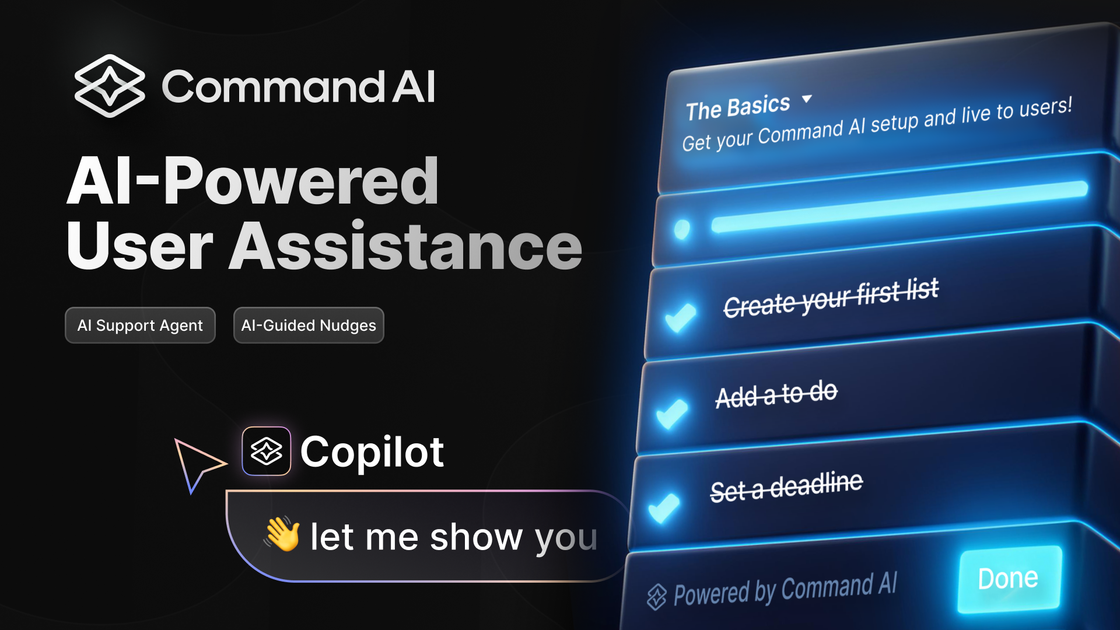
Command AI is an AI-powered user assistance platform for embedding help directly inside a product. It combines an AI support agent, natural language search, and proactive nudges so teams can answer questions, guide adoption, and surface relevant information in context.
The site frames the product around “non-annoying” assistance: teams can use Copilot for conversational support, Nudges for proactive guidance, and HelpHub or Spotlight for in-app help and search. The platform also supports workflows, content sources, and integrations so assistance can connect to existing docs, analytics, support, and CRM tools.
Embed an AI support agent that answers questions in the product, maintains message history, and can escalate to human support when needed.
Create proactive in-app experiences such as product tours, surveys, checklists, announcements, banners, and tooltips to guide users at the right time.
Build a HelpHub and Spotlight layer for in-app help and search so users can find articles, docs, and other resources without leaving the product.
Connect user behavior, properties, and content sources so responses and targeting can use product-specific context rather than a generic chat layer.
Use workflows, API actions, and co-browsing to help users complete tasks from the conversation instead of stopping at text answers.
Control branding, roles, permissions, analytics, and AI safeguards such as hallucination auditing and prompt overrides.
Let users ask questions inside the product and get answers backed by content sources, workflows, and optional handoff to human support.
Guide onboarding and adoption with product tours, checklists, tooltips, announcements, and targeted prompts that appear when users need them.
Help users locate answers quickly with HelpHub, Spotlight, and natural language search across documentation and other connected sources.
Trigger targeted experiences from user behavior and properties so messages are relevant instead of broad, one-size-fits-all campaigns.
Connect support, analytics, and CRM tools so product assistance can use existing user data and route work into the rest of the stack.
Command AI is designed to be embedded in a product so users can ask for help, search for information in natural language, and receive proactive nudges. The docs also describe separate paths for AI-guided nudges and an AI support agent.
The pricing page presents three tiers for the Copilot AI support agent: Starter, Growth, and Enterprise. It also shows separate tiers for AI-guided nudges, with limits and features increasing by plan.
The integrations page says built-in integrations require no code. The product connects with analytics, support, knowledge base, CRM, CDP, search, and community tools such as Amplitude, LogRocket, Mixpanel, Heap, PostHog, Pendo, Zendesk, HelpScout, Intercom, HubSpot, Segment, Algolia, Slack, Confluence, and WordPress.
The site positions Command AI for product, marketing, and customer teams that want to help users inside the product rather than sending them to a separate help experience.
The source does not document a full self-serve setup flow, but it does show that Command AI supports built-in integrations, content sources, workflows, and human handoff so teams can configure the experience around their own product and support stack.