
Multi-channel messaging in Teams
Add SMS, MMS, RCS, WhatsApp, and eFax to Microsoft Teams numbers so users can manage multiple communication channels without leaving Teams.

Clerk Chat adds SMS, MMS, RCS, WhatsApp, and eFax to Microsoft Teams phone numbers, with shared inboxes, analytics, and AI voice and messaging agents.
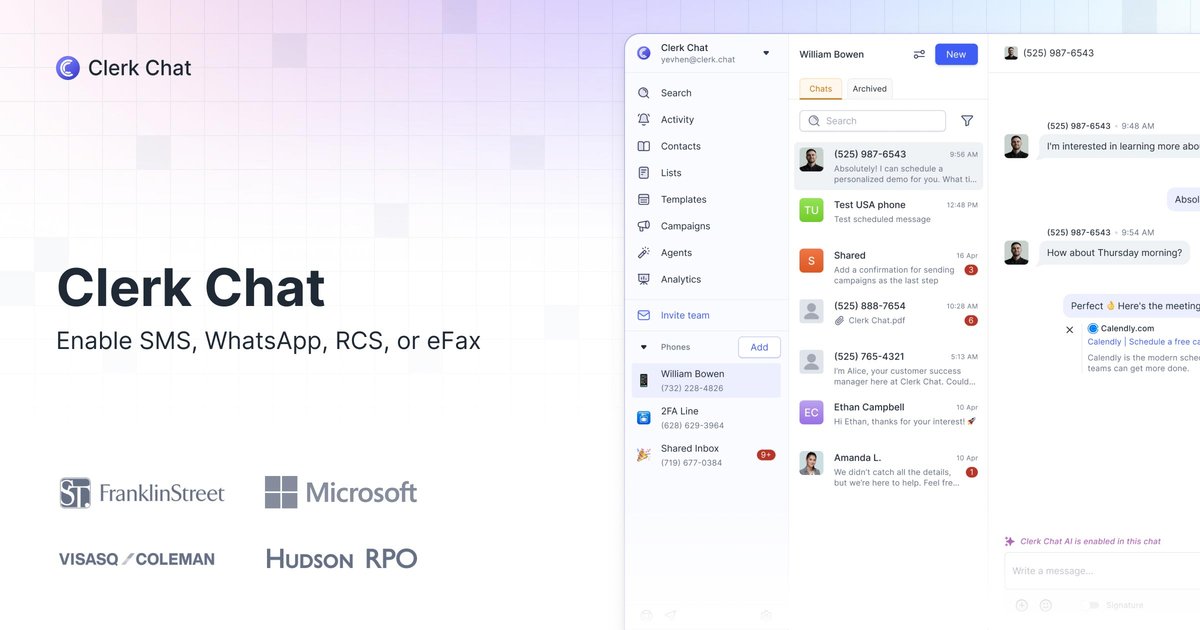
Clerk Chat is a messaging and calling platform for Microsoft Teams that adds SMS, MMS, RCS, WhatsApp, and eFax to Teams phone numbers. It is designed for organizations that want to manage customer conversations inside Teams while keeping their existing number setup.
The product also emphasizes calling-plan replacement, shared inbox workflows, and AI voice and messaging agents. On the Teams-specific page, Clerk Chat says users can enable messaging on existing Teams phone numbers without porting, and that 10DLC registration can be completed quickly for compliant messaging use.
Add SMS, MMS, RCS, WhatsApp, and eFax to Microsoft Teams numbers so users can manage multiple communication channels without leaving Teams.
Use existing Teams phone numbers without porting, which reduces migration work and keeps the current calling setup in place.
Handle team communication through shared inboxes and internal threads, with support for group messaging and assignment workflows.
Track response times, delivery rates, and usage from built-in analytics instead of stitching together separate reporting tools.
Enable AI voice and messaging agents for inbound and outbound calls, positioned as part of the Teams workflow.
Support compliance-focused messaging with branded messaging, branded calling, verified identity, and 10DLC registration.
Teams users can keep customer conversations in the same workspace where they already handle calling, using existing phone numbers and shared inboxes to coordinate responses.
Organizations that need compliant outreach can use branded messaging, verification, and 10DLC registration to support business texting workflows.
Support or operations teams can use built-in analytics to monitor response times, delivery rates, and message volume across the team.
Organizations that want to automate call and message handling can use the AI voice and messaging agent offering for inbound and outbound interactions.
Companies evaluating Microsoft communications costs can compare Clerk Chat against Microsoft Calling Plans and consider the product’s positioning around downgrading to Teams Phone Standard.
Clerk Chat adds SMS, MMS, RCS, WhatsApp, and eFax to Microsoft Teams numbers, so teams can manage more of their customer communication in Teams.
The source says setup includes enabling messaging on existing Teams phone numbers with no porting required, and that 10DLC registration can be completed in under 48 hours.
Yes. The pricing page lists a Growth plan at $9.99 per user per month and an Ultimate plan at $19.99 per user per month, plus an Enterprise option with custom pricing.
The source highlights built-in analytics, shared inboxes, campaign tools on higher tiers, and the ability to send messages directly inside Microsoft Teams.
The source does not give a full implementation guide here, but it does indicate the product is meant to work with existing Teams numbers and supports compliant messaging workflows.