
Granular visibility and forecasting
Drill into Databricks spend by job, cluster, or resource using pre-built and custom dashboards. This helps teams understand where usage is concentrated and how spend changes over time.

Chaos Genius, now part of Flexera’s Data Cloud Optimization, helps analyze, allocate and reduce Databricks spend on AWS, Azure and Google Cloud.
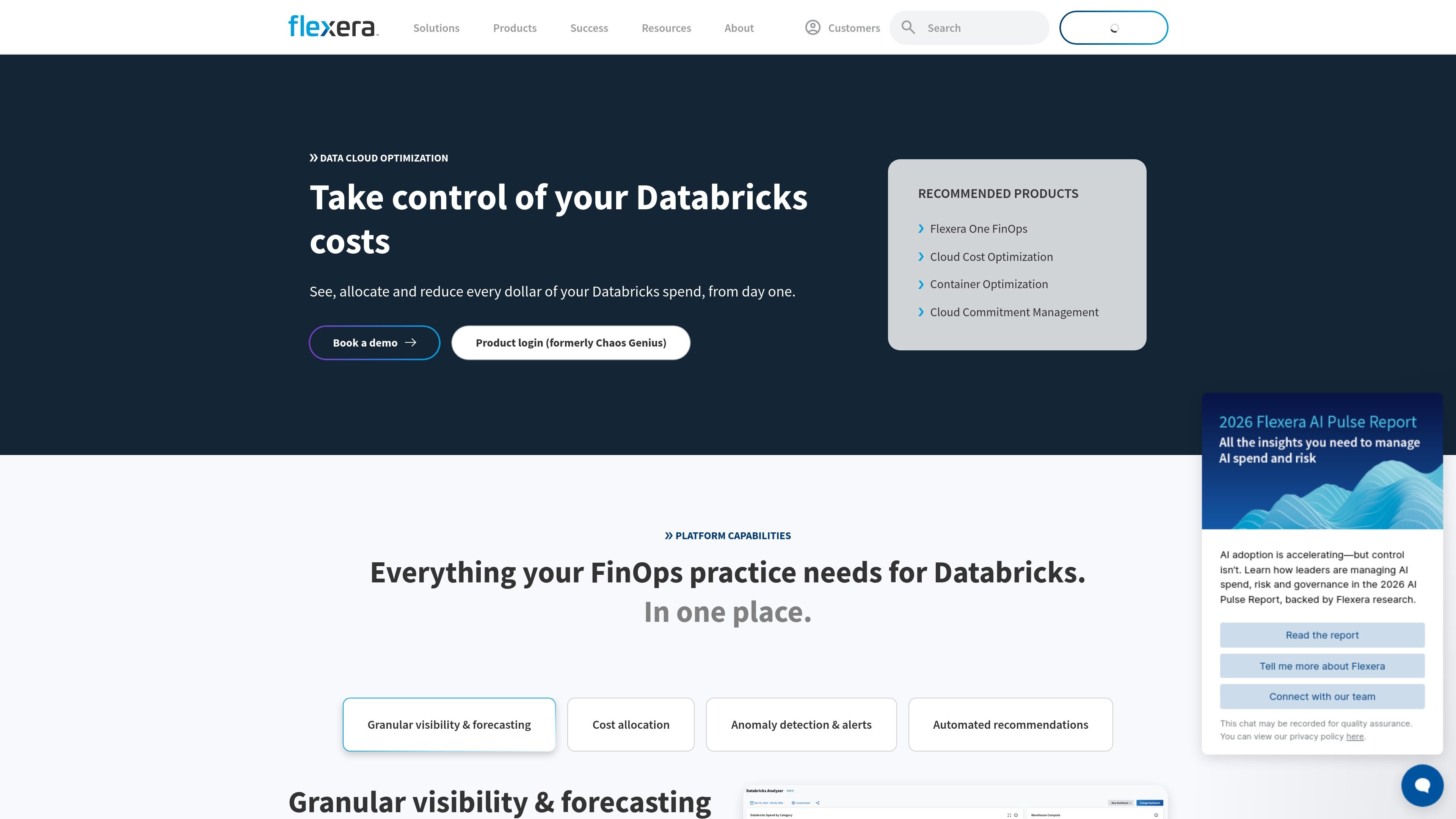
Chaos Genius, now presented as Flexera’s Data Cloud Optimization offering, is a Databricks cost-optimization product focused on visibility, allocation, and reduction of spend. The homepage positions it as a way to see, allocate, and reduce Databricks spend from day one.
The product centers on FinOps workflows for Databricks rather than general-purpose cloud management. It provides dashboards for spend analysis, allocation logic for chargeback or showback, anomaly alerts, and recommendations that point to idle compute or oversized instances.
The site also says the product supports Databricks deployments on AWS, Azure, and Google Cloud, and that it can be enabled either for an existing Flexera Cloud Cost Optimization deployment or as a new customer setup.
Drill into Databricks spend by job, cluster, or resource using pre-built and custom dashboards. This helps teams understand where usage is concentrated and how spend changes over time.
Allocate Databricks spend across teams, projects, and business units using rule-based dimensions, tags, and billing centers so costs can be assigned more clearly.
Detect anomalies in Databricks spend and group costs by rule-based dimensions so alerts can be routed to the teams that own them.
Surface idle compute and oversized instances with right-sizing actions for each recommendation so teams can act on wasted spend.
Support Databricks as part of a broader cloud-cost workflow rather than as a standalone tool, so it can sit alongside the rest of a FinOps practice.
Use pre-built and custom dashboards to inspect Databricks spend at the job, cluster, or resource level, then forecast end-of-period cost for the current budget cycle.
Assign Databricks cost to teams, projects, and business units using tags, billing centers, and rule-based dimensions for more accurate reporting.
Watch for unusual spending patterns and route alerts to the teams that own the affected workloads so issues can be investigated quickly.
Identify idle compute or oversized instances and use the recommendation output to guide right-sizing decisions.
Add Databricks cost management to an existing Flexera Cloud Cost Optimization deployment without rebuilding the broader FinOps process.
No. The FAQ says you can enable Flexera just for Databricks, or add it to an existing CCO deployment.
Yes. The FAQ says Databricks deployments on AWS, Azure, and Google Cloud are supported.
The FAQ says Databricks savings recommendations will be generally available in June 2026, and Snowflake support is planned for Q3 2026.