
Screen and webcam recording
Record your screen and webcam, then share the result as a link for asynchronous communication and feedback.
Berrycast is a screen recording and video messaging tool for work, a Loom alternative for Windows and Mac. Record, share, and summarize videos for async collaboration.
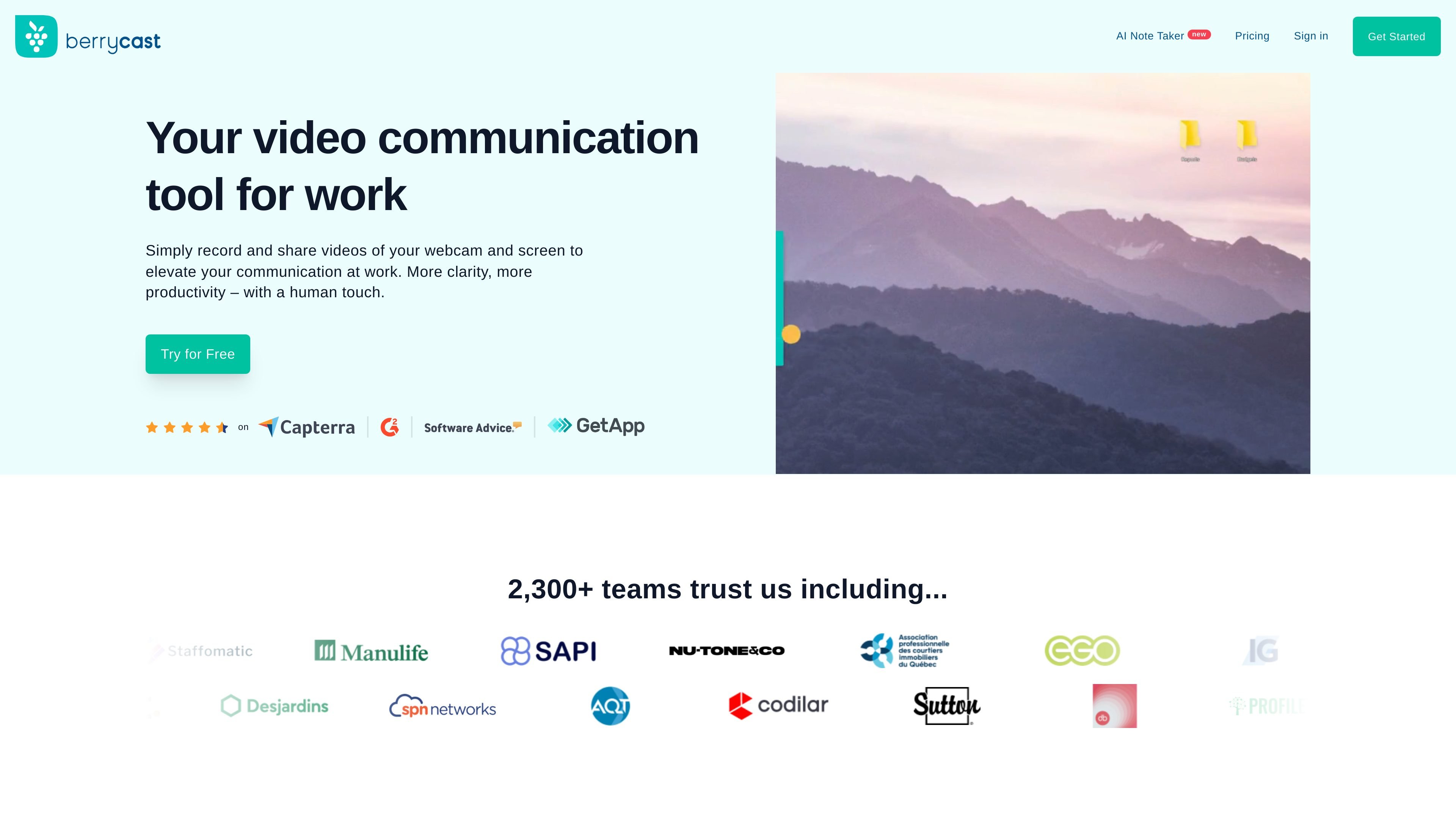
Berrycast is a screen recorder and video messaging tool for work. It is positioned as a Loom alternative for Windows and Mac, and the site describes it as a simple way to record screen and webcam video, share a link, and keep communication clearer and more visual.
Across the site, Berrycast emphasizes asynchronous collaboration. It supports recording meetings, generating transcripts and summaries with AI, adding comments to videos, and sharing recordings into everyday work tools so teams can review information without repeating live explanations.
Record your screen and webcam, then share the result as a link for asynchronous communication and feedback.
Upload videos as well as record them, so existing footage can be shared in the same workflow.
Collect comments directly on videos, including video comments that do not require viewers to create an account.
Generate transcripts, summaries, action items, and email drafts from meeting and video transcripts with AI assistance.
Control how shared videos look and are organized with custom branding, custom domains, folders, public folders, search, and password protection.
Track viewing behavior with video analytics in Enterprise, including watched sections and average viewing percentage.
Record a walkthrough of a product, process, or interface, then share it as a link so teammates or customers can review it on their own time.
Capture a meeting, generate a transcript and summary, and send the recording to attendees with follow-up notes and action items.
Create demos, tutorials, and how-to videos for product, sales, or customer education workflows.
Share design ideas, proposed layouts, or technical explanations visually when text would take too long or leave room for confusion.
Support onboarding, training, or documentation with recorded explanations instead of relying only on text or snapshots.
Berrycast can be tried free for 14 days, with an option to extend the trial for another 14 days without a credit card. The pricing page also says users can upgrade or downgrade plans later from their account.
The pricing page lists Starter, Professional, and Enterprise plans, with annual billing shown for each. It also mentions bundle pricing for purchases of more than five licenses and a pay-per-usage model for teams with 20 or more employees.
Berrycast records screen and webcam video, supports video upload, timed comments, sharing by link or email, embeds, password protection, folders, search, and transcripts. The site also highlights AI note taking and meeting recording.
The site shows Berrycast for Microsoft Teams, Chrome, Figma, Asana, and Didacte. It also says videos can be shared into daily apps and embedded into a player so people can view them without leaving their workspace.
Berrycast says meetings can be recorded with the Chrome extension or desktop application, and it can record meetings even if you are not the host. It also says recordings can be transcribed and summarized after the meeting.