
Flexible chatbot placement
Deploy chatbots as a site-wide popup, page embed, shortcode, block, or external widget, with control over where and how they appear.

AI Puffer is a WordPress AI plugin for chatbots, content writing, AI forms, image generation, automations, and usage tracking. It helps site owners and teams run AI workflows from the WordPress dashboard using their own provider keys.
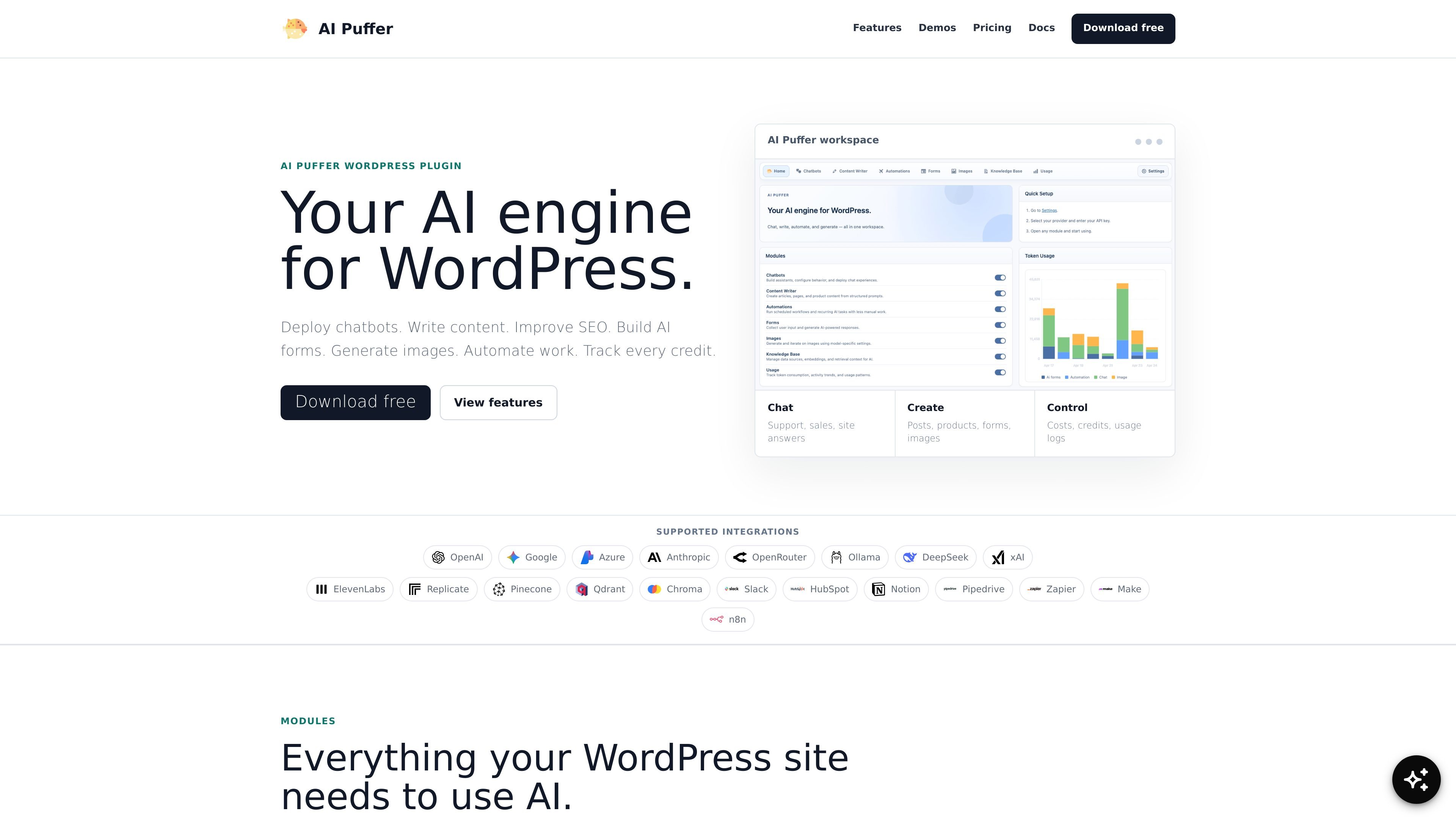
AI Puffer is a WordPress plugin that adds a set of AI tools to a site, including chatbots, content writing, AI forms, image generation, automations, and usage tracking. The product is positioned as an AI engine for WordPress and is built to work with the provider keys and models you already use.
Its core purpose is to help site owners answer visitors, create and improve content, build AI-driven forms, and automate common WordPress workflows without moving those tasks out of the dashboard. The site also emphasizes control over credits, logs, and integrations so teams can manage usage as well as output.
Deploy chatbots as a site-wide popup, page embed, shortcode, block, or external widget, with control over where and how they appear.
Use WordPress content, current-page context, uploaded training data, files, website pages, live web answers, and vector stores to ground responses.
Create posts, improve SEO, and generate product copy from topics, CSV, RSS feeds, URLs, Google Sheets, and WooCommerce data.
Build AI forms that act as generators, support helpers, calculators, or lead capture tools, including multi-step forms and file or image uploads on Pro.
Generate text-to-image and image-editing tools on your site, with support for different image providers through your chosen AI stack.
Track usage, set limits, sell credits, review logs, and route events to tools such as Slack, HubSpot, Notion, Pipedrive, Zapier, Make, and n8n.
Add a site chatbot that answers support questions, sales questions, and page-specific questions using WordPress content and other configured knowledge sources.
Generate posts, product pages, meta descriptions, focus keywords, and WooCommerce copy from topics, feeds, URLs, spreadsheets, or bulk inputs.
Turn a form into a lead capture flow, calculator, support helper, or multi-step generator that can accept uploads and route data to other tools.
Create image tools for visitors or staff, including text-to-image generation and image editing, while controlling usage and routing jobs to the chosen provider.
Automate recurring WordPress tasks such as content updates, replies, indexing, product updates, and workflow notifications through integrations and triggers.
AI Puffer is designed to run inside WordPress. The pricing and feature pages show free and Pro plans, and the chatbot page shows that you can place chatbots with embeds, shortcodes, blocks, or a site-wide popup.
The chatbot and content writer pages show support for your own AI provider keys, including providers such as OpenAI, Google, Azure, Anthropic, OpenRouter, Ollama, DeepSeek, and xAI depending on the workflow.
The chatbot page says you can use WordPress content, the current page, Q&A pairs, text, files, website pages, uploaded documents, and vector knowledge sources as context, depending on how the bot is configured.
The pricing page says the free plan includes the core chatbot, content writer, AI forms, and image generator tools, while Pro adds automations, local AI, voice, integrations, and support.
The source shows outputs for chatbot responses, generated content, form workflows, image generation, transcripts, and WordPress/SEO fields. It does not spell out a single universal export format for every module.