
No-code agent builder
Build chatbots or forms with prompts, then extend them with documents, websites, videos, special instructions, API endpoints, and other knowledge sources.

Pickaxe is a no-code platform for building, publishing, and selling AI agents, chatbots, and form-based tools. It supports branded links, website embeds, Studios, and plan-based features such as access control, Stripe payments, and Actions-based integrations.
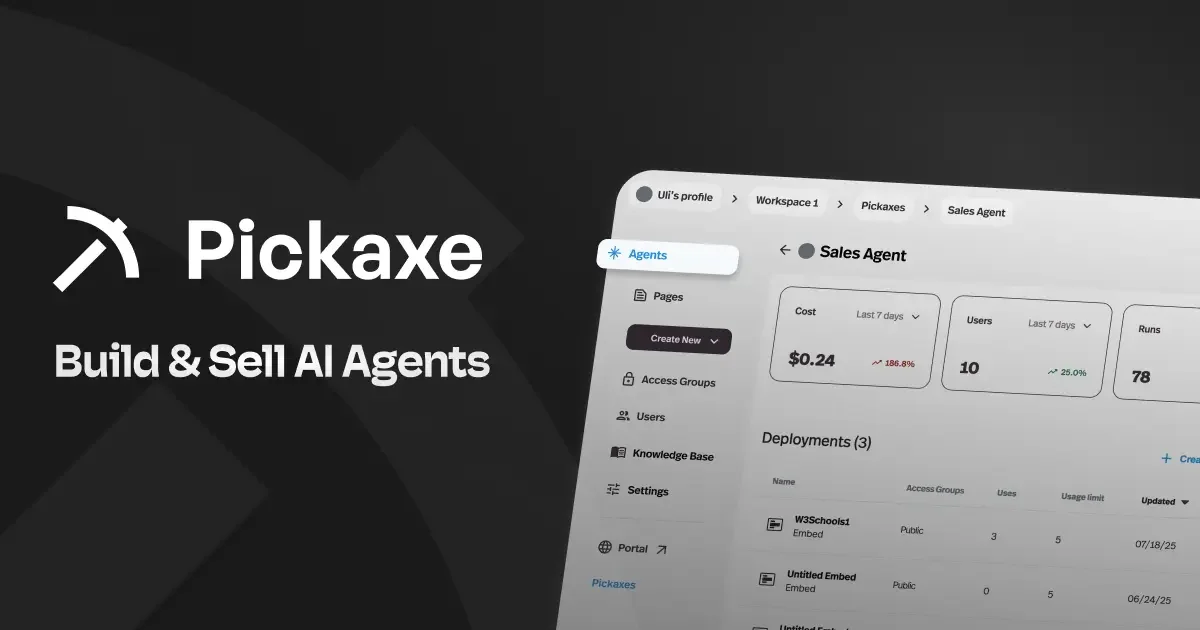
Pickaxe is a no-code platform for building AI agents, chatbots, and form-based tools that can use prompts, documents, websites, videos, API endpoints, and special instructions. The product is positioned for people who want to turn those agents into client-ready tools rather than one-off demos.
It supports multiple ways to publish and distribute those tools: a shareable direct link, website embeds, and Studios that can bundle tools, manage users, and collect payments. The pricing page also shows paid tiers with features such as white-labeling, API access, custom domains, access control, analytics, and support options that expand by plan.
Build chatbots or forms with prompts, then extend them with documents, websites, videos, special instructions, API endpoints, and other knowledge sources.
Publish each agent to a shareable branded URL that you can paste into DMs, emails, social posts, or other channels.
Customize themes, typography, colors, radius, spacing, and other visual settings so the agent matches the surrounding brand.
Embed agents on supported websites and customize the embed before copying the code into your page.
Package agents into Studios, manage users, set public or invite-only access, and collect payments through Stripe.
Connect pre-built or custom Actions to services and workflows, including examples like Zapier, Make, Gmail, Notion, HubSpot, Attio, Google Sheets, ClickUp, and Todoist.
Create a branded chatbot or form for a specific service, then publish it as a shareable page or embed it on an existing website.
Package several agents into a Studio, manage access, and use subscriptions to sell access to the tool or bundle.
Connect an agent to external systems through Actions so it can send data to tools like email, CRMs, spreadsheets, or task managers.
Use documents, websites, videos, and instructions as the agent’s knowledge base so it can answer domain-specific questions or support internal teams.
Deploy a full-screen, branded chat experience at a custom URL when the main goal is quick sharing rather than deep app navigation.
An agent is an AI tool such as a chatbot or form that is powered with a prompt and can also use documents, websites, videos, special instructions, API endpoints, and more.
Yes. You can embed an agent after creating it, then copy the embed code into supported sites such as Wix, Squarespace, Webflow, Notion, Kajabi, Wordpress, or any site that accepts embeds.
Yes. The pricing page says agents can be placed into a Studio and set to Public or Invite-Only, and invite-only Studios restrict access to approved email addresses.
Yes. Pickaxe says you can monetize agents through subscription fees in a Studio using Stripe for payments.
Pickaxe offers pre-built Actions and also lets users build custom Actions, including webhook-style integrations such as Zapier or Make.