
Project-based shared spaces
Create one space per project and keep its conversations, files, and routines available to everyone with access.

Spaces est un espace de travail IA sur ordinateur, conçu pour les particuliers et les équipes. Il organise les conversations de projet, les fichiers, les spécialistes IA et les routines planifiées dans des espaces partagés. Connectez-vous à ChatGPT, Claude, Gemini ou à un modèle exécuté localement, tandis que les agents et les comptes connectés restent sur l’ordinateur de chaque utilisateur.
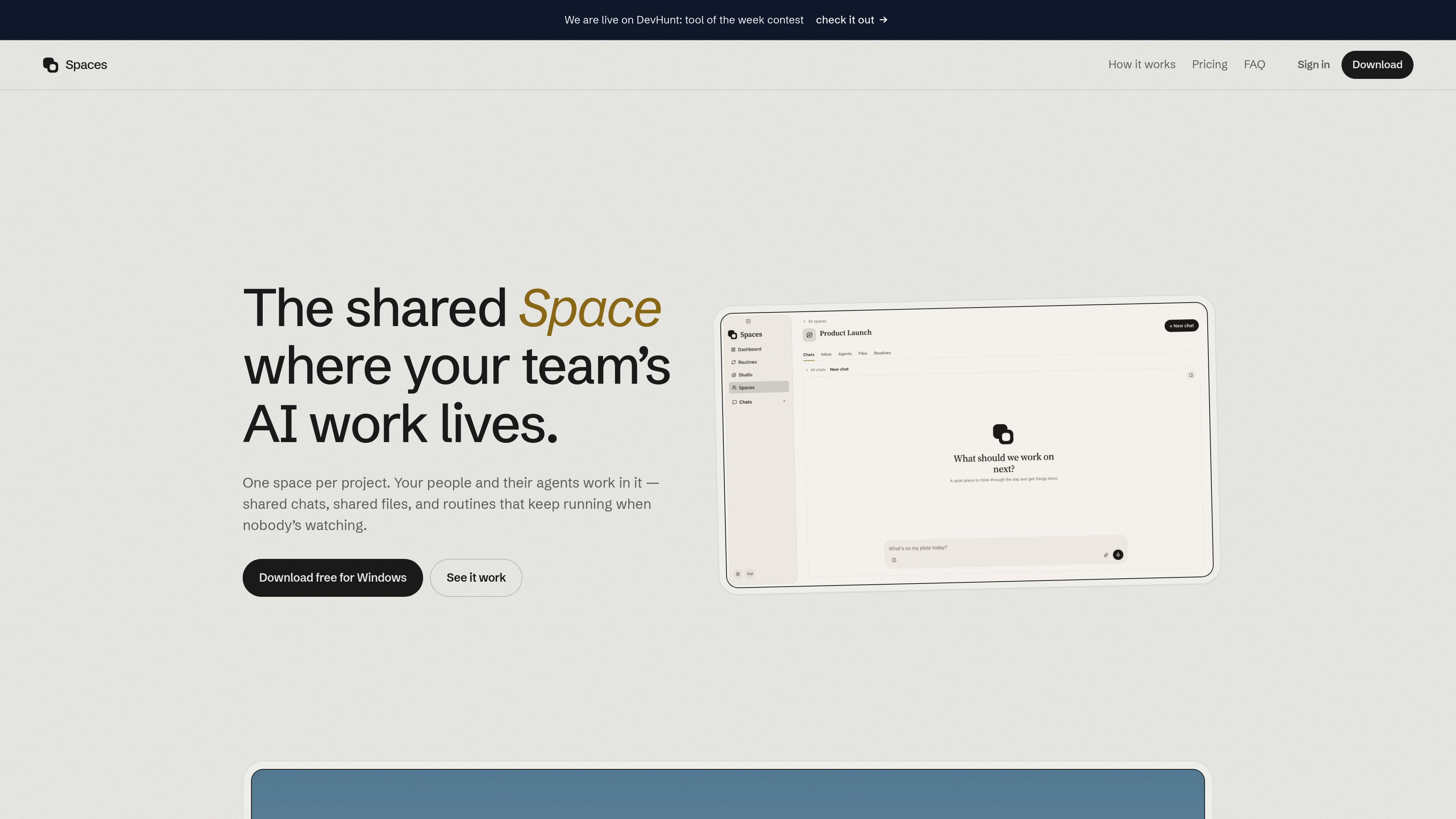
Spaces is a desktop AI workspace organized around projects. A space brings chats, files, AI agents, and recurring routines together so a team can work from the same project context instead of separate personal threads. Individuals can use the desktop app on their own computer without an account, then invite other people when a project needs shared access.
The app runs agents locally on each person’s computer and connects to AI providers the user already pays for, including ChatGPT, Claude, and Gemini. Shared-space content—such as chats, files, and routines—is synchronized for members, while each user’s API keys, connected accounts, and agents remain on their own computer.
Create one space per project and keep its conversations, files, and routines available to everyone with access.
Assign roles such as researcher, copywriter, or launch lead. Each specialist can have its own instructions, memory, and tools.
Set recurring work such as morning briefs, weekly recaps, follow-ups, or reports. Routines can notify a person when a decision is needed.
Connect an existing ChatGPT, Claude, or Gemini account, bring more than one provider, and choose a provider per agent. Spaces also supports running a model on the user’s computer.
Agents can research and interact with websites through a browser inside the app, including pages where the user is already signed in.
Link Telegram to continue the same chats from a phone, including sending photos, files, and voice notes.
A launch team can keep planning conversations and project files together while separate agents handle research, copywriting, and launch coordination.
A team can schedule a morning brief, weekly recap, or follow-up routine so regular work continues without someone manually restarting the task each time.
A user can assign an agent to browse relevant sites, collect information, and draft an output using the connected model and browser access.
Team members can continue a project conversation away from their computers through Telegram, sharing files, images, or voice notes in the same chat.
The desktop app is free for individual use on a user’s computer, with no account required. Shared spaces require seats for the people who work in them; the site lists $1.49 per month or $10.99 per year per person, with annual billing also described as $0.92 per month.
The site identifies ChatGPT, Claude, and Gemini. Users can connect more than one provider and switch providers per agent, or run a model on their own computer.
Each person’s agents, API keys, and connected accounts stay on that person’s computer. Shared spaces synchronize the chats, files, and routines added to them. The site says shared-space content is encrypted at rest with a per-space key held in Google Cloud KMS.
Spaces is offered as a desktop app for Apple silicon Macs and Windows PCs. Telegram can provide access to the same chats from a phone.
The enterprise offering is set up inside the customer’s own cloud, with the site stating that the data does not leave that infrastructure. The enterprise setup is handled through a conversation with the company rather than a self-service checkout.
Les données de trafic sont fournies à titre indicatif uniquement.

runevr.com
runevr est un espace de travail collaboratif pour les équipes créatives. Il réunit tableaux, revue de médias en direct, chat, espace de stockage, appels, enregistrements et agents IA dans une seule salle de projet, pour garder travail, retours et validations dans leur contexte, du brief à la livraison.

aruvi.dev
Aruvi réunit suivi des tâches, documentation, connaissances et workflows d’agents IA dans un espace de travail conçu pour les équipes produit et techniques.

kaiku.tech
Kaiku est un suivi des tâches natif pour les agents et un wiki d’équipe qui réunit tickets, documentation et travail assisté par l’IA dans un même espace. Les agents se connectent via MCP, agissent selon les autorisations de l’appelant et laissent des traces vérifiables de leurs exécutions, sources, propositions et coûts.

monodesk.com
MonoDesk est un espace de travail web pour les professionnels créatifs indépendants et les petites équipes, réunissant propositions, échanges avec les clients, planification de projets et assistance IA. Gratuit pendant la bêta publique, il réduit l’administratif et les changements de contexte.

clickup.com
ClickUp est une plateforme de gestion du travail qui réunit tâches, documents, objectifs, chat et IA dans un espace unique.

mural.co
Mural est un espace de travail visuel propulsé par l’IA pour collaborer, planifier et animer des ateliers.