
Local-first processing
Ollie runs on the user’s machine and stores its private memory on the local disk. The product states that connected data does not leave the device and that it does not phone home.

Ollie est un agent IA local-first pour Windows qui se connecte aux e-mails, aux discussions, aux documents, aux fichiers, aux calendriers et aux outils métier, puis répond aux questions sur ces informations en langage clair, sans terminal ni fichiers de configuration.
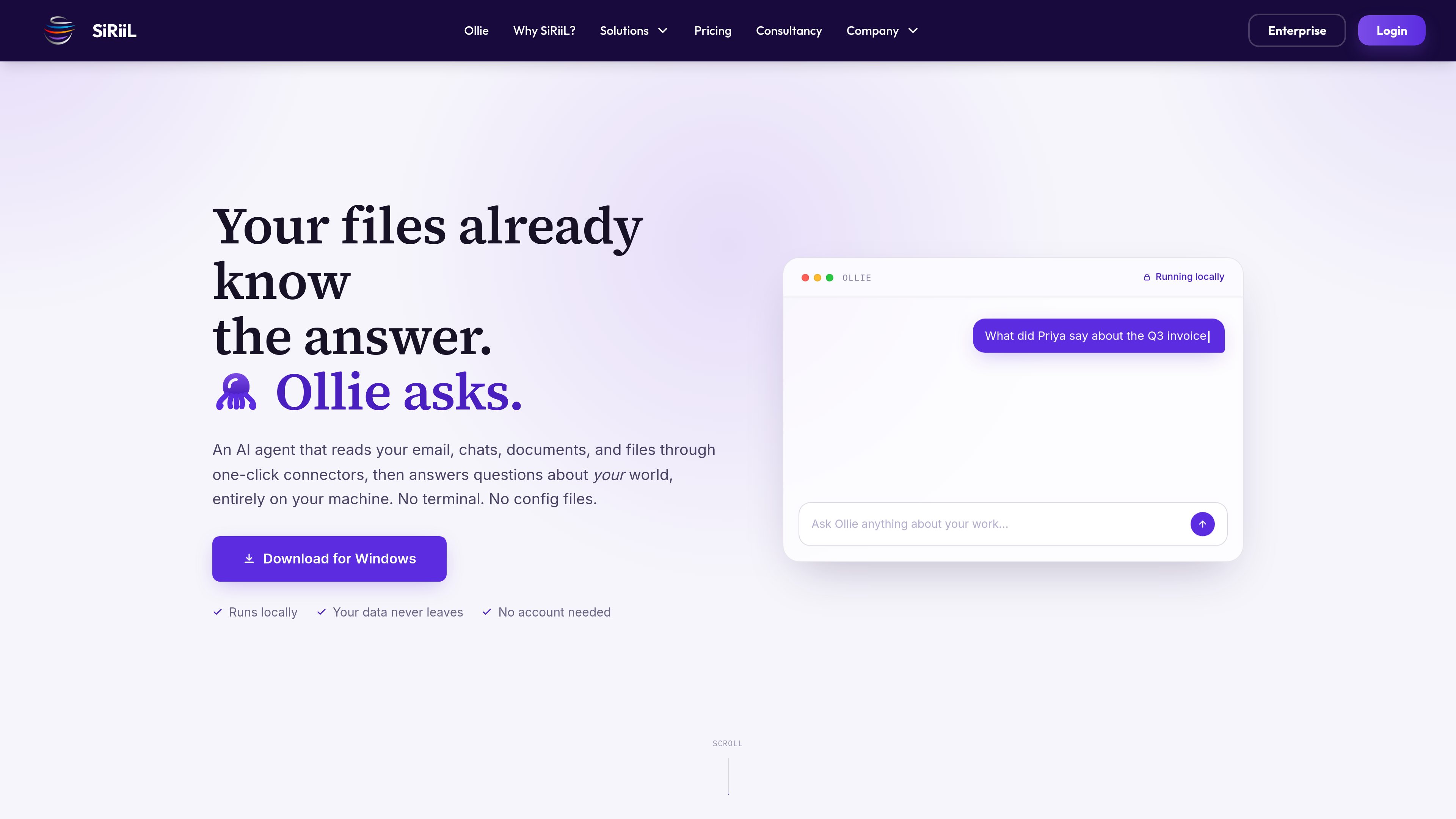
Ollie is a local-first AI agent for Windows that reads information from connected email, chats, documents, files, calendars, and business tools. Users can ask questions about that information in plain English rather than manually searching across each service.
The product is designed around a short setup flow: download and open the app, connect a source through a built-in connector or MCP-compatible server, and ask a question. Ollie’s site says its private memory stays on the user’s machine, with no account required and no telemetry.
Ollie runs on the user’s machine and stores its private memory on the local disk. The product states that connected data does not leave the device and that it does not phone home.
Users connect supported services by clicking Connect and signing in through the normal service flow. The described setup does not require API keys, terminal commands, or configuration files.
The listed connectors include Gmail, Microsoft 365, Teams, Drive, QuickBooks, Stripe, Slack, and Notion. The site says additional connectors are added regularly.
Ollie supports the Model Context Protocol, allowing connections to compatible tools and servers, including a server built by a team.
After a source is connected, users can ask about messages, approvals, deadlines, files, confirmations, and other work context using ordinary language.
The product presents Relationship Manager, Finance Assistant, Close Management, and Business Performance as areas where Ollie can work with connected information. The supplied material does not define a complete automated accounting process for Ollie.
Ask about an invoice, approval, or discussion and receive an answer based on connected email, chats, and related documents, reducing the need to search several conversations manually.
Query connected calendar and email information to identify upcoming deadlines or promises, such as a renewal date or an agenda that still needs to be sent.
Use the Relationship Manager workflow to find what customers, suppliers, auditors, investors, or colleagues agreed to and what remains open, with the site’s examples drawing from email and documents.
Ask questions across connected finance and business sources such as QuickBooks, Stripe, email, and documents. The site identifies finance assistance and close management as workflow areas, without specifying a full automated procedure.
Search for a recently edited contract, check whether an event venue replied, or identify who still owes a response across the work sources Ollie can read.
Ollie is a local-first AI agent that reads connected work information and answers questions about it. It is positioned as an agent that can be used without a terminal or configuration files.
The described flow is to download and open the Windows installer, click Connect for a source, sign in normally, and ask questions in plain English. The site says no API keys or terminal commands are required for the built-in connection flow.
The product states that no account is needed and that it runs on the user’s machine. It also says Ollie can still answer when the internet is unplugged, although the supplied information does not explain offline refreshes or newly connected services.
Listed built-in connectors include Gmail, Microsoft 365, Teams, Drive, QuickBooks, Stripe, Slack, and Notion. Ollie also supports MCP for compatible third-party tools or a server built by a team.
The supplied product information specifically advertises a free download for Windows. Availability for macOS or Linux is not stated.
Les données de trafic sont fournies à titre indicatif uniquement.

beaconfind.app
BeaconFind est une application privée de recherche de fichiers par IA pour Windows, qui les retrouve par leur sens plutôt que par leur nom exact. L’indexation et la recherche restent sur votre appareil, avec Ctrl+K, la recherche multilingue et des réponses citant vos documents.

tryreference.com
Reference est un outil de recherche locale de fichiers pour les agents IA, qui fournit des citations issues des fichiers présents sur la machine de l’utilisateur. Il est conçu pour garder les données en local, sans aucun téléversement vers le cloud.

diabrowser.com
Dia est un navigateur de travail natif de l’IA qui exploite les onglets et outils connectés pour créer des réponses, briefs et contenus prêts à présenter. Disponible sur macOS ; Windows bientôt disponible.

dashworks.ai
Assistant IA pour les questions professionnelles, avec recherche unifiée dans les apps, documents, sites web et Slack

rename.click
RenameClick est une application de bureau locale pour macOS et Windows qui renomme, organise et recherche les fichiers par contenu, avec des suggestions d’IA à valider avant application.

www.docusmart.eu
DocuSmart AI est un outil de recherche documentaire et de base de connaissances destiné aux organisations à but non lucratif et de la société civile. Il indexe les fichiers de Google Drive, OneDrive et Dropbox afin que les équipes posent des questions en anglais courant et obtiennent des réponses avec des citations tirées de leurs propres documents.