
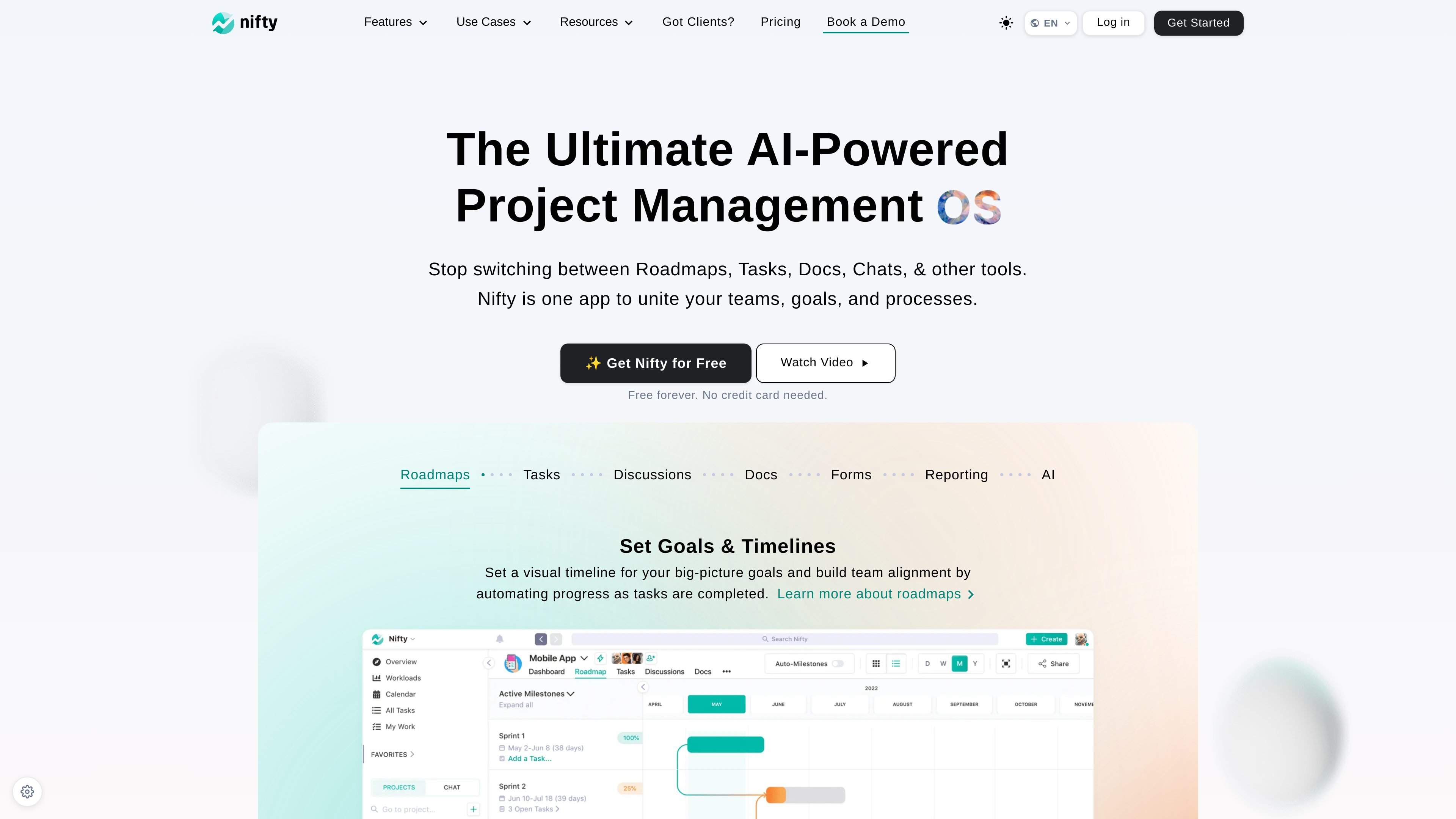
Roadmaps and milestones
Plan work on a visual timeline that connects goals, milestones, and task completion so teams can see progress in context.

Espace de travail propulsé par l’IA pour gérer tâches, documents, discussions, formulaires, rapports et automatisations
Nifty is an AI-powered project management workspace designed to bring roadmaps, tasks, docs, discussions, forms, reporting, and automation into one place. It is positioned as a single hub for teams that want to plan, track, and manage projects without moving between separate tools.
The product supports a wide range of team workflows, from task management and milestone tracking to client communication, reporting, and operational automation. Its pages emphasize visual planning, collaboration, and flexible structure for different team functions, including engineering, sales, marketing, product, client management, and IT.
Plan work on a visual timeline that connects goals, milestones, and task completion so teams can see progress in context.
Organize work in Kanban, list, timeline, calendar, and swimlane views to match different planning and execution styles.
Use chat and one-click video calls inside project discussions to share ideas, finalize specifications, and gather feedback.
Create docs, notes, and wikis that stay linked to tasks; Nifty also supports native Google Docs integration.
Capture information with built-in forms and turn submissions into tasks, docs, or project messages.
Use Orbit AI to help plan, prioritize, and execute work, and automate routine steps with custom if/then workflows.
Coordinate sprints, issue tracking, and roadmap planning in one place while using milestones to show how task completion affects progress reporting.
Centralize deal-related tasks, collateral, and project creation so sales teams can keep pipeline work and follow-up execution in the same workspace.
Manage campaign planning, content schedules, creative approvals, and milestone-based delivery without relying on separate tools for each step.
Run client work with shared project boards, messaging, video meetings, and proofing to keep updates and approvals visible to all parties.
Collect requests through forms, prioritize tickets, and automate assignments to keep internal IT work moving through a single system.
Nifty combines tasks, milestones, discussions, docs, forms, reporting, and AI in one workspace so teams can manage projects without switching between separate tools.
Yes. The pricing page shows a free plan and a free 14-day trial on paid plans, and the homepage says the product is free forever with no credit card needed.
Nifty includes task views such as Kanban, list, timeline, calendar, and swimlane, which helps teams organize and track work in the format that fits their process.
The source highlights native integrations, Google Docs integration, workflow automations, imports from tools like Asana, Basecamp, ClickUp, Jira, Trello, and Wrike, and custom embeds for third-party apps.
Les données de trafic sont fournies à titre indicatif uniquement.

kroolo.com
Espace de travail natif de l’IA pour projets, documents, recherche, chat et automatisations

clickup.com
ClickUp est une plateforme de gestion du travail qui réunit tâches, documents, objectifs, chat et IA dans un espace unique.

mural.co
Mural est un espace de travail visuel propulsé par l’IA pour collaborer, planifier et animer des ateliers.

kaiku.tech
Kaiku est un suivi des tâches natif pour les agents et un wiki d’équipe qui réunit tickets, documentation et travail assisté par l’IA dans un même espace. Les agents se connectent via MCP, agissent selon les autorisations de l’appelant et laissent des traces vérifiables de leurs exécutions, sources, propositions et coûts.

swatle.ai
Espace de travail avec IA pour gérer les projets, collaborer, publier une base de connaissances et automatiser formulaires et chatbots

aruvi.dev
Aruvi réunit suivi des tâches, documentation, connaissances et workflows d’agents IA dans un espace de travail conçu pour les équipes produit et techniques.