
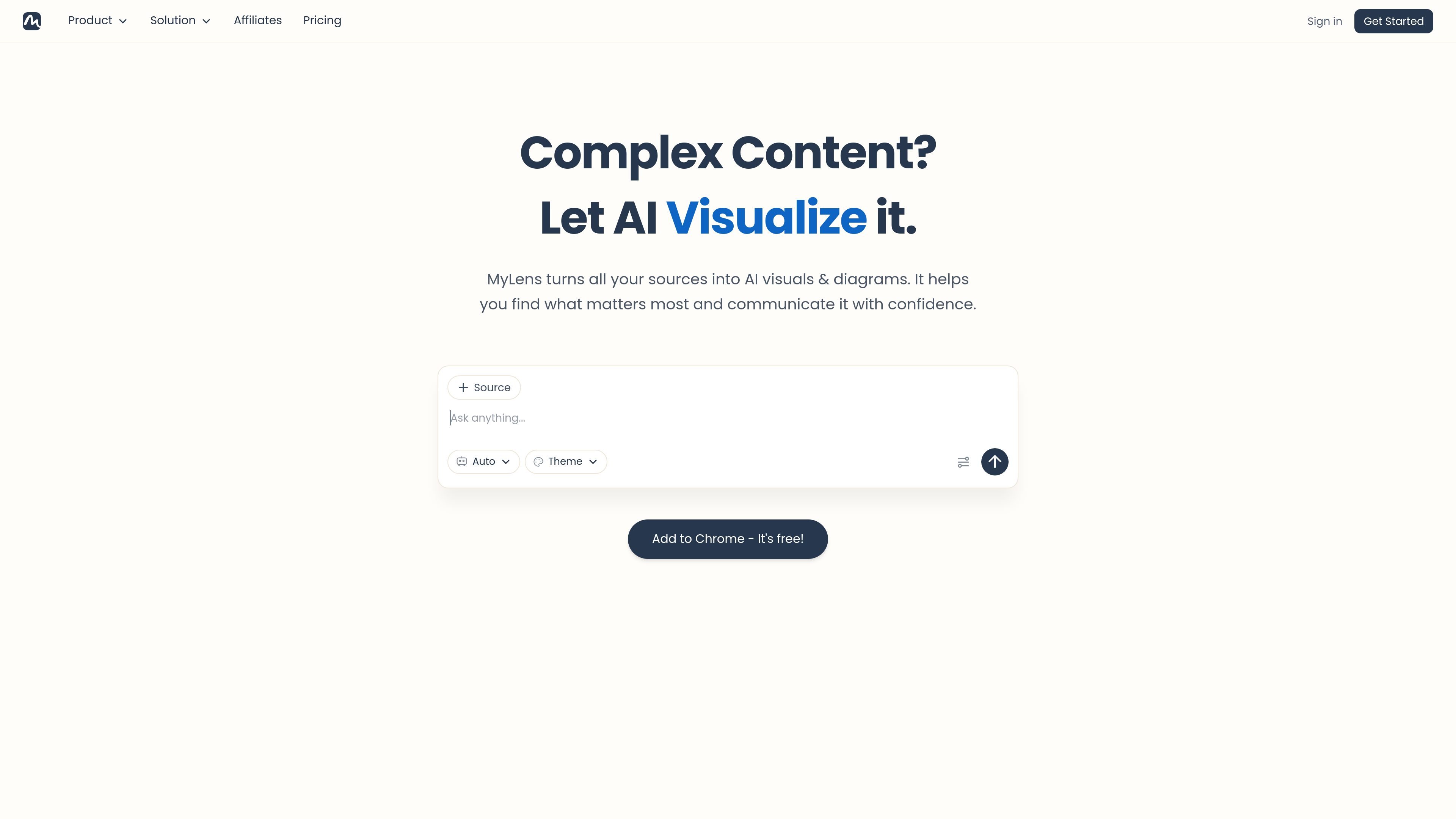
Multi-format source input
Create interactive visuals from PDFs, Word files, PowerPoint files, spreadsheets, images, webpages, YouTube links, long text, and URL-based sources.

MyLens transforme fichiers, liens et données en visuels et diagrammes interactifs.
MyLens is an AI workspace for turning content and data into interactive visuals and diagrams. It accepts many source types, including text, PDFs, Word documents, PowerPoint files, spreadsheets, images, webpages, YouTube links, and URLs, then converts them into visuals such as timelines, flowcharts, mind maps, charts, and diagrams.
The product is built around exploratory visuals rather than static outputs. Users can click through sections, drill into details, and trace insights back to the original source, which makes it suited to reading dense material, summarizing documents, and presenting findings in a more structured format.
Create interactive visuals from PDFs, Word files, PowerPoint files, spreadsheets, images, webpages, YouTube links, long text, and URL-based sources.
Move beyond static charts by clicking, expanding, and drilling into visuals to explore content in layers.
Trace insights back to the original source so the output stays verifiable and easier to trust.
Adjust content, colors, fonts, and layouts before sharing or presenting the result.
Use the browser extension to turn webpages, dashboards, articles, or online portals into visual summaries without leaving the browser.
Work with different visualization forms, including timelines, flowcharts, mind maps, charts, diagrams, tree diagrams, quadrants, tables, and visual summaries.
Upload reports, research papers, or long briefs and turn them into explorable visuals that highlight the main points and supporting structure.
Import CSV or Excel files and use interactive charts and diagrams to surface patterns, trends, and relationships in the data.
Convert Word documents, proposals, or meeting notes into editable flowcharts, mind maps, or tables for clearer review and presentation.
Paste a webpage, article, or YouTube link to produce a visual summary that is easier to scan than the original source.
Use the browser extension to visualize dashboards, news, social posts, or private portals directly from the browser.
MyLens AI takes uploaded files, links, pasted text, images, spreadsheets, and videos, then turns them into interactive visuals such as mind maps, timelines, flowcharts, charts, and diagrams.
Yes. The source pages say MyLens visuals are fully interactive, and you can edit, refine, customize, share, export, or embed them depending on the page and plan.
Yes. The source pages say you can present visuals inside MyLens, download high-quality versions, or embed interactive visuals into websites and documents.
Yes. MyLens offers a Chrome extension that can transform webpages and online content into visual summaries or diagrams from the browser.
Yes. The pricing page shows a free plan, and the product pages state you can get started for free.
Les données de trafic sont fournies à titre indicatif uniquement.

gitmind.cn
GitMind est un espace de travail IA dédié aux cartes mentales et aux diagrammes, qui transforme textes, fichiers, pages web, audio, vidéos et images en résumés structurés, cartes mentales, organigrammes et autres contenus visuels. Accessible sur le web, ordinateur, mobile et via une extension Chrome pour apprendre, planifier, rechercher et documenter.

graphy.app
Graphy est un outil web de création de graphiques qui transforme les données de feuilles de calcul, fichiers, API ou recherches AI en graphiques et tableaux de bord partageables, pour des visuels de marque, des rapports rapides et des intégrations.

xmind.ai
Outil de mind mapping IA qui transforme textes, fichiers, liens, pages web, PDF, vidéos et images en cartes modifiables

chartgen.ai
ChartGen AI est un générateur de graphiques IA en ligne qui transforme des fichiers CSV, Excel, données collées ou sources connectées en graphiques et tableaux de bord.

aigraphmaker.net
Transformez du texte ou des données en graphiques, diagrammes, cartes mentales et organigrammes interactifs.

chat2csv.com
Chat2CSV transforme les demandes en langage naturel en visualisations de données à partir de fichiers CSV. Créez rapidement des graphiques sans coder, avec une gestion des données axée sur la confidentialité et un accès gratuit.